"use client"

import { useState } from "react"

import { Folio, playFolioDemo } from "@/components/ui/folio"

const settings = {
  blur: 4,
  perspective: 1000,
  returnMs: 520,
}

const PREVIEW_DEMO_ID = "folio-preview"

function FolioPage() {
  return (
    <article className="min-h-[920%] bg-background px-8 py-16 text-foreground sm:px-14">
      <p className="text-[11px] font-medium tracking-[0.32em] text-foreground/40 uppercase">
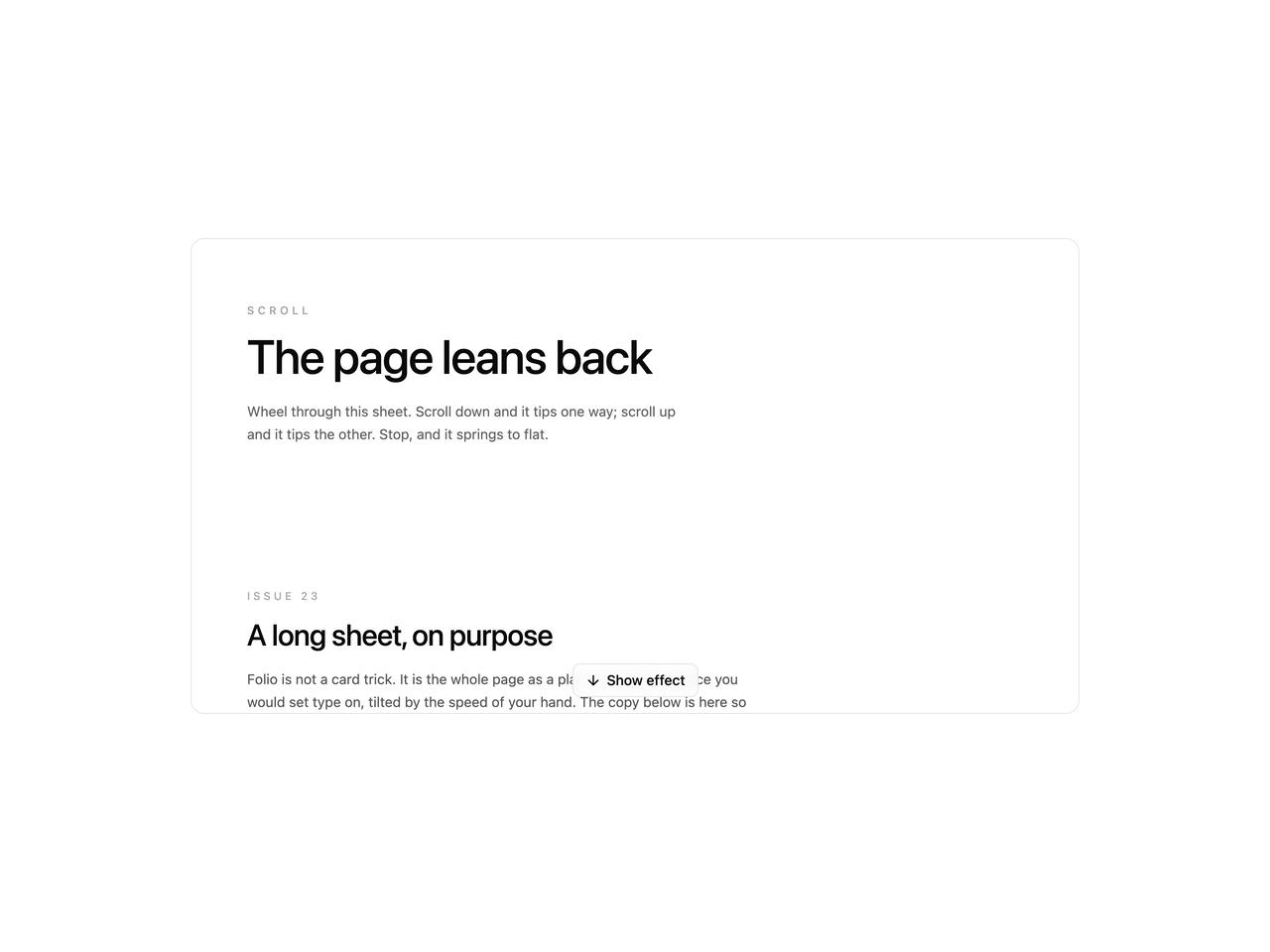
        Scroll
      </p>
      <h3 className="mt-3 max-w-xl text-4xl leading-[1.05] font-medium tracking-tight sm:text-5xl">
        The page leans back
      </h3>
      <p className="mt-5 max-w-md text-sm leading-relaxed text-foreground/65">
        Wheel through this sheet. Scroll down and it tips one way; scroll
        up and it tips the other. Stop, and it springs to flat.
      </p>

      <section className="mt-36 max-w-lg">
        <p className="text-[11px] font-medium tracking-[0.28em] text-foreground/35 uppercase">
          Issue 23
        </p>
        <h4 className="mt-3 text-2xl font-medium tracking-tight sm:text-3xl">
          A long sheet, on purpose
        </h4>
        <p className="mt-4 text-sm leading-relaxed text-foreground/70">
          Folio is not a card trick. It is the whole page as a plane: the
          same surface you would set type on, tilted by the speed of your
          hand. The copy below is here so the lean has miles of paper to
          work against.
        </p>
        <p className="mt-4 text-sm leading-relaxed text-foreground/60">
          Keep the wheel moving. Each stretch of this sheet can show the
          same move: down-lean, idle, spring. Then the opposite on the way
          back up.
        </p>
      </section>

      <section className="mt-40 max-w-md">
        <h4 className="text-xl font-medium tracking-tight">Hinge</h4>
        <p className="mt-4 text-sm leading-relaxed text-foreground/70">
          Origin follows the visible viewport. On the way down the hinge
          sits at the bottom of the frame and the top edge is the one
          that travels. On the way up it flips: hinge at the top, the
          foot of the page is what moves.
        </p>
        <p className="mt-4 text-sm leading-relaxed text-foreground/60">
          Blur lives on that traveling edge. The hinge stays sharp. When
          the spring settles, both go to zero.
        </p>
      </section>

      <blockquote className="mt-40 max-w-xl border-l border-foreground/15 pl-5">
        <p className="text-lg leading-snug font-medium tracking-tight text-foreground/85 sm:text-xl">
          Velocity, not distance. How far you have scrolled does not
          matter. How fast you are moving does.
        </p>
        <p className="mt-3 text-[11px] tracking-[0.22em] text-foreground/40 uppercase">
          From the notes
        </p>
      </blockquote>

      <section className="mt-40 grid max-w-2xl gap-10 sm:grid-cols-2">
        <div>
          <h4 className="text-sm font-medium tracking-tight">Down</h4>
          <p className="mt-3 text-sm leading-relaxed text-foreground/65">
            Flick toward the colophon. The sheet tips away from the
            reading line, blur gathering at the head. Hold the wheel and
            the pose holds with you.
          </p>
        </div>
        <div>
          <h4 className="text-sm font-medium tracking-tight">Up</h4>
          <p className="mt-3 text-sm leading-relaxed text-foreground/65">
            Reverse the stroke. The lean inverts. Same spring home when
            you let go. The page does not care which way you came from.
          </p>
        </div>
      </section>

      <section className="mt-44 max-w-lg">
        <h4 className="text-2xl font-medium tracking-tight">
          Room to read the move
        </h4>
        <p className="mt-4 text-sm leading-relaxed text-foreground/70">
          Short demos lie. A tilt that looks clever on one screen goes
          cheap when the page has nowhere to go. This sheet is long so
          you can forget the control chrome, travel, and still find the
          same lean waiting.
        </p>
        <p className="mt-4 text-sm leading-relaxed text-foreground/60">
          Try a slow crawl. Then a hard flick. Slow travel barely leans;
          a flick reaches about sixteen degrees. The spring is what makes
          them feel different.
        </p>
      </section>

      <section className="mt-40 max-w-md">
        <p className="text-[11px] font-medium tracking-[0.28em] text-foreground/35 uppercase">
          Midway
        </p>
        <p className="mt-4 text-sm leading-relaxed text-foreground/70">
          You are past the fold and the type is still the same size. That
          is the point. Folio does not zoom the story. It only changes
          the plane the story sits on.
        </p>
        <p className="mt-4 text-sm leading-relaxed text-foreground/55">
          If the lean vanished here, the page would feel broken. It
          should feel like paper that remembers your hand.
        </p>
      </section>

      <section className="mt-44 max-w-xl">
        <h4 className="text-xl font-medium tracking-tight">
          What to ignore
        </h4>
        <p className="mt-4 text-sm leading-relaxed text-foreground/65">
          Ignore the preview chrome. Ignore the sliders for a minute.
          Treat this as a site: a headline, a few columns of notes, a
          quiet end. The effect is only honest if it can live under real
          copy.
        </p>
        <p className="mt-4 text-sm leading-relaxed text-foreground/60">
          Reduced motion turns it off. That is also honest. A plane that
          cannot sit still is a problem, not a feature.
        </p>
      </section>

      <section className="mt-40 max-w-md">
        <h4 className="text-sm font-medium tracking-tight">Still going</h4>
        <p className="mt-4 text-sm leading-relaxed text-foreground/65">
          Another screen of travel. The lean should not get tired. If it
          does, the mapping is wrong; we keyed it to speed so the bottom
          of the essay can still surprise you.
        </p>
        <p className="mt-4 text-sm leading-relaxed text-foreground/55">
          Near the end the down-lean fades. That is deliberate. A page
          should be allowed to rest on the last line.
        </p>
      </section>

      <section className="mt-44 max-w-lg">
        <h4 className="text-2xl font-medium tracking-tight">
          The last stretch
        </h4>
        <p className="mt-4 text-sm leading-relaxed text-foreground/70">
          Keep scrolling. The move is the same the whole way until the
          floor. Then it lets go, and the sheet is just a sheet again.
        </p>
        <p className="mt-4 text-sm leading-relaxed text-foreground/60">
          Scroll back up from here and the other tilt arrives: hinge
          flipped, blur on the foot of the page, same spring when you
          stop.
        </p>
      </section>

      <p className="mt-40 max-w-sm text-sm leading-relaxed text-foreground/50">
        Almost there. One more quiet field of type so the ending has a
        runway, not a cliff.
      </p>

      <p className="mt-36 mb-28 max-w-md text-sm leading-relaxed text-foreground/45">
        End of the sheet. The down-lean lets go here. Scroll back up and
        it tips the other way.
      </p>
    </article>
  )
}

export default function FolioDemo(props: Partial<typeof settings>) {
  const s = { ...settings, ...props }
  const [playing, setPlaying] = useState(false)

  async function onShowEffect() {
    if (playing) return
    setPlaying(true)
    try {
      await playFolioDemo({ target: PREVIEW_DEMO_ID, holdMs: 720 })
    } finally {
      setPlaying(false)
    }
  }

  return (
    <div className="flex min-h-[520px] w-full items-center justify-center bg-background p-4">
      <div className="relative h-[480px] w-full max-w-4xl overflow-hidden rounded-xl border border-border bg-background">
        <Folio
          demoId={PREVIEW_DEMO_ID}
          blur={s.blur}
          perspective={s.perspective}
          returnMs={s.returnMs}
          className="relative z-0 h-full"
        >
          <FolioPage />
        </Folio>
        <div className="pointer-events-none absolute inset-x-0 bottom-0 z-50 isolate flex justify-center pb-4">
          <button
            type="button"
            className="pointer-events-auto relative z-50 inline-flex items-center gap-1.5 rounded-md border border-border bg-background/80 px-3 py-1.5 text-sm font-medium text-foreground backdrop-blur-sm transition-colors hover:bg-muted disabled:opacity-60"
            onClick={onShowEffect}
            disabled={playing}
          >
            <svg
              aria-hidden
              viewBox="0 0 24 24"
              fill="none"
              stroke="currentColor"
              strokeWidth="2"
              strokeLinecap="round"
              strokeLinejoin="round"
              className="size-4"
            >
              <path d="M12 5v14M5 12l7 7 7-7" />
            </svg>
            {playing ? "Leaning…" : "Show effect"}
          </button>
        </div>
      </div>
    </div>
  )
}