Your profile was a list. Now it is a page.
For a long time your 21st profile was a grid of components and not much else. It said what you had published, but nothing about who you are, where to find you, or how to work with you. That is a strange thing to leave blank, because for a lot of people this page is their portfolio.
21st Bento turns the profile into a real page you arrange yourself: a free-form board of plates you drag, resize, and fill with the things that matter. Components, links, photos, GIFs, notes, and, now, ways to actually get paid.
A board, not a template
Under the hood, the board is a free 2D grid: three columns wide, growing downward in rows, with every plate carrying its own { x, y, w, h }. There are no fixed slots. You drop a plate anywhere and the engine finds room for it, pushing neighbors out of the way and collapsing empty rows so you never end up with a hole in the middle of your page.
The whole layout lives in one JSONB column, profile_bento_layout, version-pinned so we can migrate it safely as the format grows. That is the entire state of your page: a versioned list of positioned plates.
The plate types
- Component plates render a live, interactive preview of one of your published demos in an iframe (up to 20 per board), so people see the real thing, not a screenshot.
- Image plates are full-bleed photos or GIFs with pan-and-zoom framing, so a wide shot crops the way you want inside its plate.
- Social plates auto-detect the brand from a URL you paste (X, GitHub, LinkedIn, and more) and render the right icon.
- Note plates are plain text for a bio, a tagline, or a status.
- Divider plates split the board into titled sections.
- And the plates below turn the page into a place to get paid.
Now it is a place to get paid
The second half of Bento is monetization, all from the same board:
- Feature your best components. Pin the work you want seen at the top, at the size you want, instead of hoping people scroll.
- Add a donation link. A support plate points at wherever you take tips or sponsorship.
- Let people hire you. A hire plate is a CTA with its own side media, so "work with me" is a button on your page, not a DM you hope for.
- Link your pro components and socials. Point at paid component packs and every profile that matters, in one place.
Each of these is just another plate type on the same grid, so monetization is not a separate settings screen. It is part of how you lay out the page.
The engineering behind the drag
Making a free grid feel good is harder than it looks, and a couple of decisions are worth calling out.
Frozen-base drag. When you start dragging a plate, we snapshot the whole board and reflow every move from that frozen snapshot, not from the last frame. Without this, neighbor pushes accumulate as you wave a plate around and the layout drifts into chaos. With it, the board springs back cleanly the moment you let go, and dragging feels predictable instead of twitchy.
No animation library. Every reorder glide, resize morph, and toolbar transition is pure CSS. Reorders use a FLIP technique (measure the old position, let the DOM jump to the new one, then transition the difference), and the floating controls morph their width with a plain CSS transition. It looks like a physics engine and ships as a stylesheet.
One dock to rule modes. A single bottom control morphs between edit and preview: the same element grows into a toolbar when you are arranging and shrinks back when you are just looking. You are never taken to a different screen to edit.
Your agent can arrange it too
Here is the part we are quietly proud of. The board has three ways in, and they all share one validator:
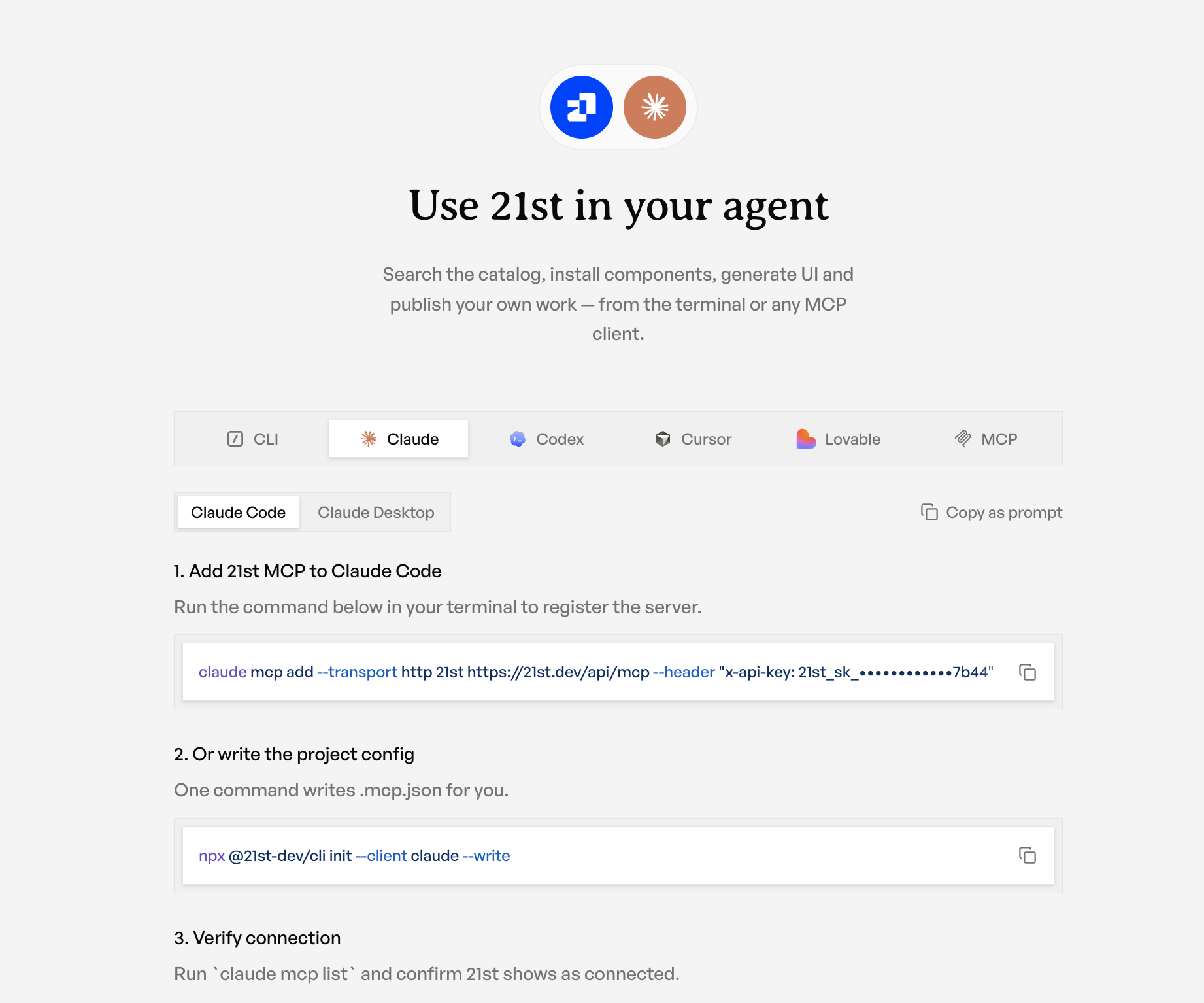
The UI autosaves through the same code path an API key or an MCP edit_profile call goes through. That means an agent can build your profile for you: hand it a few demo ids and a bio and it packs them onto the board exactly the way a human drag would, because it runs the identical placement engine.
And because it is the same door for everyone, the safety checks live in one place. Component plates can only reference your public demos. Image URLs have to be first-party. Social links are sanitized against javascript: and friends. The board is capped (60 plates, 20 of them components) so nobody can turn a profile into a payload. Whether the edit comes from your mouse, your terminal, or your agent, it goes through the same gate.
Make it yours
Open your profile, hit edit, and start dropping plates. Feature the components you are proud of, link the places people can find you, and turn "how do I hire you" into a button.