We taught our MCP to draw
Ask an AI assistant to find you a component and, until now, you got back a wall of JSON or a list of links. Useful to the model, miserable for you. You still had to leave the chat, open a browser, squint at previews, and copy something back.
So we taught the 21st MCP to draw. Search @21st_dev from Claude and the results come back as an inline, interactive card gallery, right in the conversation: live previews, videos that play on hover, and a one-tap "get code" on every card. Not JSON. Not a link dump. Actual UI, in chat.
This is built on MCP Apps, the emerging standard for servers that return rendered interfaces instead of plain text. Here is how it actually works.
One endpoint, two kinds of client
Everything runs through a single endpoint: https://21st.dev/api/mcp. There is no separate "UI server." The same URL serves an agent that can render interfaces and an agent that can only read text, and it figures out which one it is talking to.
When a client connects, it declares whether it speaks the io.modelcontextprotocol/ui extension during the handshake. The 21st server is stateless (it cannot keep a session in memory between requests), so it does something neat: it encodes the answer into the session id itself. If the client negotiated UI, the server mints an Mcp-Session-Id prefixed with ui-. On every later request the client echoes that header back, and the server reads the prefix to know, without any stored state, that this conversation gets rendered cards.
From there the same tool result is dressed two ways:
- A host that renders UI (Claude, and other MCP-Apps clients) gets the tool with a
_meta.uifield pointing at aui://resource, the gallery. - A host that does not (like Claude Code) gets the exact same result with
_meta.uistripped, and simply renders the structured data as a clean text listing.
Because the structured results are always present, nothing is lost on a text-only client. The gallery is a progressive enhancement, not a fork in the road.
The gallery is just a web page
The card gallery is not a framework bundle. It is one self-contained HTML document, around 240 lines, with zero dependencies. No React, no build step, no external fonts or stylesheets, because the sandbox it runs in blocks all of that. The design tokens are inlined as OKLCH variables copied straight from our globals.css, so a card in Claude looks like a card on 21st.dev, down to the button height.
It talks to the host over postMessage using a hand-rolled JSON-RPC bridge. The flow is spec-defined and simple:
- The app announces itself and asks the host for context (including light or dark theme).
- The host pushes the tool result in, and the app renders cards.
- Every time the layout reflows, the app tells the host its new height so the iframe grows to fit.
Previews are lazy on purpose. The raster thumbnail fades in when it loads; the hover video only starts downloading when your cursor enters the card, so a gallery of twenty results does not pull twenty videos. Click any preview and it opens in a full-size lightbox.
The trick behind "Get code"
The interesting problem is the button. When you tap "Get code," the iframe cannot just call a tool itself: hosts do not reliably let an embedded app invoke tools/call directly. So instead of fighting that, the card sends a ui/message notification that nudges the model:
The model reads that, calls get_component itself through the normal tool path, gets the real source, and drops it into your project. The button does not fetch code; it points the assistant at the right tool. It is a small piece of choreography that makes the gallery work across hosts that all handle direct iframe calls a little differently.
Cards carry the other obvious actions too: Copy install puts a ready-to-paste shadcn command on your clipboard, and Open uses the spec's ui/open-link to open the component on 21st.dev, falling back to a message nudge if the host does not support it. Themes get a "Get CSS" button; templates get "Get template." And if a search comes back empty, the gallery does not just say "no results", it offers to build it with 21st AI.
Small details that took the most work
- Cache busting through the URI. Hosts cache
ui://resources by their address and do not refetch on reconnect. So the gallery's URI carries a version (...search-results-v3); bumping the number is how we ship a redesign without users pinning an old build. - A locked-down sandbox. The iframe runs under a strict content-security policy that only allows our own image and video domains, plus clipboard-write for the copy buttons. Nothing else gets out.
- One server, every tool. The same endpoint an agent uses to search also lets it pull component code, generate new UI, publish work, and manage a profile. The gallery is the friendly face on a full toolset.
Try it
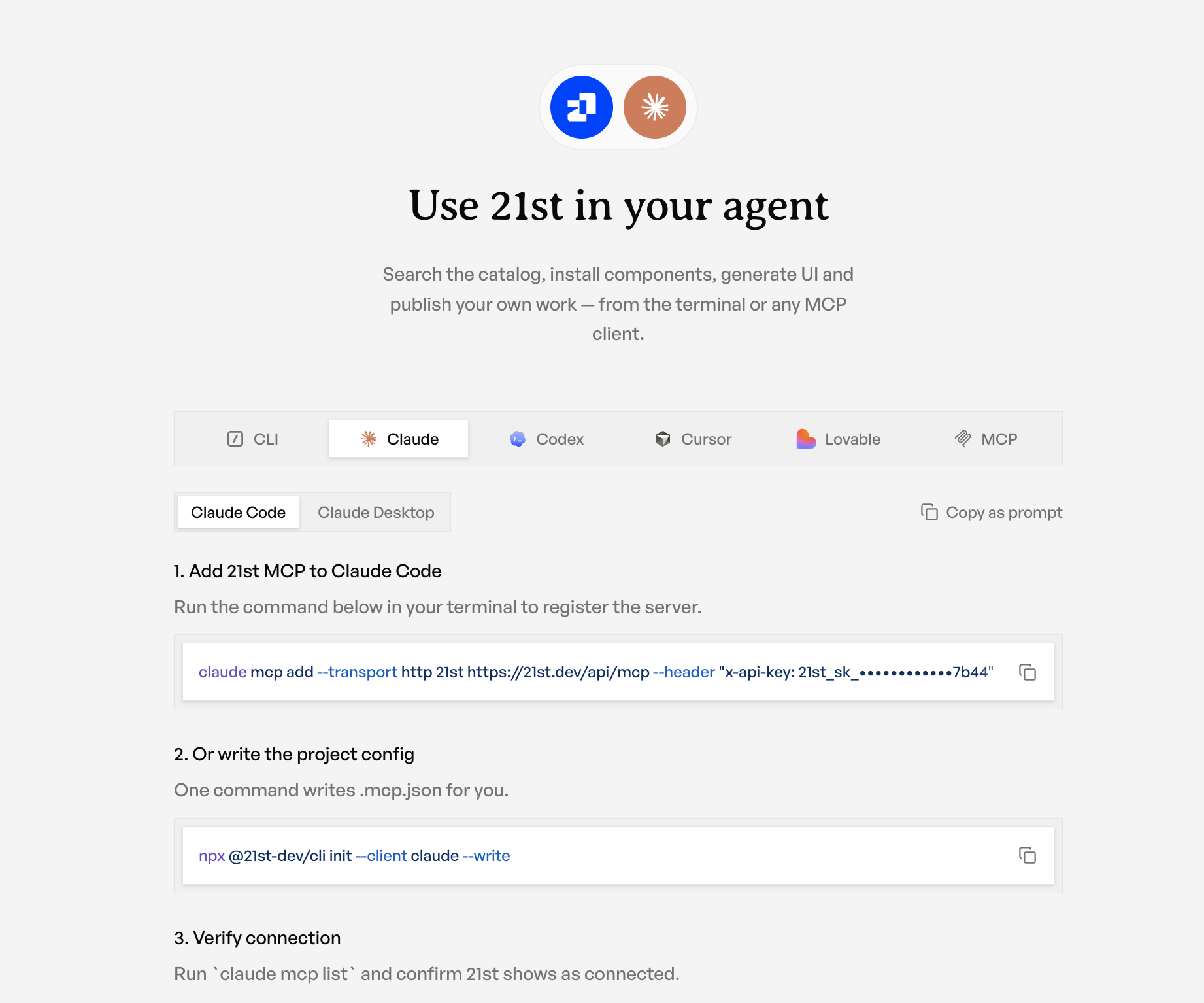
Connect 21st to Claude, ask it to find a component, and watch the results render as cards you can actually use. The chat stops being a place that describes components and becomes a place you pick them.