UploadCN
Production-ready file uploads, built for shadcn.
Docs ·
Examples ·
Installation ·
Contributing
If UploadCN saves you time, give it a ⭐ on GitHub. It helps other developers find it.
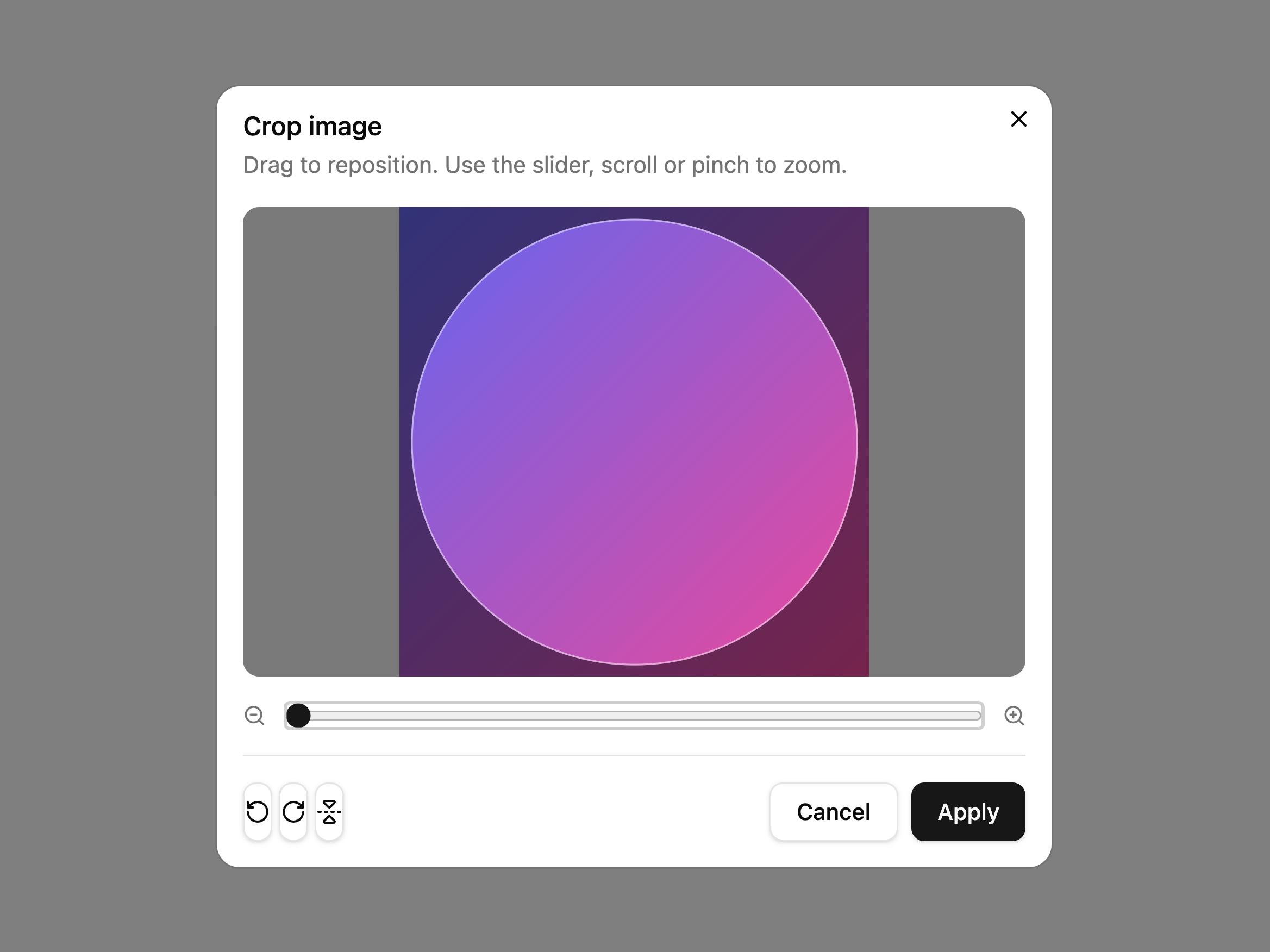
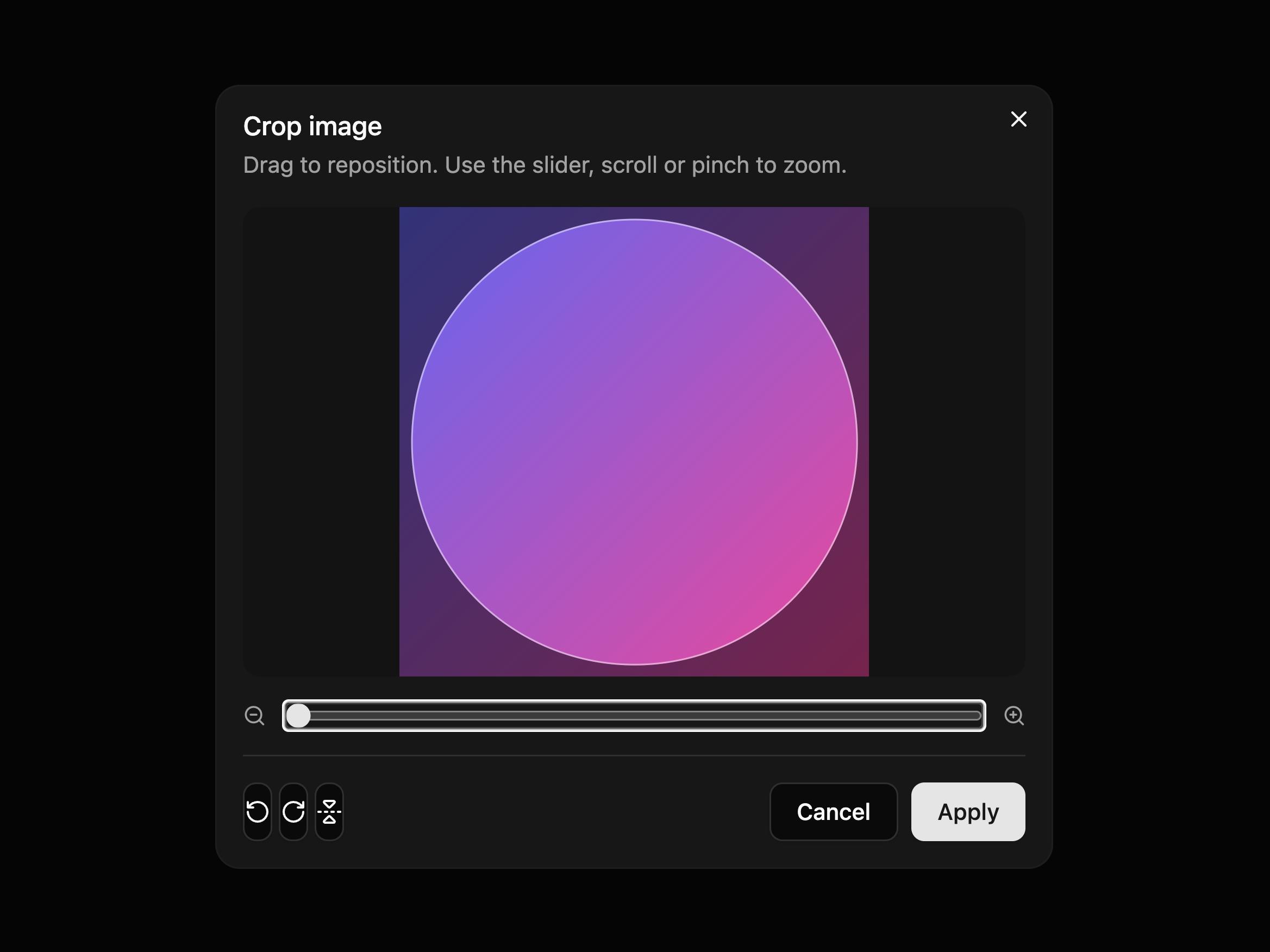
Composable upload primitives, hooks and complete upload experiences for
shadcn/ui: queues, concurrency, retries, chunked and resumable
uploads, presigned S3 and R2, validation, image cropping and compression, virus scanning,
OCR, offline recovery and accessible UI. You own the component source; the hard parts are
small, tested npm packages.
Quick start
In a project set up with the shadcn CLI:
npx shadcn@latest add @uploadcn/file-upload @uploadcn/upload-config
No setup step: UploadCN is listed in the official
shadcn registry directory, so the CLI knows the
@uploadcn namespace and installs every component in your project's style.
import { FileUpload } from "@/components/file-upload"

export default function Page() {
  return
}
Then choose where files go (S3, R2, Tigris, Cloudinary, local disk, your own API, or
browser only). See the installation guide, or
get the .env, CORS rules and permissions for your bucket from the
config generator.
Paste to upload
Add paste and an upload component takes pasted files: click it (or hover over it) and
press Ctrl+V or ⌘+V to upload a screenshot, a
copied image or files copied from your file manager. Pasted files are validated like
dropped ones, and pastes into text fields are never intercepted.
It is opt-in, and you choose how far it reaches:
                       {/* one component */}

                              {/* any block, animated ones too */}


   {/* the whole app */}
  {children}
Provider config generator
Pick Amazon S3, Cloudflare R2, Tigris or Cloudinary, type your bucket and your site's
origins, and copy the .env template, the CORS rules in that provider's own format and
the smallest IAM policy. Try it at
uploadcn.dev/docs/storage/config-generator.
What you get
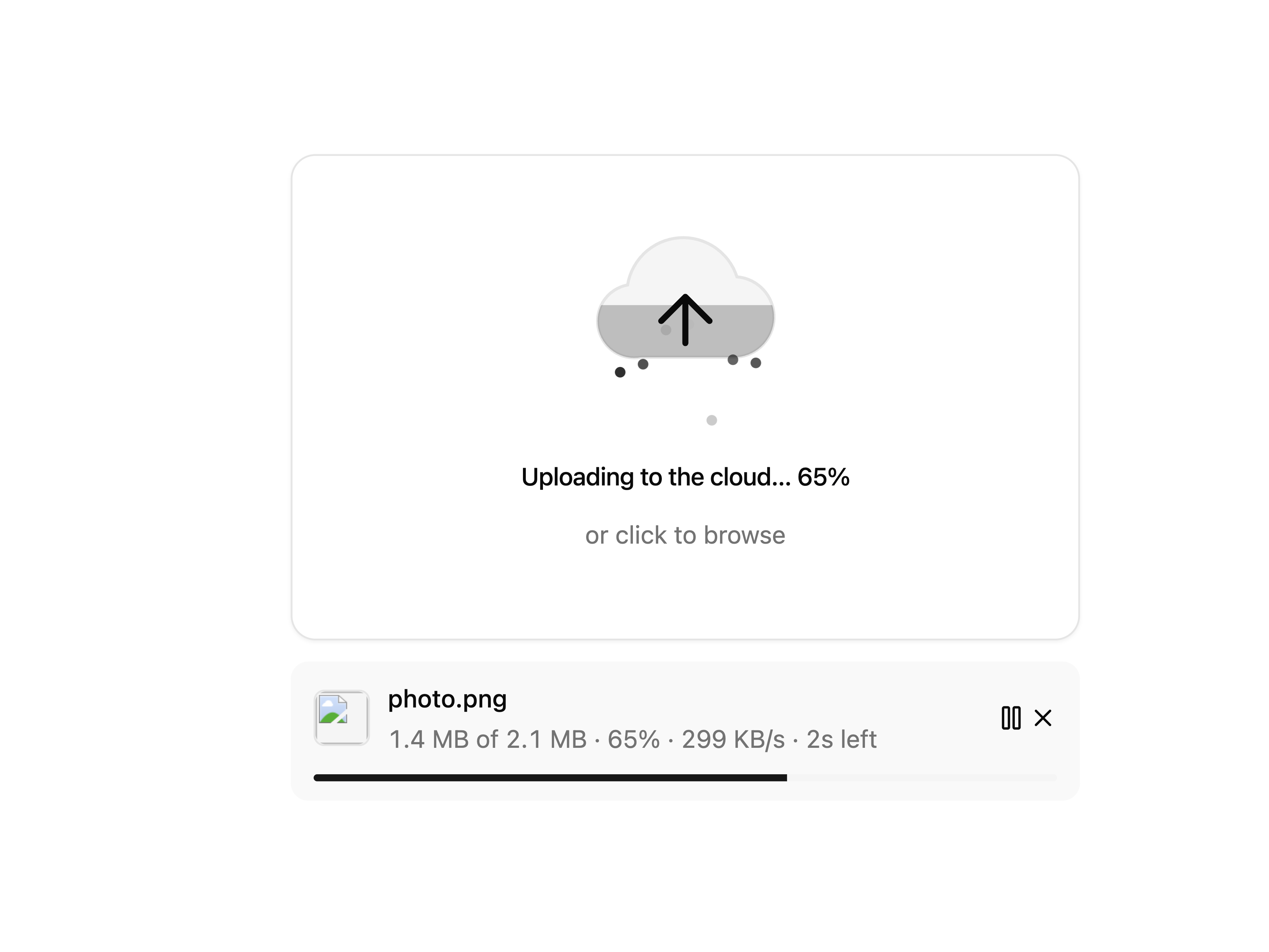
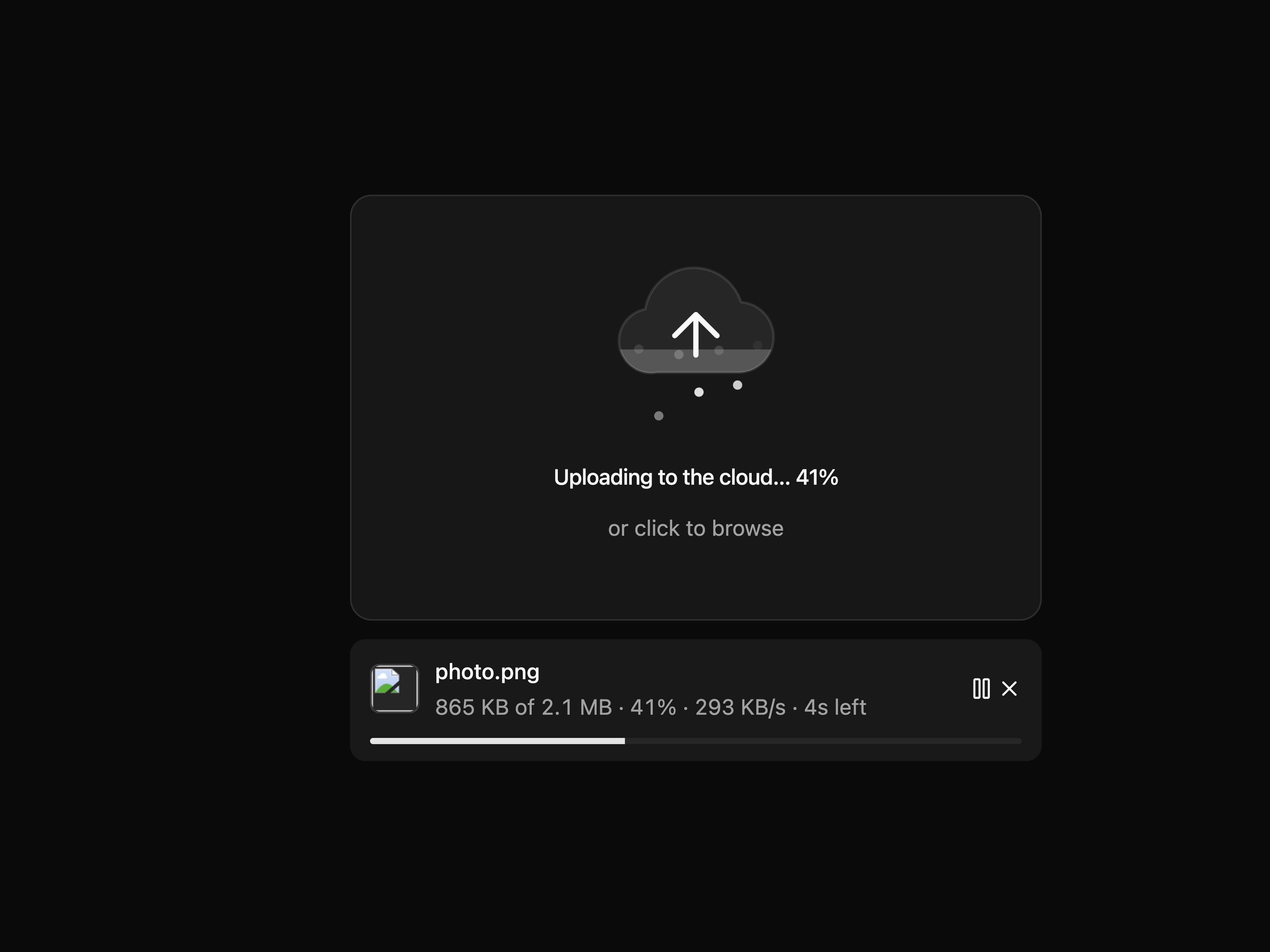
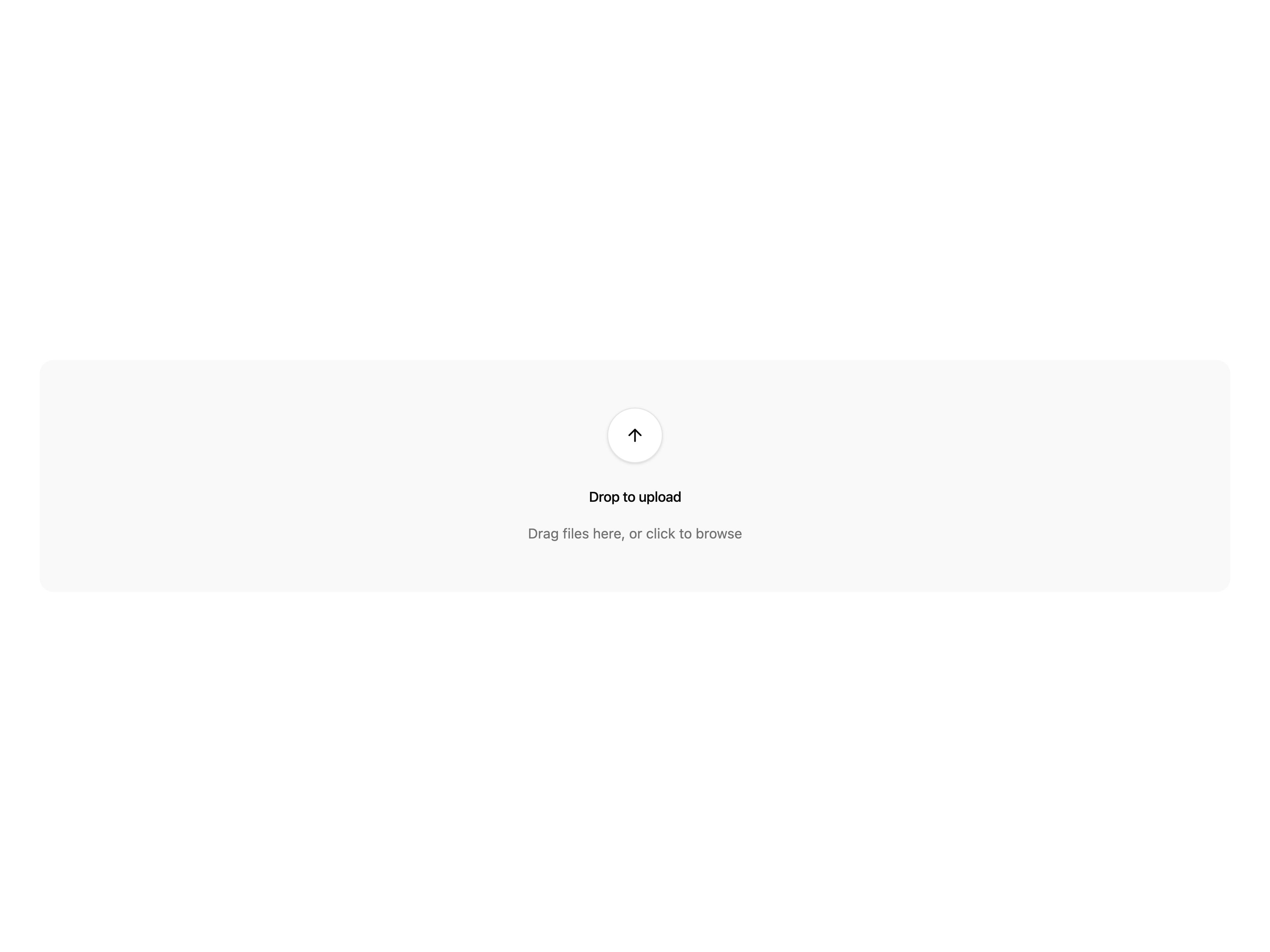
- 59 blocks, 30 of them animated. Dropzones, avatar and gallery uploads, document
checklists, identity verification, chat attachments, CSV import, a camera capture, and
playful animated uploads. Browse them on the examples page.
- Your design system. Every item compiles for all 8 shadcn styles (Vega, Nova, Maia,
Lyra, Mira, Luma, Sera, Rhea), works on Radix, Base UI and React Aria, and converts its
icons to your icon library (Lucide, Tabler, Hugeicons, Phosphor, Remix Icon) on install.
- Any storage. Direct-to-bucket uploads to S3, R2 and Tigris with a small signing
route, Cloudinary, local disk, any custom upload function, or browser-only for forms.
The config generator writes the
.env, CORS and IAM setup for your bucket.
- Every way to add a file. Drop files or whole folders, browse, capture from the
camera, or paste a screenshot with Ctrl+V or ⌘V: one prop, or one wrapper around any
block.
- Built for real traffic. Concurrency limits, retries with backoff, multipart and
resumable uploads, pause and resume, offline recovery, server-side scan and processing
states.
- Accessible and typed. Keyboard and screen reader support, automated axe checks, and
TypeScript from the engine to the route.
- Works with AI tools. Standard shadcn registry, so the shadcn MCP server,
llms.txt
and every coding agent can find and install components.
Packages
| Layer | Package | Delivery |
|---|
| Styled components & blocks | apps/docs/registry | shadcn registry, copied into your project |
| Hooks & headless primitives | @uploadcn/react | npm |
| Upload engine & adapters | @uploadcn/core | npm |
| Upload route, scan, OCR | @uploadcn/server | npm |
The registry components install the npm packages they need, so most projects never
install them by hand.
Repository
apps/
  docs/                    Next.js + Fumadocs: docs, live examples, the registry
    registry/default/      registry source (ui, blocks, hooks, route and config files)
    registry/styles/       per-style `cn-upload-*` classes (generated from shadcn's styles)
    registry.json          registry definition, built to public/r for every style
    examples/              live examples rendered in the docs
    content/docs/          documentation (MDX)
    scripts/               style, icon and registry builds, install tests
    test/                  registry standards, security and block behavior suites
    e2e/                   Playwright tests against the built docs
packages/
  core/                    @uploadcn/core
  react/                   @uploadcn/react
  server/                  @uploadcn/server
  eslint-config/           shared ESLint config
  typescript-config/       shared tsconfig
Development
Requires Node.js 20.9 or later and pnpm 10.
pnpm install
pnpm registry:build   # compile the registry once
pnpm dev              # packages in watch mode + docs at http://localhost:3000
pnpm check            # lint, typecheck, test and build everything
| Script | |
|---|
pnpm build | Build the packages, the registry and the docs |
pnpm test | Unit, integration and registry suites (Vitest) |
pnpm lint / pnpm typecheck | Across all workspaces |
pnpm format / pnpm format:check | Prettier |
pnpm registry:build | Regenerate styles and icons, rebuild apps/docs/public/r for all 8 styles |
pnpm --filter docs registry:validate | Validate registry.json |
pnpm --filter docs test:install | Install every item into fresh Radix, Base UI and React Aria apps (docs running) |
pnpm --filter docs test:e2e | Playwright end-to-end tests against the built docs (run pnpm build first) |
The docs include a real upload route (apps/docs/app/api/upload). Without credentials it
uses in-memory development storage. To upload to a real bucket, copy
apps/docs/.env.example to apps/docs/.env.local and fill in the S3 or R2 variables.
Sponsors
UploadCN is free and open source. Sponsors keep it moving and get their logo in front of
developers choosing how their app uploads files. See the tiers on
uploadcn.dev/sponsors.
<!-- sponsors:start -->
<!-- sponsors:end -->
Star history
Contributing
Issues and pull requests are welcome. Read the contributing guide
first; for security issues, see SECURITY.md.
Releases are automated: pull requests that change a package include a changeset, a
"Release packages" PR collects them, and merging it publishes to npm from GitHub
Actions with provenance. The docs and registry deploy to uploadcn.dev
on every merge to main.
Acknowledgements
Built on shadcn/ui. The per-style classes are derived from
shadcn's style files (MIT), vendored in apps/docs/styles/shadcn.
License
MIT