About
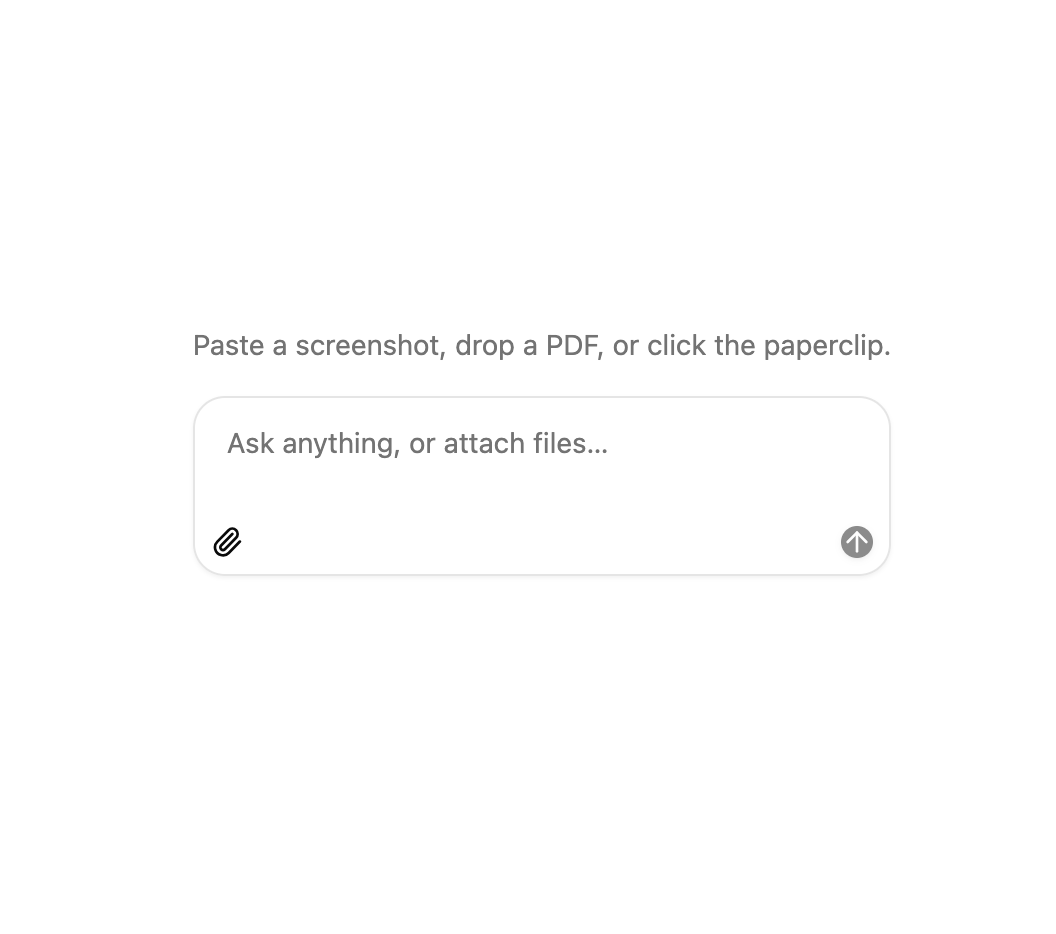
An AI chat composer with a message box that accepts file attachments by clicking, dragging onto the input, or pasting, with upload progress shown inline before sending.
Built with React and Tailwind. Copy the prompt and paste it into Claude Code, Cursor or Lovable: your agent adds Chat Attachments to your project and fits it to your theme.
Code
How Chat Attachments is used: the demo's code. The component's own source comes with a free account.
Usage.tsx
"use client";

import * as React from "react";

import { ChatAttachments } from "@/components/ui/chat-attachments";

interface Message {
  id: number;
  text: string;
  files: string[];
}

export default function ChatAttachmentExample() {
  const [messages, setMessages] = React.useState<Message[]>([]);

  return (
    <div className="flex flex-col gap-4">
      {messages.length ? (
        <ol className="flex flex-col gap-2" aria-label="Messages">
          {messages.map((message) => (
            <li
              key={message.id}
              className="animate-in self-end rounded-2xl bg-secondary px-3 py-2 text-sm text-secondary-foreground fade-in-0 slide-in-from-bottom-1 motion-reduce:animate-none"
            >
              {message.text ? <p>{message.text}</p> : null}
              {message.files.length ? (
                <p className="text-xs text-muted-foreground">
                  📎 {message.files.join(", ")}
                </p>
              ) : null}
            </li>
          ))}
        </ol>
      ) : (
        <p className="text-center text-sm text-muted-foreground">
          Paste a screenshot, drop a PDF, or click the paperclip.
        </p>
      )}
      <ChatAttachments
        onSend={({ text, attachments }) =>
          setMessages((previous) => [
            ...previous,
            {
              id: previous.length,
              text,
              files: attachments.map((item) => item.name),
            },
          ])
        }
      />
    </div>
  );
}
Dependencies
More by uploadcn
View all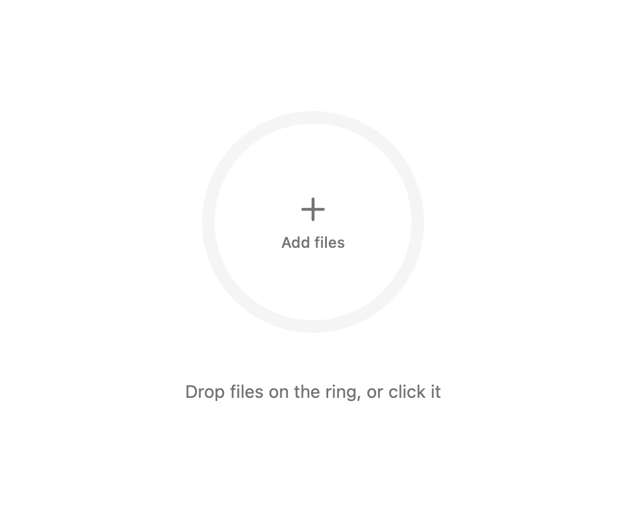

Progress Ring Upload
5
Morphing Upload Button

Ripple Dropzone
More in AI chats
View all

AI Actions
351
Agent Chat
21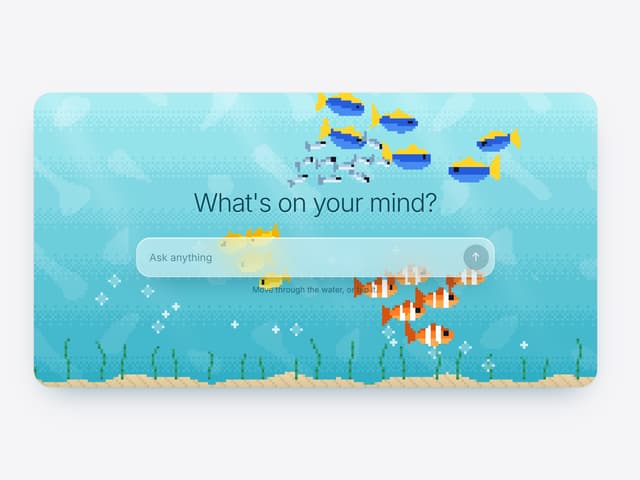

Aquarium Prompt
111
System Notice
2

Message With Header And Delivery Status
60
Color Picker
199
Message
1
Chat Bubble
205


