
About
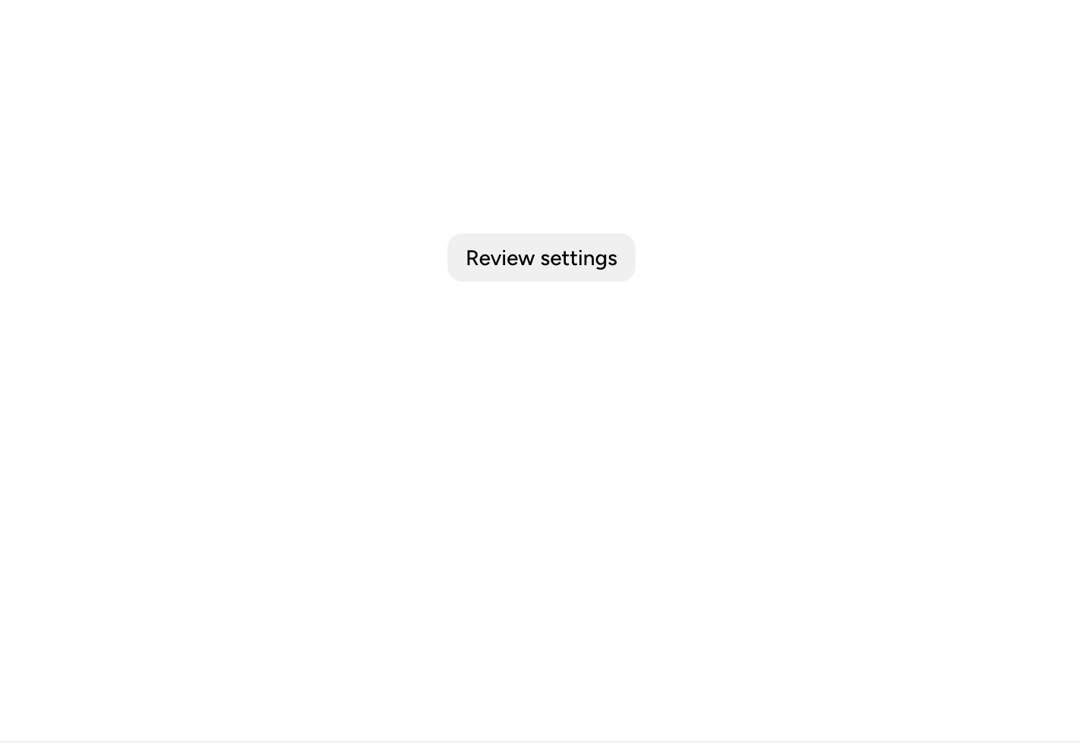
A multi-step Astryx bottom-sheet flow demonstrating in-place transitions between notification setup steps.
Built with React and Tailwind. Copy the prompt and paste it into Claude Code, Cursor or Lovable: your agent adds Astryx Bottom Sheet Switcher to your project and fits it to your theme.
Code
How Astryx Bottom Sheet Switcher is used: the demo's code. The component's own source comes with a free account.
Usage.tsx
'use client';

import {useState} from 'react';
import {BottomSheet} from '@/components/ui/astryx-bottom-sheet-switcher';
import {Button} from '@astryxdesign/core/Button';
import {Heading} from '@astryxdesign/core/Heading';
import {Section} from '@astryxdesign/core/Section';
import {HStack, VStack} from '@astryxdesign/core/Stack';
import {Text} from '@astryxdesign/core/Text';

type Step = 'review' | 'confirm' | null;

function BottomSheetSwitcherReviewFlow() {
  // One state value names the open step; Continue and Back close one sheet
  // and open the other in the same update, which replaces it in place.
  const [step, setStep] = useState<Step>(null);
  // Clear the step only if it is still the open one: a step that closes
  // because the person moved on must not undo the move.
  const close = (own: Step) => (isOpen: boolean) => {
    if (!isOpen) {
      setStep(current => (current === own ? null : current));
    }
  };

  return (
    <>
      <Button label="Review settings" onClick={() => setStep('review')} />
      <BottomSheet
        isOpen={step === 'review'}
        onOpenChange={close('review')}
        label="Review notification settings"
        height="hug"
        purpose="form">
        <Section padding={4}>
          <VStack gap={4}>
            <VStack gap={1}>
              <Heading level={3}>Review settings</Heading>
              <Text type="supporting" color="secondary">
                Daily summaries will be sent by email.
              </Text>
            </VStack>
            <HStack gap={2} hAlign="end">
              <Button
                label="Cancel"
                variant="secondary"
                onClick={() => setStep(null)}
              />
              <Button label="Continue" onClick={() => setStep('confirm')} />
            </HStack>
          </VStack>
        </Section>
      </BottomSheet>
      <BottomSheet
        isOpen={step === 'confirm'}
        onOpenChange={close('confirm')}
        label="Confirm settings"
        height="hug">
        <Section padding={4}>
          <VStack gap={4}>
            <VStack gap={1}>
              <Heading level={3}>Confirm settings</Heading>
              <Text type="supporting" color="secondary">
                Your notification settings are ready to save.
              </Text>
            </VStack>
            <HStack gap={2} hAlign="end">
              <Button
                label="Back"
                variant="secondary"
                onClick={() => setStep('review')}
              />
              <Button label="Save" onClick={() => setStep(null)} />
            </HStack>
          </VStack>
        </Section>
      </BottomSheet>
    </>
  );
}

export default function BottomSheetSwitcherReviewFlowDemo() {
  return (
    <div
      data-astryx-theme="neutral"
      data-theme="light"
      style={{colorScheme: 'light', display: 'contents'}}>
      <BottomSheetSwitcherReviewFlow />
    </div>
  );
}
Dependencies
More by Astryx
View all

Astryx Banner
56
Astryx Avatar
28
Astryx Aspect Ratio
28
Astryx Badge
25
Astryx Button Group
23
Astryx Toggle Button
16
Astryx Avatar Group
8
Astryx Button
4