
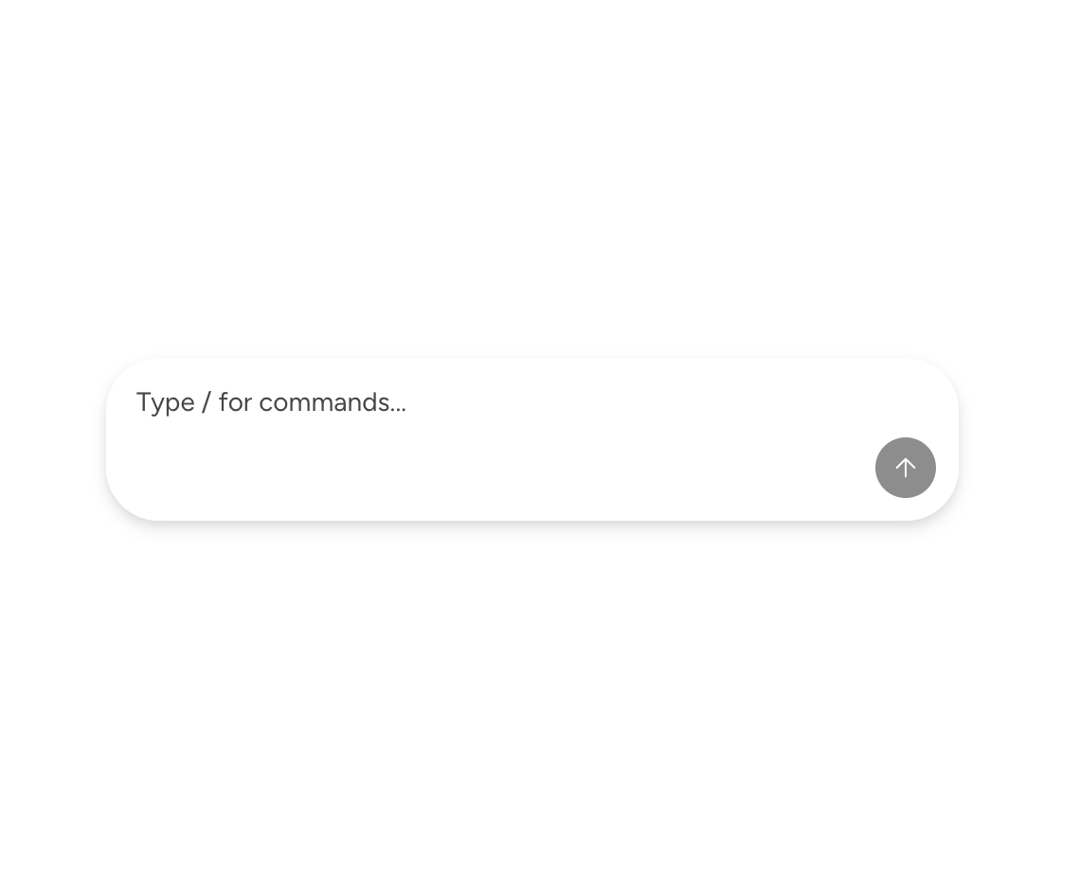
About
A rich Astryx chat input supporting trigger menus, inline tokens, message history, file handling, and accessible submission.
Built with React and Tailwind. Copy the prompt and paste it into Claude Code, Cursor or Lovable: your agent adds Astryx Chat Composer Input to your project and fits it to your theme.
Code
How Astryx Chat Composer Input is used: the demo's code. The component's own source comes with a free account.
Usage.tsx
'use client';

import {
  ChatComposer,
  ChatComposerInput,
  type ChatComposerTrigger,
} from '@/components/ui/astryx-chat-composer-input';
import {createStaticSource} from '@astryxdesign/core/Typeahead';
import {TypeaheadItem} from '@astryxdesign/core/Typeahead';
import type {SearchableItem} from '@astryxdesign/core/Typeahead';
import {Stack} from '@astryxdesign/core/Layout';

const COMMANDS: SearchableItem<{description: string}>[] = [
  {
    id: 'summarize',
    label: 'summarize',
    auxiliaryData: {description: 'Summarize the conversation'},
  },
  {
    id: 'translate',
    label: 'translate',
    auxiliaryData: {description: 'Translate text to another language'},
  },
  {
    id: 'search',
    label: 'search',
    auxiliaryData: {description: 'Search the web or documents'},
  },
  {
    id: 'code',
    label: 'code',
    auxiliaryData: {description: 'Generate or explain code'},
  },
  {
    id: 'help',
    label: 'help',
    auxiliaryData: {description: 'Show available commands'},
  },
];

const commandSource = createStaticSource(COMMANDS);

function ChatComposerInputSlashCommands() {
  const commandTrigger: ChatComposerTrigger = {
    character: '/',
    searchSource: commandSource,
    renderItem: item => (
      <TypeaheadItem
        item={item}
        description={(item.auxiliaryData as {description: string})?.description}
      />
    ),
    onSelect: item => ({
      value: `/${item.label}`,
      label: `/${item.label}`,
      variant: 'yellow' as const,
    }),
  };

  return (
    <Stack direction="vertical" width={450} maxWidth="100%">
      <ChatComposer
        onSubmit={() => {}}
        input={
          <ChatComposerInput
            triggers={[commandTrigger]}
            placeholder="Type / for commands..."
          />
        }
      />
    </Stack>
  );
}

export default function ChatComposerInputSlashCommandsDemo() {
  return (
    <div
      data-astryx-theme="neutral"
      data-theme="light"
      style={{colorScheme: 'light', display: 'contents'}}>
      <ChatComposerInputSlashCommands />
    </div>
  );
}
Dependencies
More by Astryx
View all

Astryx Banner
56
Astryx Avatar
28
Astryx Aspect Ratio
28
Astryx Badge
25
Astryx Button Group
23
Astryx Toggle Button
16
Astryx Avatar Group
8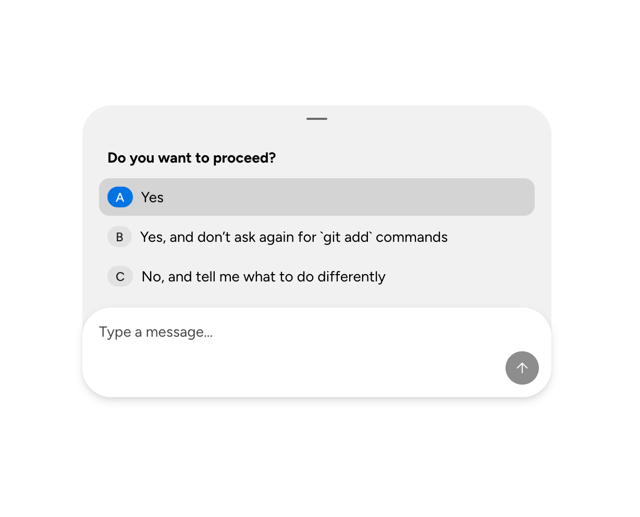
Astryx Chat Composer Drawer
6