
About
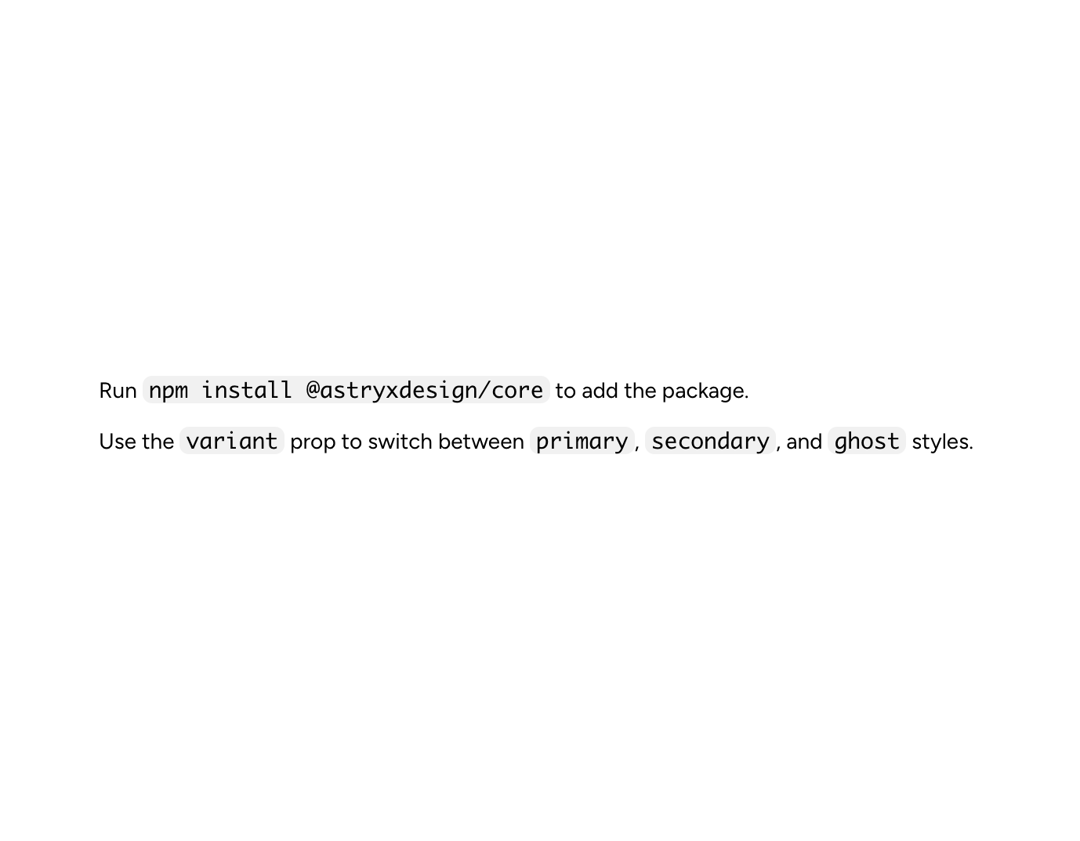
Code marks short inline references such as function names, variables, file paths, and command-line flags. Use CodeBlock for standalone or multi-line snippets.
Built with React and Tailwind. Copy the prompt and paste it into Claude Code, Cursor or Lovable: your agent adds Astryx Code to your project and fits it to your theme.
Code
How Astryx Code is used: the demo's code. The component's own source comes with a free account.
Usage.tsx
// Copyright (c) Meta Platforms, Inc. and affiliates.

'use client';

import {Code} from '@/components/ui/astryx-code';
import {Text} from '@astryxdesign/core/Text';
import {Stack} from '@astryxdesign/core/Layout';

function CodeShowcase() {
  return (
    <Stack direction="vertical" gap={3}>
      <Text type="body">
        Run <Code>npm install @astryxdesign/core</Code> to add the package.
      </Text>
      <Text type="body">
        Use the <Code>variant</Code> prop to switch between <Code>primary</Code>
        , <Code>secondary</Code>, and <Code>ghost</Code> styles.
      </Text>
    </Stack>
  );
}

export default function CodeShowcaseDemo() {
  return (
    <div
      data-astryx-theme="neutral"
      data-theme="light"
      style={{colorScheme: 'light', display: 'contents'}}>
      <CodeShowcase />
    </div>
  );
}
Dependencies
More by Astryx
View all

Astryx Banner
56
Astryx Avatar
28
Astryx Aspect Ratio
27
Astryx Badge
25
Astryx Button Group
23
Astryx Toggle Button
16
Astryx Avatar Group
8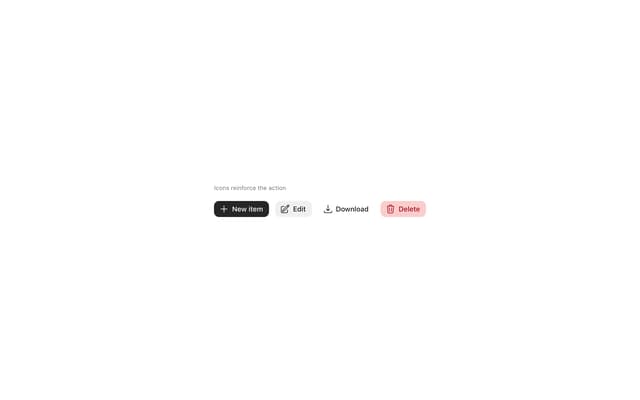
Astryx Button
4