
About
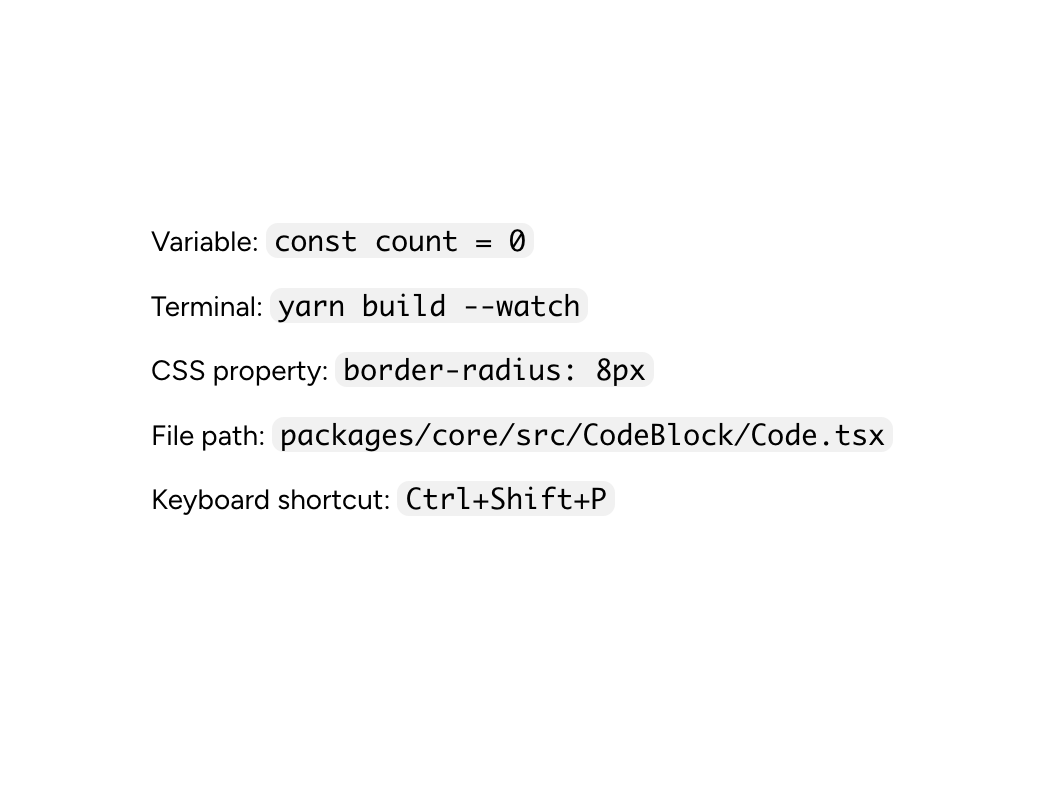
Code marks short inline references such as function names, variables, file paths, and command-line flags. Use CodeBlock for standalone or multi-line snippets.
Built with React and Tailwind. Copy the prompt and paste it into Claude Code, Cursor or Lovable: your agent adds Astryx Code to your project and fits it to your theme.
Code
How Astryx Code is used: the demo's code. The component's own source comes with a free account.
Usage.tsx
'use client';

import {Code} from '@/components/ui/astryx-code';
import {Text} from '@astryxdesign/core/Text';
import {VStack} from '@astryxdesign/core/Stack';

function CodeVariousContent() {
  return (
    <VStack gap={3}>
      <Text type="body">
        Variable: <Code>const count = 0</Code>
      </Text>
      <Text type="body">
        Terminal: <Code>yarn build --watch</Code>
      </Text>
      <Text type="body">
        CSS property: <Code>border-radius: 8px</Code>
      </Text>
      <Text type="body">
        File path: <Code>packages/core/src/CodeBlock/Code.tsx</Code>
      </Text>
      <Text type="body">
        Keyboard shortcut: <Code>Ctrl+Shift+P</Code>
      </Text>
    </VStack>
  );
}

export default function CodeVariousContentDemo() {
  return (
    <div
      data-astryx-theme="neutral"
      data-theme="light"
      style={{colorScheme: 'light', display: 'contents'}}>
      <CodeVariousContent />
    </div>
  );
}
Dependencies
More by Astryx
View all

Astryx Banner
56
Astryx Aspect Ratio
29
Astryx Avatar
28
Astryx Badge
25
Astryx Button Group
23
Astryx Toggle Button
16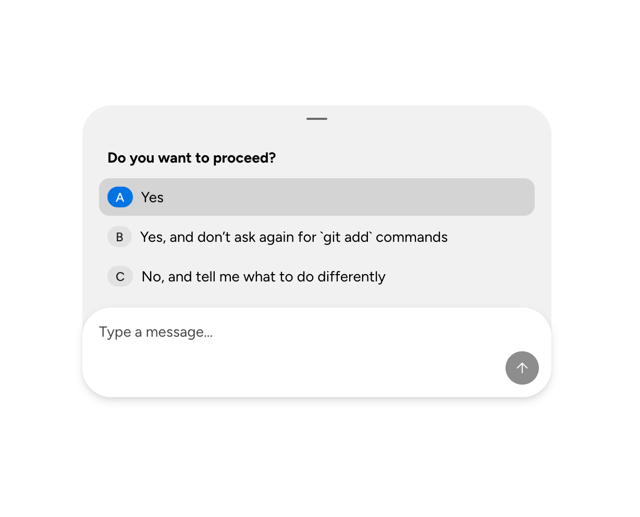
Astryx Chat Composer Drawer
14
Astryx Avatar Group
8