
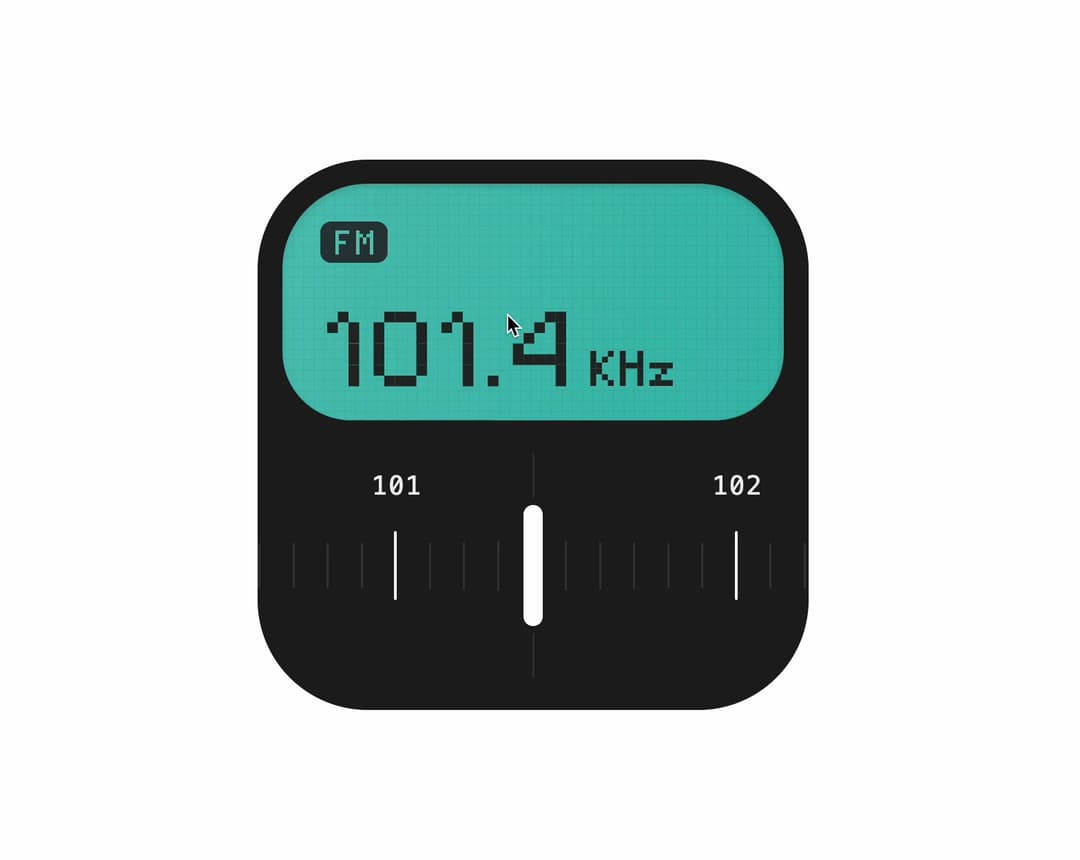
About
An interactive tactile FM radio tuner with a pixel-matrix LCD screen, spring-physics analog dial, keyboard navigation, and optional Web Audio tick feedback.
Built with React and Tailwind. Copy the prompt and paste it into Claude Code, Cursor or Lovable: your agent adds FM Radio Tuner to your project and fits it to your theme.
Code
How FM Radio Tuner is used: the demo's code. The component's own source comes with a free account.
Usage.tsx
"use client";

import React from "react";
import { FmRadioTuner } from "@/components/ui/fm-radio-tuner";

const settings = {
  defaultValue: 101.4,
  band: "FM",
  unit: "KHz",
  sound: false,
  disabled: false,
};

const VALID_BANDS = ["FM", "AM"] as const;
const VALID_UNITS = ["KHz", "MHz", "kHz", "GHz"] as const;

export default function FmRadioTunerDemo(props: Partial<typeof settings>) {
  const config = {
    ...settings,
    ...props,
  };

  const defaultValue =
    typeof config.defaultValue === "number" &&
    Number.isFinite(config.defaultValue)
      ? Math.min(108.0, Math.max(87.5, config.defaultValue))
      : 101.4;

  const band = VALID_BANDS.includes(
    config.band as (typeof VALID_BANDS)[number]
  )
    ? String(config.band)
    : "FM";

  const unit = VALID_UNITS.includes(
    config.unit as (typeof VALID_UNITS)[number]
  )
    ? String(config.unit)
    : "KHz";

  return (
    <div className="flex w-full items-center justify-center p-6">
      <FmRadioTuner
        defaultValue={defaultValue}
        band={band}
        unit={unit}
        sound={Boolean(config.sound)}
        disabled={Boolean(config.disabled)}
      />
    </div>
  );
}More by Syed
View all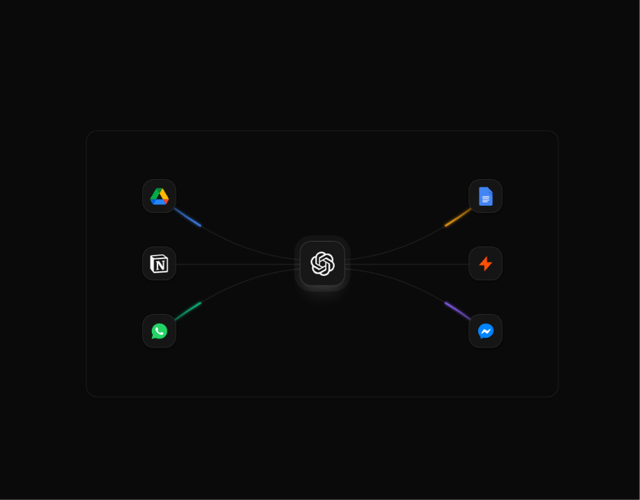

Animated Beam Integration
135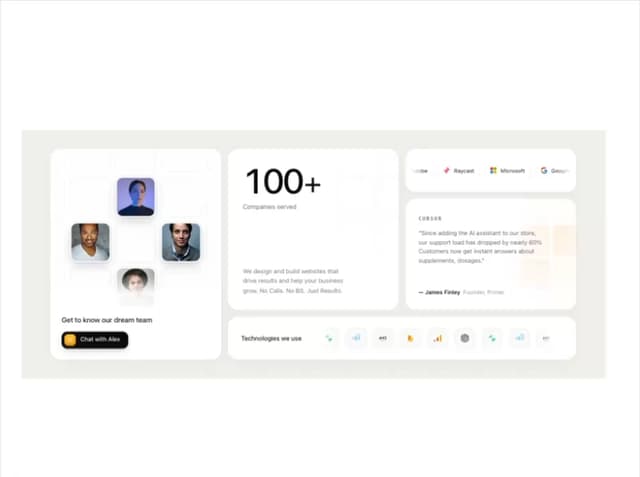
Agency Bento Grid
87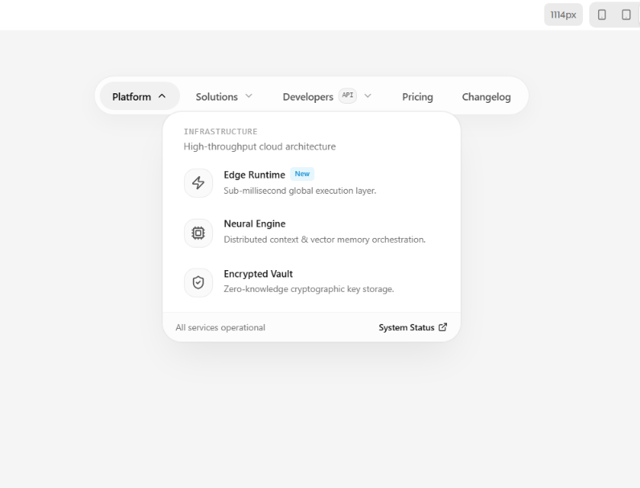
Morphing Island Navbar
75
Animated Tree View
58
Interactive Eye Tracker
56
Rolling Counter
55
Grid Testimonials Marquee
42
Tier Badge
41