

About
A React hook that adds a click-again, press-and-hold, slide, or undo-window confirmation gesture to any button or trigger element, with built-in pending/async state.
Built with React and Tailwind. Copy the prompt and paste it into Claude Code, Cursor or Lovable: your agent adds Confirmation Hook to your project and fits it to your theme.
Code
How Confirmation Hook is used: the demo's code. The component's own source comes with a free account.
Usage.tsx
"use client";

import useConfirmation from "@/components/ui/confirmation";

export default function ConfirmationHoldCardDemo() {
  const { state, fillRef, getTriggerProps } =
    useConfirmation<HTMLButtonElement>({
      gesture: "hold",
      onConfirm: () => new Promise((resolve) => setTimeout(resolve, 800)),
    });

  return (
    <div className="flex min-h-72 w-full items-center justify-center p-6">
      <button
        type="button"
        {...getTriggerProps({})}
        data-state={state}
        className="relative w-64 touch-none overflow-hidden rounded-xl border bg-card p-4 text-left outline-none select-none focus-visible:ring-3 focus-visible:ring-ring/50"
      >
        <span
          ref={fillRef}
          aria-hidden
          className="absolute inset-0 origin-left scale-x-0 bg-destructive/15"
        />
        <span className="relative block font-medium">acme-prod</span>
        <span className="relative block text-sm text-muted-foreground">
          {state === "holding" ? "Keep holding to archive" : "Hold to archive"}
        </span>
      </button>
    </div>
  );
}
More by aidankmcalister
View all
Confirm Switch
1
Undoable
Consequences List
Confirm Button
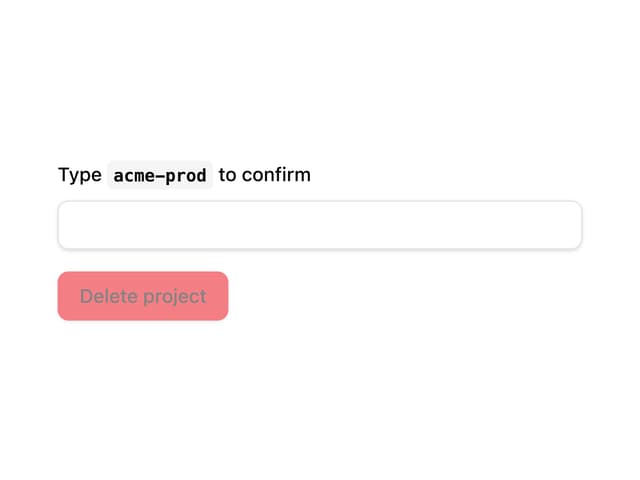
Type to Confirm