
About
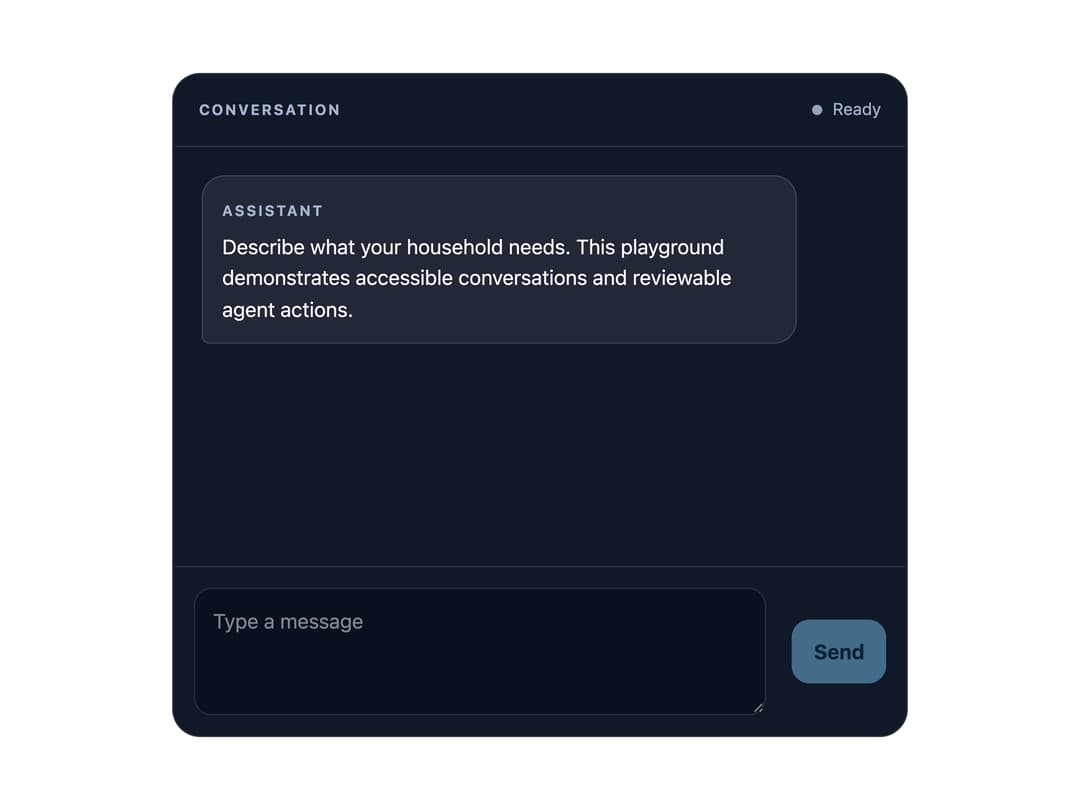
An accessible chat conversation panel with a scrollable message log, a status indicator, and a composer input that supports single-line or multiline sending with Enter/Shift+Enter and IME-safe submission.
Built with React and Tailwind. Copy the prompt and paste it into Claude Code, Cursor or Lovable: your agent adds Conversation Display to your project and fits it to your theme.
Code
How Conversation Display is used: the demo's code. The component's own source comes with a free account.
Usage.tsx
"use client";

import { ConversationDisplay } from "@/components/ui/conversation-display";
import * as React from "react";

type DemoMessage = { id: string; role: "user" | "assistant"; text: string };

export default function ConversationDisplayDemo() {
  const [value, setValue] = React.useState("");
  const [messages, setMessages] = React.useState<DemoMessage[]>([
    {
      id: "welcome",
      role: "assistant",
      text: "Describe what your household needs. This playground demonstrates accessible conversations and reviewable agent actions.",
    },
  ]);
  const composer = React.useRef<HTMLInputElement | HTMLTextAreaElement>(null);

  return (
    <div className="w-full max-w-xl">
      <ConversationDisplay
        inputRef={composer}
        inputLabel="Planning message"
        messages={messages}
        multiline
        maxLength={2000}
        value={value}
        onValueChange={setValue}
        onSubmit={(text) => {
          setMessages((current) => [
            ...current,
            { id: String(current.length), role: "user", text },
          ]);
          setValue("");
        }}
      />
    </div>
  );
}
More by andrewodom18
View all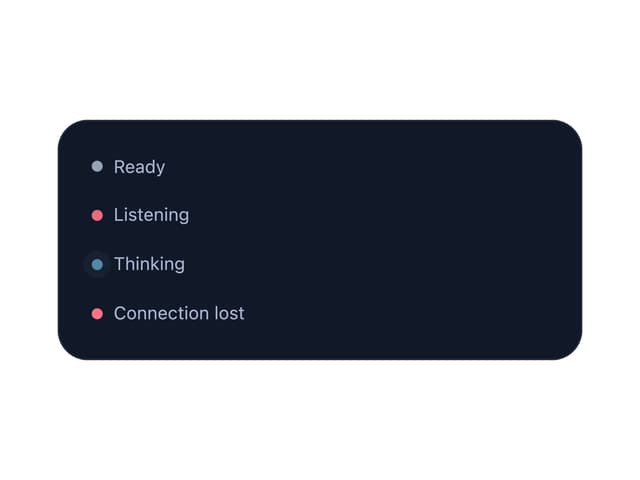
Conversation Status Indicator