
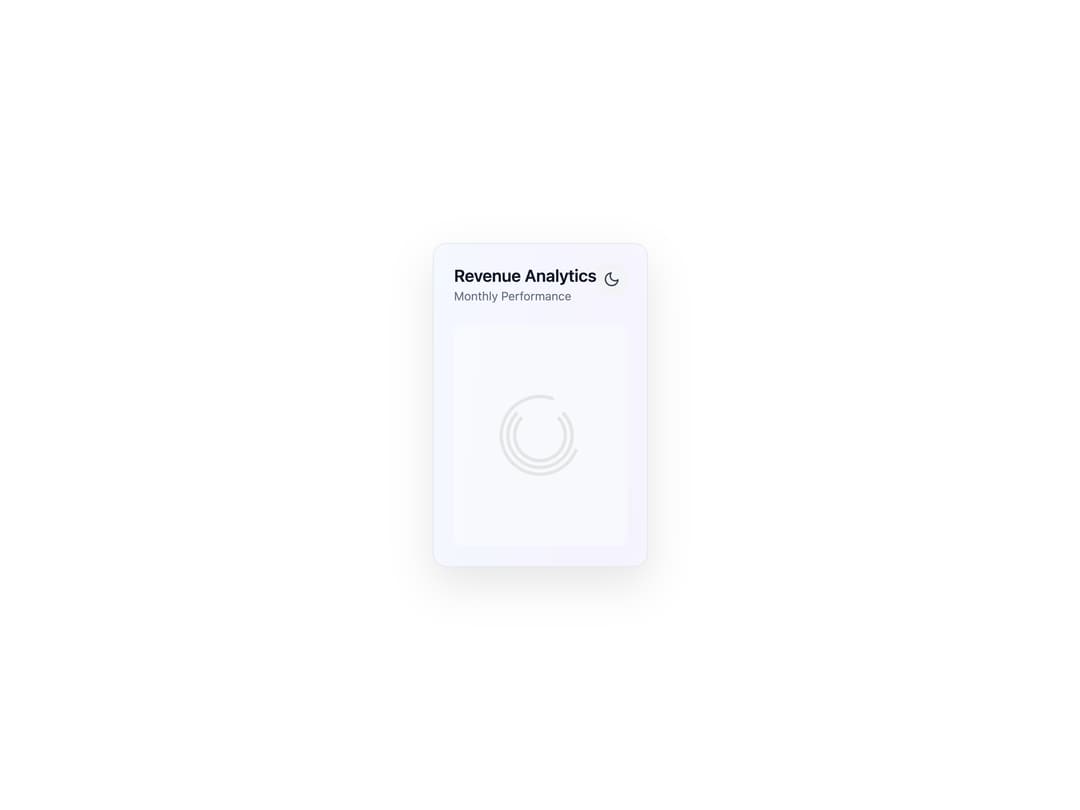
Component Features 3D Perspective Effects: Real-time perspective transformation based on mouse position Subtle rotation and scaling on hover for a tactile feel Advanced Visual Design: Animated background gradients with glass morphism Multiple layers creating depth and dimension Beautiful color schemes for both light and dark modes Interactive Data Visualization: Animated bar chart with spring physics Tooltip values on hover Growth indicators with directional icons State Management: Loading state with elegant animated spinner Error state with retry functionality Smooth transitions between states Responsive and Accessible: Fully responsive design that works on all screen sizes Proper contrast ratios for accessibility Interactive elements with appropriate focus states To use this component, you'll need to install: React Tailwind CSS Framer Motion (npm install framer-motion) This component demonstrates modern UI design principles with attention to micro-interactions, performance, and visual depth that creates a premium user experience.
Built with React and Tailwind. Copy the prompt and paste it into Claude Code, Cursor or Lovable: your agent adds Interactive 3D Analytics Dashboard Card to your project and fits it to your theme.
Code
How Interactive 3D Analytics Dashboard Card is used: the demo's code. The component's own source comes with a free account.
Usage.tsx
import AnalyticsDashboardCard from "@/components/ui/interactive-3d-analytics-dashboard-card";

const settings = {
  title: "Revenue Analytics",
  subtitle: "Monthly Performance",
};

export default function Demo(props: Partial<typeof settings>) {
  const s = { ...settings, ...props };
  return (
    <div className="h-screen w-screen flex items-center justify-center p-6">
      <AnalyticsDashboardCard title={s.title} subtitle={s.subtitle} />
    </div>
  );
}
Dependencies
More by Dhileep Kumar GM
View all

Aether Flow Hero
1.9K
Woven Light Hero
1.5K
AnomalousMatterHero
1.5K
PulseFit hero
917
Mountain Scene
858
HolographicCard
818
3D Animation
756
Cybernetic Bento Grid
556
More in Cards
View all

Statistics Card 2
256

Course Design Cards
1.1K
Stats cards with links
83
The Item one
3
Card
70

Card Studio
36
Statistics Card 10
259
File Card Collections
996

