
About
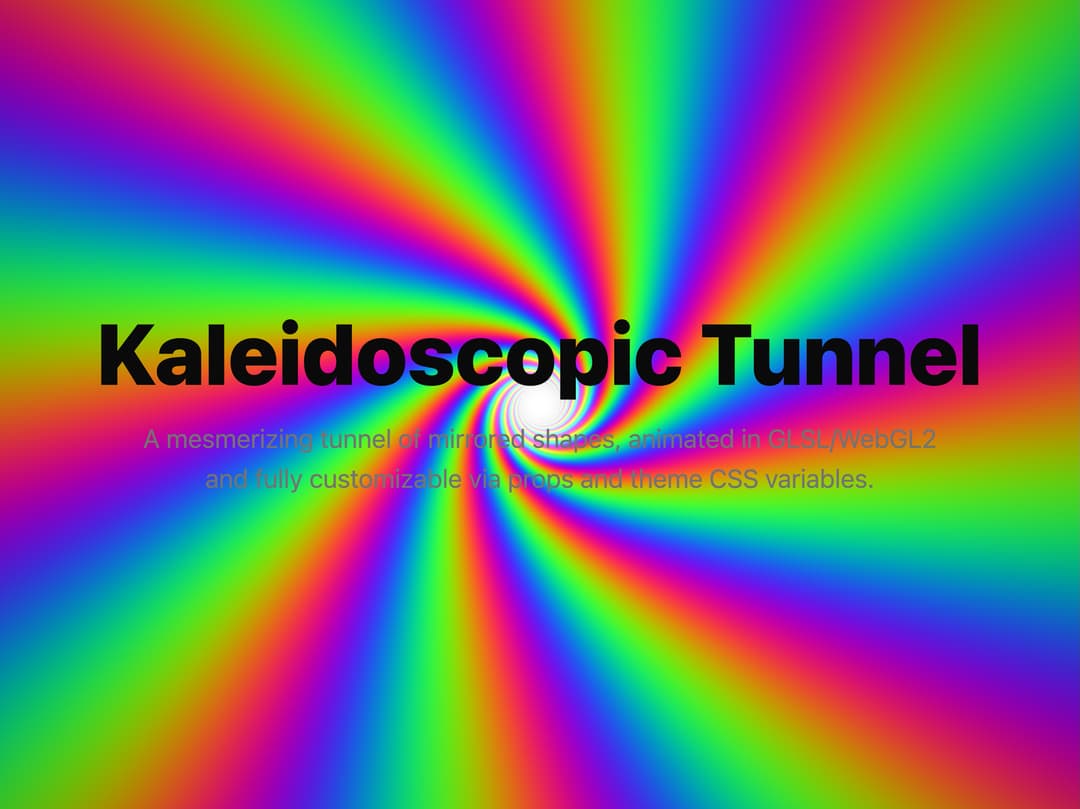
polar coordinates to create the repeating segments and implemented a high-quality color palette function, as described by Inigo Quilez, to produce the smooth, psychedelic color transitions.
Built with React and Tailwind. Copy the prompt and paste it into Claude Code, Cursor or Lovable: your agent adds Kaleidoscopic shader to your project and fits it to your theme.
Code
How Kaleidoscopic shader is used: the demo's code. The component's own source comes with a free account.
Usage.tsx
import KaleidoscopicTunnel from "@/components/ui/kaleidoscopic-shader";

const settings = {
  segments: 8,
  speed: 2,
};

export default function DemoOne(props: Partial<typeof settings>) {
  const s = { ...settings, ...props };
  return (
    <div className="h-screen w-screen">
      {/* Kaleidoscopic tunnel shader */}
      <KaleidoscopicTunnel segments={s.segments} speed={s.speed} />

      {/* Overlay content */}
      <div className="absolute inset-0 z-10 flex flex-col justify-center items-center text-center pointer-events-none px-4">
        <h1 className="text-6xl font-black">Kaleidoscopic Tunnel</h1>
        <p className="mt-4 text-lg text-muted-foreground max-w-xl">
          A mesmerizing tunnel of mirrored shapes, animated in GLSL/WebGL2 and
          fully customizable via props and theme CSS variables.
        </p>
      </div>
    </div>
  );
}
More by Dhileep Kumar GM
View all

Aether Flow Hero
1.9K
Woven Light Hero
1.5K
AnomalousMatterHero
1.5K
PulseFit hero
919
Mountain Scene
858
HolographicCard
818
3D Animation
758
Cybernetic Bento Grid
556
More in Heroes
View all

SaaS Template
2.4K

Responsive Hero Banner
2K

Hero
1.2K
Centered Hero with Image Fan
919

HeroSectionWithGradient
334
Editorial Collage Hero
422

Hero 03
313
Glass Fold
192
