
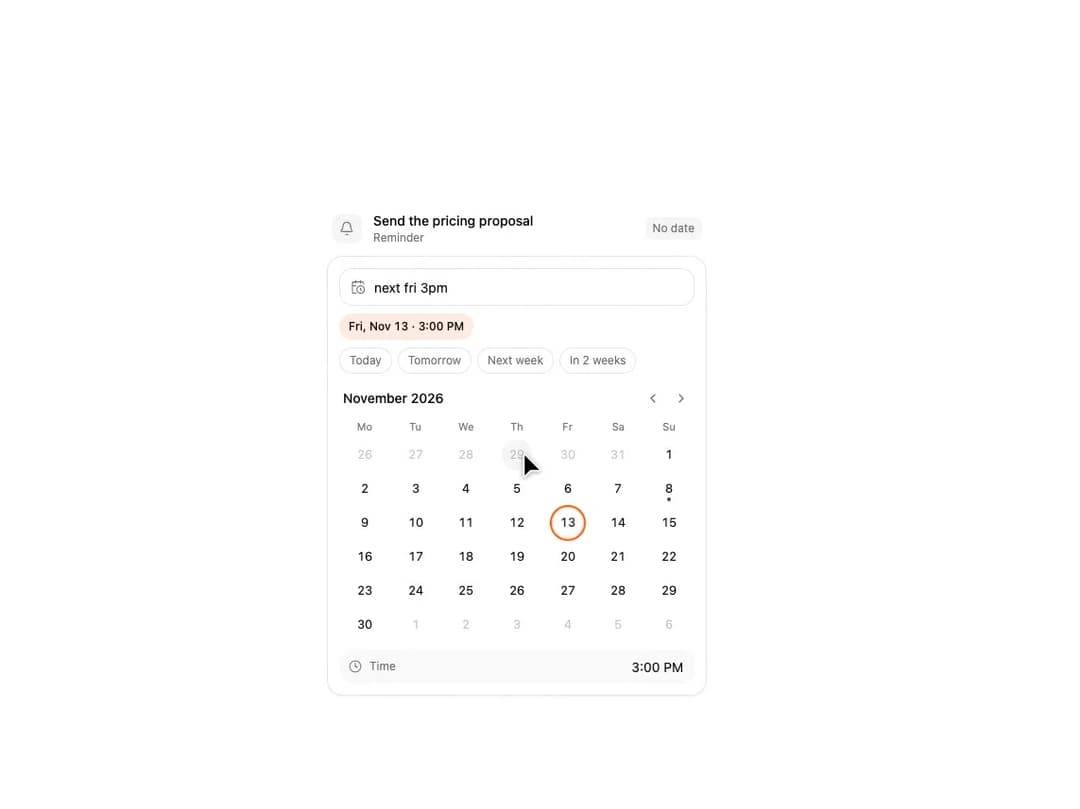
Natural Language Date Picker for React and Tailwind CSS (shadcn/ui): type "next fri 3pm" or "in 2 weeks" and the calendar follows. It is built to let people write dates as they say them: a chip shows the reading after a short pause, the calendar turns to its month, the day pulses and Enter confirms. The grammar is an exported pure parseNaturalDate(text, now) with no date library. Controlled or uncontrolled, onValueChange with its source, min/max dates, a keyboard-driven role="grid" calendar, reduced motion, light and dark. Use it for due dates, reminders and filters. The included demo types three phrases on a fixed clock and makes no requests. Requires React only, with no animation library.
Built with React and Tailwind. Copy the prompt and paste it into Claude Code, Cursor or Lovable: your agent adds Natural Language Date Picker – Type "next fri 3pm" and the Calendar Follows to your project and fits it to your theme.
Code
How Natural Language Date Picker – Type "next fri 3pm" and the Calendar Follows is used: the demo's code. The component's own source comes with a free account.
Usage.tsx
"use client";

import * as React from "react";
import { Bell } from "lucide-react";
import { NaturalLanguageDatePicker, formatNaturalDate } from "@/components/ui/natural-language-date-picker";
import type { NaturalDateChange, NaturalDateResult } from "@/components/ui/natural-language-date-picker";

type Step = { at: number; run: () => void };

const NOW = new Date(2026, 10, 8, 10, 30);
const CYCLE = 10000;
const EASE = "cubic-bezier(0.22, 1, 0.36, 1)";

export default function Demo({ autoplay = true }: { autoplay?: boolean }) {
  const params = React.useMemo(() => new URLSearchParams(typeof window === "undefined" ? "" : window.location.search), []);
  const uncontrolled = params.get("uncontrolled") === "1";
  const lock = params.get("lock") === "1";
  const range = params.get("range") === "1";
  const weekStartsOn = params.get("weekstart") === "0" ? 0 : 1;
  const showTime = params.get("notime") !== "1";

  const [value, setValue] = React.useState(null as Date | null);
  const [hasTime, setHasTime] = React.useState(false);
  const [text, setText] = React.useState("");
  const [requests, setRequests] = React.useState([] as string[]);
  const [parsed, setParsed] = React.useState("");
  const [run, setRun] = React.useState(0);
  const [paused, setPaused] = React.useState(false);
  const [motion, setMotion] = React.useState({ ready: false, reduced: true });
  const rootRef = React.useRef(null as HTMLElement | null);
  const stageRef = React.useRef(null as HTMLDivElement | null);
  const pickerRef = React.useRef(null as HTMLDivElement | null);
  const scripted = autoplay && !uncontrolled && !lock && !paused;

  React.useEffect(() => {
    const media = window.matchMedia("(prefers-reduced-motion: reduce)");
    const update = () => setMotion({ ready: true, reduced: media.matches });
    update();
    media.addEventListener("change", update);
    return () => media.removeEventListener("change", update);
  }, []);

  React.useEffect(() => {
    if (!motion.ready || motion.reduced) return;
    const stage = stageRef.current;
    if (stage && typeof stage.animate === "function") {
      stage.animate([{ opacity: 0, transform: "translateY(10px)" }, { opacity: 1, transform: "translateY(0)" }], { duration: 360, easing: EASE });
    }
  }, [motion.ready, motion.reduced]);

  React.useEffect(() => {
    if (!motion.ready || motion.reduced || !scripted) return;
    const root = rootRef.current;
    if (root) {
      root.dataset.tourStarted = performance.now().toFixed(1);
      root.dataset.tourStep = "0";
    }
    let count = 0;
    const steps: Step[] = [];
    const type = (phrase: string, start: number, speed: number) => {
      steps.push({ at: start, run: () => setText("") });
      for (let index = 1; index <= phrase.length; index += 1) steps.push({ at: start + 100 + (index - 1) * speed, run: () => setText(phrase.slice(0, index)) });
    };
    const pressEnter = (at: number) => {
      steps.push({ at, run: () => pickerRef.current?.querySelector("[data-input]")?.dispatchEvent(new KeyboardEvent("keydown", { key: "Enter", bubbles: true, cancelable: true })) });
    };
    type("next fri 3pm", 300, 85);
    pressEnter(2600);
    type("dec 1 at 9:30", 3400, 75);
    type("in 2 weeks", 5300, 75);
    pressEnter(6900);
    steps.push({ at: 9500, run: () => { setValue(null); setHasTime(false); setText(""); } });
    const timers = steps.map((step) => window.setTimeout(() => {
      step.run();
      count += 1;
      if (root) {
        root.dataset.tourStep = String(count);
        root.dataset.tourLastAt = performance.now().toFixed(1);
      }
    }, step.at));
    timers.push(window.setTimeout(() => setRun((previous) => previous + 1), CYCLE));
    return () => timers.forEach((timer) => window.clearTimeout(timer));
  }, [motion.ready, motion.reduced, scripted, run]);

  const takeOver = (event: React.SyntheticEvent) => { if (scripted && event.nativeEvent.isTrusted) setPaused(true); };
  const onValueChange = (next: Date | null, change: NaturalDateChange) => {
    setRequests((previous) => [...previous, `${change.source}:${next ? next.toISOString() : "null"}:${change.hasTime ? "time" : "day"}`]);
    if (lock) return;
    setValue(next);
    setHasTime(change.hasTime);
  };
  const onParse = (result: NaturalDateResult | null) => setParsed(result ? `${result.date.toISOString()}|${result.hasTime}|${result.confidence}` : "");
  const hostLabel = value ? formatNaturalDate(value, hasTime, NOW) : "No date";

  return (
    <main
      ref={rootRef}
      data-demo="natural-language-date-picker"
      data-paused={paused ? "true" : "false"}
      data-host-has-time={hasTime ? "true" : "false"}
      onPointerDownCapture={takeOver}
      onKeyDownCapture={takeOver}
      className="flex w-full items-center justify-center bg-background px-4 text-foreground"
      style={{ height: "min(100svh, 760px)" }}
    >
      <div ref={stageRef} data-stage className="w-full max-w-[400px]">
        <div className="mb-3 flex items-center gap-3 px-1">
          <span className="flex size-8 shrink-0 items-center justify-center rounded-lg bg-muted text-muted-foreground">
            <Bell aria-hidden="true" className="size-4" strokeWidth={1.75} />
          </span>
          <div className="min-w-0 flex-1">
            <p className="truncate text-sm font-medium leading-5">Send the pricing proposal</p>
            <p className="text-xs leading-4 text-muted-foreground">Reminder</p>
          </div>
          <span data-host-value data-empty={value ? "false" : "true"} className={`shrink-0 rounded-md px-2 py-1 text-xs tabular-nums transition-colors duration-200 motion-reduce:transition-none ${value ? "bg-chart-1/12 text-foreground" : "bg-muted text-muted-foreground"}`}>
            {hostLabel}
          </span>
        </div>
        <NaturalLanguageDatePicker
          ref={pickerRef}
          now={NOW}
          weekStartsOn={weekStartsOn}
          showTime={showTime}
          onParse={onParse}
          {...(range ? { minDate: NOW, maxDate: new Date(2026, 11, 31) } : {})}
          {...(uncontrolled
            ? { onValueChange }
            : { value, onValueChange, inputValue: text, onInputValueChange: setText })}
        />
      </div>
      <output data-requests className="sr-only">{requests.join(" ")}</output>
      <output data-parsed className="sr-only">{parsed}</output>
    </main>
  );
}
Dependencies
More by DHxWhy
View all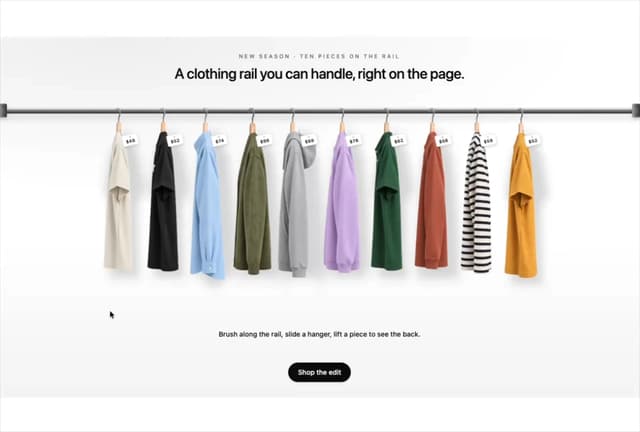

Product Rail Gallery – Fashion Store Hero Section
2.2K
Sushi Conveyor Belt Menu – Restaurant Hero Section
883
Team Lanyard Rail – Meet the Team Section with Flip Badges
830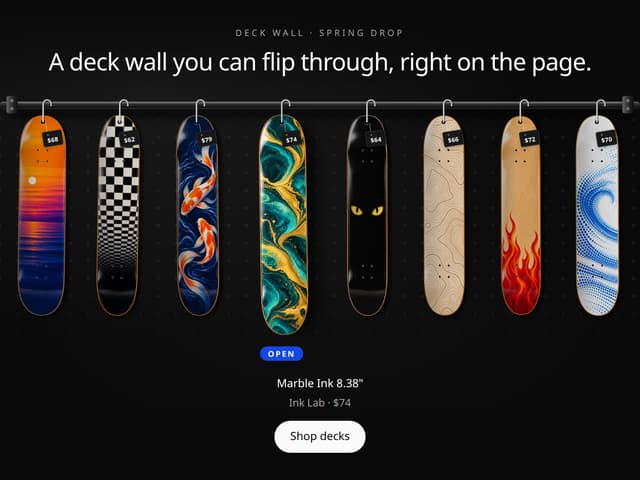
Skateboard Deck Rail Gallery – Skate Shop Hero Section
431
Sun Moon Dark Mode Theme Toggle
328
Picture Rail Image Gallery – Art Print Shop Hero Section
268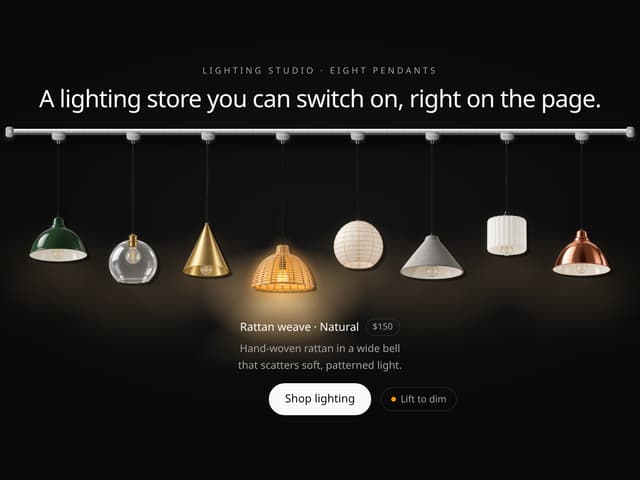
Pendant Lamp Rail Gallery – Lighting Store Hero Section
243
World Testimonials Globe – Social Proof Hero Section
217
More in AI chats
View all

AI Actions
335
Color Picker
149
Source Lens
7

Message With Header And Delivery Status
47

AI Task List
179

System Message
70
Commit
26
Agent Chat
18


