
About
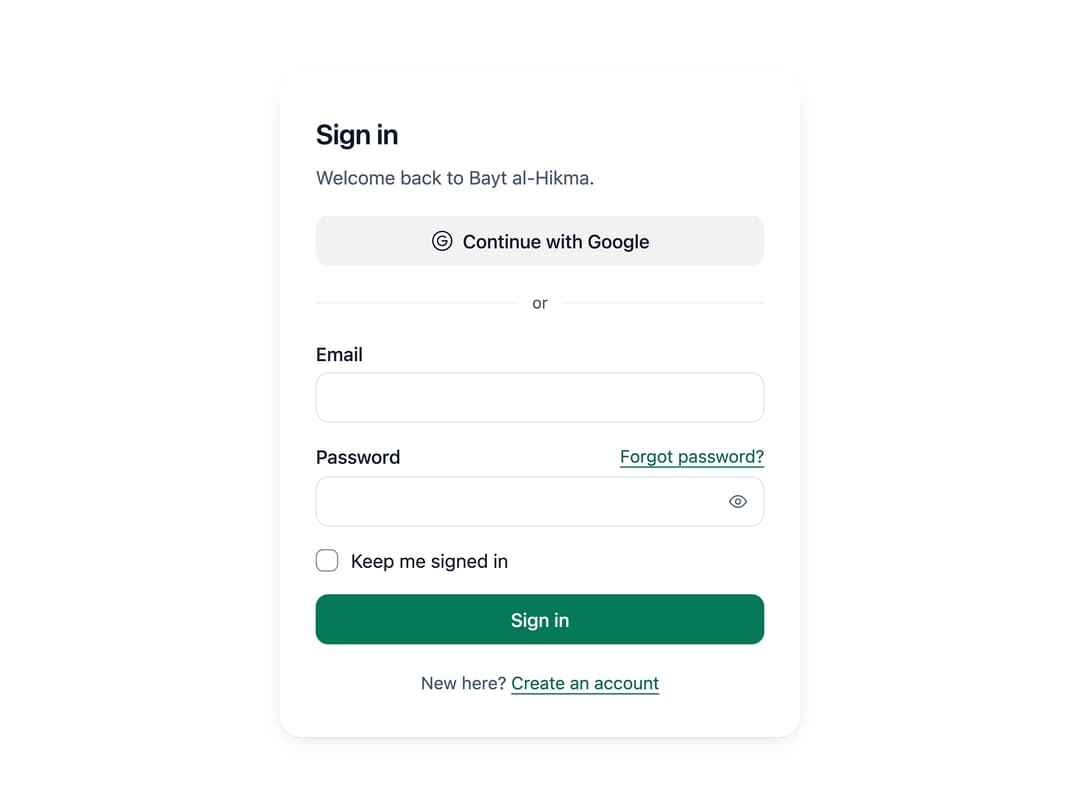
A self-contained sign-in form card with email/password fields, a "keep me signed in" checkbox, social provider buttons, inline field validation and server-error handling.
Built with React and Tailwind. Copy the prompt and paste it into Claude Code, Cursor or Lovable: your agent adds Sign In Auth Card to your project and fits it to your theme.
Code
How Sign In Auth Card is used: the demo's code. The component's own source comes with a free account.
Usage.tsx
"use client";

import SignIn from "@/components/ui/sign-in";
import { GoogleIcon } from "@hugeicons/core-free-icons";

export default function SignInDemo() {
  // Stands in for your API. The demo password is "astrolabe"; anything else is refused with a code.
  async function signIn({
    password,
  }: {
    email: string;
    password: string;
    remember: boolean;
  }) {
    await new Promise((r) => setTimeout(r, 800));
    if (password !== "astrolabe")
      throw Object.assign(new Error(), { code: "invalid_credentials" });
  }

  return (
    <div className="flex min-h-screen w-full items-center justify-center bg-[var(--ui-bg)] p-6">
      <SignIn
        onsubmit={signIn}
        providers={[{ id: "google", label: "Google", icon: GoogleIcon }]}
        onprovider={(id) => window.alert(`This would go to ${id} to sign in.`)}
        forgotHref="#forgot"
        signUpHref="#sign-up"
        description="Welcome back to Bayt al-Hikma."
      />
    </div>
  );
}
Dependencies
More by ebnsina
View all
Countdown Timer
19
Video Player
15
Alarm Clock
14
Voice Note
12
Split Button
10
Sortable List
9
Stopwatch
5
Code Block
4
More in Sign-in
View all

Modern & Stunning sign in
1.5K
SignInPage
620
Sign In
95
Clean & Minimal sign in
614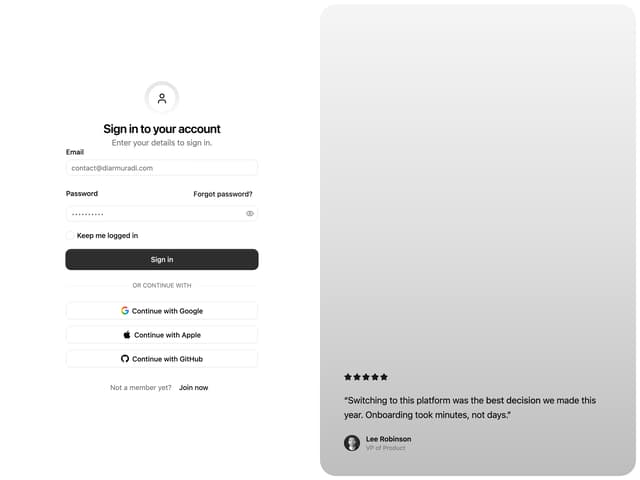

Split Sign In Form
11

Sign In Form
200
Modern Animated Sign In
1.1K

Login 2
7


