About
Built with React and Tailwind. Copy the prompt and paste it into Claude Code, Cursor or Lovable: your agent adds Dia Text to your project and fits it to your theme.
Code
How Dia Text is used: the demo's code. The component's own source comes with a free account.
Usage.tsx
"use client";

import { DiaText } from "@/components/ui/dia-text";

export function HeroHeadline() {
  return (
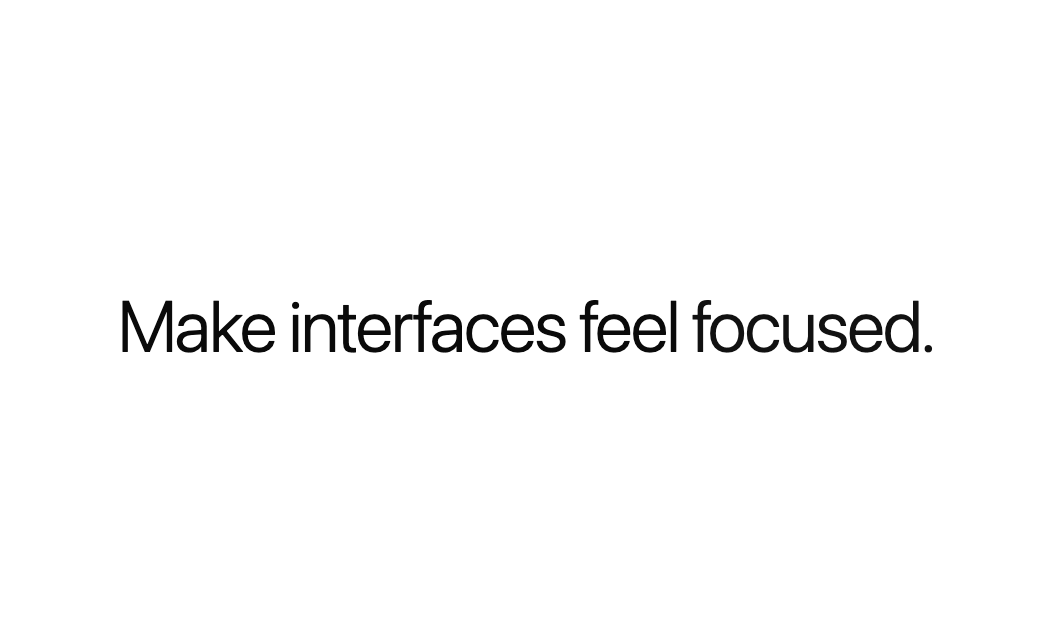
    <p className="font-light text-4xl tracking-tight">
      Make interfaces feel{" "}
      <DiaText
        repeat
        repeatDelay={1.1}
        text={["smooth.", "focused.", "refined."]}
      />
    </p>
  );
}

export default HeroHeadline
Dependencies
More by Edwin Vakayil
View all
Origin Button
782
Infinite Ribbon
538
Shimmer Text
413
Icon Bar
245
FAQ Pro
228
Verified Badge
213
New Card
184
Theme Toggle
113
More in Text
View all

Vertical Cut Reveal Characters
108

Rainbow Text Effect
47

NeonRGBTextEffect
144
Motion Blur Text
37

Shine Border
964
Vapour Text Effect
2K

Text Skeleton
13
Apple Hello Effect
615

