
About
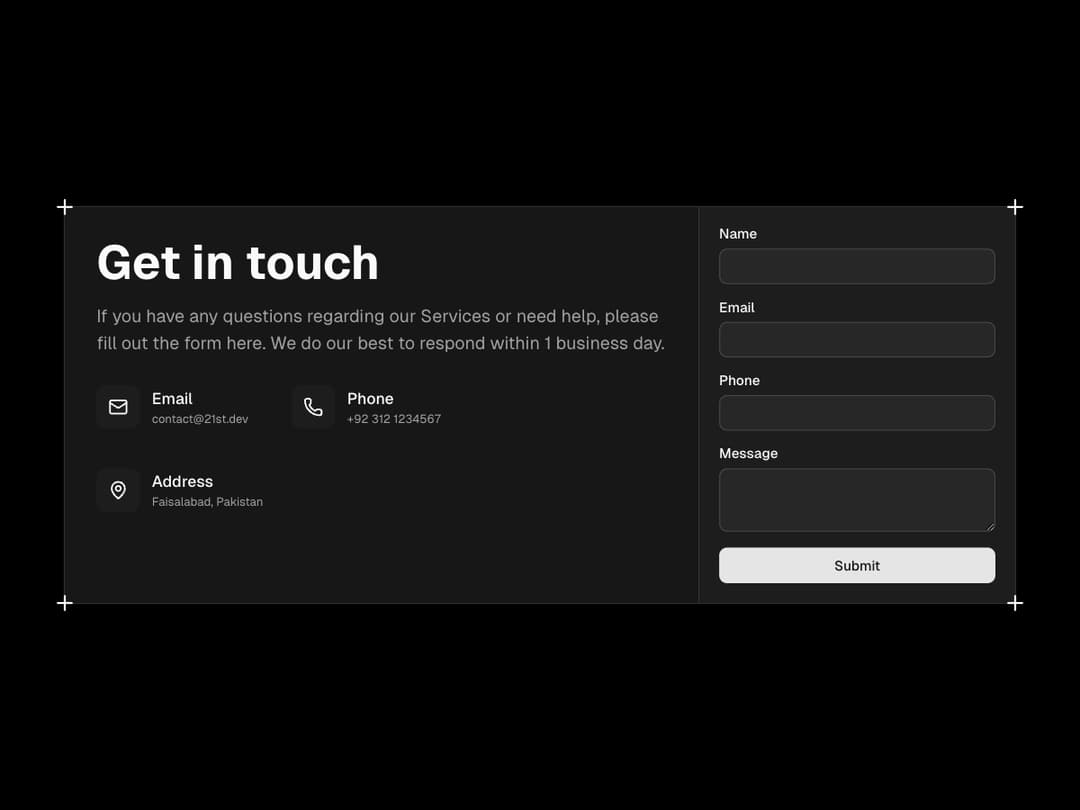
A modern contact card with a clean layout, combining details, icons, and a form section. Perfect for displaying your contact info alongside an inquiry form in one stylish block.
Built with React and Tailwind. Copy the prompt and paste it into Claude Code, Cursor or Lovable: your agent adds Contact Card to your project and fits it to your theme.
Code
How Contact Card is used: the demo's code. The component's own source comes with a free account.
Usage.tsx
import { ContactCard } from "@/components/ui/contact-card";
import { MailIcon, PhoneIcon, MapPinIcon } from 'lucide-react';
import { Input } from '@/components/ui/input';
import { Button } from '@/components/ui/button';
import { Label } from '@/components/ui/label';
import { Textarea } from '@/components/ui/textarea';

export default function DefaultDemo() {
	return (
		<main className="relative flex size-full min-h-screen w-full items-center justify-center p-4">
			<div className="mx-auto max-w-5xl">
				<ContactCard
					title="Get in touch"
					description="If you have any questions regarding our Services or need help, please fill out the form here. We do our best to respond within 1 business day."
					contactInfo={[
						{
							icon: MailIcon,
							label: 'Email',
							value: 'contact@21st.dev',
						},
						{
							icon: PhoneIcon,
							label: 'Phone',
							value: '+92 312 1234567',
						},
						{
							icon: MapPinIcon,
							label: 'Address',
							value: 'Faisalabad, Pakistan',
							className: 'col-span-2',
						}
					]}
				>
					<form action="" className="w-full space-y-4">
						<div className="flex flex-col gap-2">
							<Label>Name</Label>
							<Input type="text" />
						</div>
						<div className="flex flex-col gap-2">
							<Label>Email</Label>
							<Input type="email" />
						</div>
						<div className="flex flex-col gap-2">
							<Label>Phone</Label>
							<Input type="phone" />
						</div>
						<div className="flex flex-col gap-2">
							<Label>Message</Label>
							<Textarea  />
						</div>
						<Button className="w-full" type="button">
							Submit
						</Button>
					</form>
				</ContactCard>
			</div>
		</main>
	);
}
Dependencies
More in Cards
View all

Statistics Card 7
294

Course Design Cards
1.1K
Statistics Card 2
267

Card
17
Stats cards with links
122

Card Studio
14
The Item one
3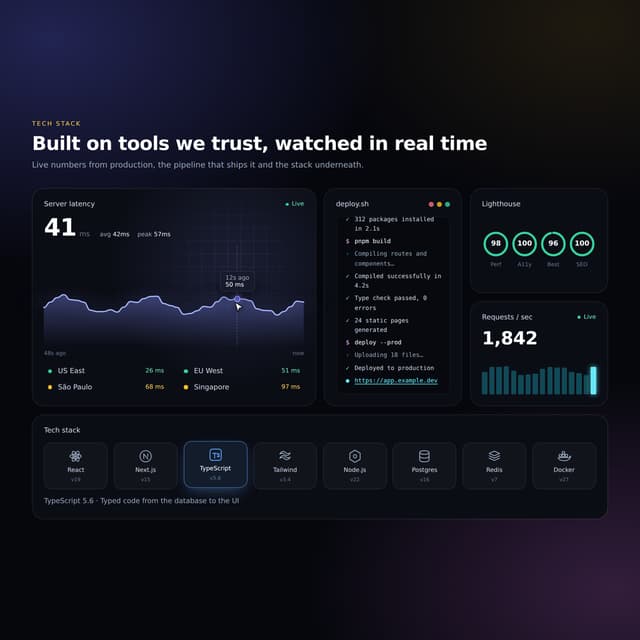

Interactive Tech Stack Bento Grid with Hover Effects
20
