
About
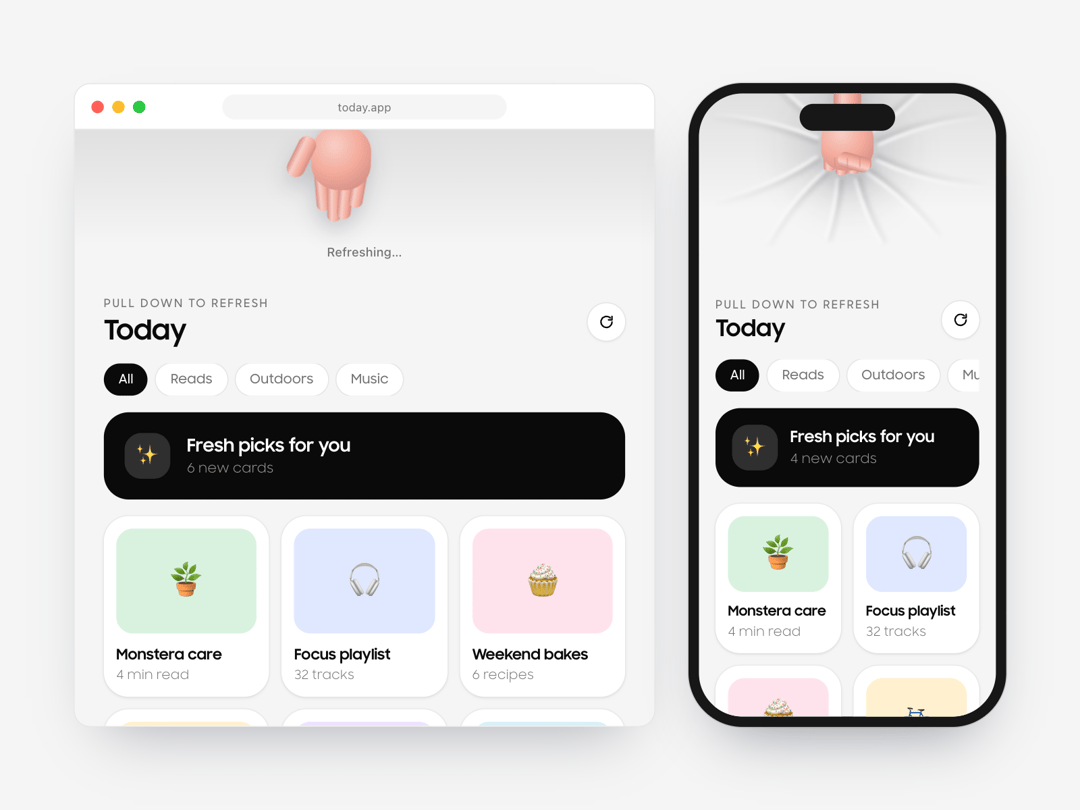
Pull to refresh with a twist: a hand reaches down from the top, swings while your data loads, then grabs the page like a bed sheet and yanks it back up. Works with touch, mouse drag, wheel and a ref call. No dependencies.
Built with React and Tailwind. Copy the prompt and paste it into Claude Code, Cursor or Lovable: your agent adds Hand Pull Refresh to your project and fits it to your theme.
Code
How Hand Pull Refresh is used: the demo's code. The component's own source comes with a free account.
Usage.tsx
import * as React from "react";
import { HandPullRefresh, type HandPullRefreshHandle } from "@/components/ui/hand-pull-refresh";

const FONT = '"Samsung Sharp Sans", "Outfit", ui-sans-serif, system-ui, sans-serif';

const PICKS = [
  { emoji: "🪴", title: "Monstera care", meta: "4 min read", tint: "#d9f2df" },
  { emoji: "🎧", title: "Focus playlist", meta: "32 tracks", tint: "#dfe8ff" },
  { emoji: "🧁", title: "Weekend bakes", meta: "6 recipes", tint: "#ffe3ec" },
  { emoji: "🚲", title: "City loop", meta: "18 km ride", tint: "#fff0cf" },
  { emoji: "📚", title: "Short reads", meta: "5 stories", tint: "#ece2ff" },
  { emoji: "🏔️", title: "Ridge trail", meta: "3 h hike", tint: "#d8f1f6" },
  { emoji: "🎨", title: "Color study", meta: "12 palettes", tint: "#ffe6d6" },
  { emoji: "☕", title: "Slow mornings", meta: "7 min read", tint: "#efe6da" },
];

const HEADLINES = ["Fresh picks for you", "New this morning", "Just dropped"];

function Feed({ tick, wide, onRefreshClick }: { tick: number; wide?: boolean; onRefreshClick: () => void }) {
  const items = PICKS.map((_, i) => PICKS[(i + tick * 3) % PICKS.length]).slice(0, wide ? 6 : 4);
  return (
    <div className={wide ? "px-7 pb-8 pt-6" : "px-4 pb-8 pt-12"} style={{ fontFamily: FONT }}>
      <div className="flex items-center gap-3">
        <div>
          <p className="text-[11px] font-medium uppercase tracking-[0.14em] text-muted-foreground">
            {tick === 0 ? "Pull down to refresh" : `Updated just now · ${tick}×`}
          </p>
          <h2 className={wide ? "text-[26px] font-semibold leading-tight" : "text-[22px] font-semibold leading-tight"}>Today</h2>
        </div>
        <button
          type="button"
          onClick={onRefreshClick}
          aria-label="Refresh"
          className="ml-auto grid h-9 w-9 place-items-center rounded-full bg-background text-foreground shadow-sm ring-1 ring-border transition-transform active:scale-90"
        >
          <svg viewBox="0 0 24 24" className="h-4 w-4" fill="none" stroke="currentColor" strokeWidth="2.2" strokeLinecap="round" strokeLinejoin="round" aria-hidden>
            <path d="M20 12a8 8 0 1 1-2.6-5.9M20 4v5h-5" />
          </svg>
        </button>
      </div>

      <div className="mt-4 flex gap-2 overflow-hidden text-[12.5px] font-medium">
        {["All", "Reads", "Outdoors", "Music"].map((chip, i) => (
          <span
            key={chip}
            className={
              i === 0
                ? "rounded-full bg-foreground px-3.5 py-1.5 text-background"
                : "rounded-full bg-background px-3.5 py-1.5 text-muted-foreground ring-1 ring-border"
            }
          >
            {chip}
          </span>
        ))}
      </div>

      <div className={wide ? "mt-4 flex items-center gap-4 rounded-3xl bg-foreground p-5 text-background" : "mt-4 flex items-center gap-3 rounded-3xl bg-foreground p-4 text-background"}>
        <span className="grid h-11 w-11 shrink-0 place-items-center rounded-2xl bg-background/15 text-[22px]">✨</span>
        <div className="min-w-0">
          <p className={wide ? "truncate text-[17px] font-semibold" : "truncate text-[15px] font-semibold"}>
            {HEADLINES[tick % HEADLINES.length]}
          </p>
          <p className="truncate text-[12.5px] opacity-60">{items.length} new cards</p>
        </div>
      </div>

      <div className={wide ? "mt-4 grid grid-cols-3 gap-3" : "mt-4 grid grid-cols-2 gap-3"}>
        {items.map((item) => (
          <div key={item.title} className="rounded-3xl bg-background p-3 shadow-sm ring-1 ring-border/60">
            <div className="grid aspect-[4/3] place-items-center rounded-2xl text-[34px]" style={{ background: item.tint }}>
              {item.emoji}
            </div>
            <p className={wide ? "mt-2.5 truncate text-[14px] font-semibold" : "mt-2.5 truncate text-[13px] font-semibold"}>
              {item.title}
            </p>
            <p className="text-[12px] text-muted-foreground">{item.meta}</p>
          </div>
        ))}
      </div>
    </div>
  );
}

export default function DemoDefault() {
  const phone = React.useRef<HandPullRefreshHandle>(null);
  const web = React.useRef<HandPullRefreshHandle>(null);
  const [ticks, setTicks] = React.useState({ phone: 0, web: 0 });
  const touched = React.useRef(false);

  // Plays the animation on its own until someone interacts with the demo.
  React.useEffect(() => {
    let turn = 0;
    const play = () => {
      if (touched.current) return;
      (turn++ % 2 === 0 ? phone : web).current?.refresh();
    };
    const first = window.setTimeout(play, 1100);
    const loop = window.setInterval(play, 5200);
    return () => {
      window.clearTimeout(first);
      window.clearInterval(loop);
    };
  }, []);

  const load = (key: "phone" | "web") => () =>
    new Promise<void>((done) =>
      window.setTimeout(() => {
        setTicks((t) => ({ ...t, [key]: t[key] + 1 }));
        done();
      }, 900),
    );
  const stop = () => {
    touched.current = true;
  };

  return (
    <div
      className="flex min-h-[720px] w-full flex-wrap items-center justify-center gap-8 bg-background p-6"
      onPointerDownCapture={stop}
      onWheelCapture={stop}
      onTouchStartCapture={stop}
    >
      {/* web */}
      <div className="hidden h-[620px] w-[560px] flex-col overflow-hidden rounded-2xl border border-border bg-background shadow-[0_30px_60px_-30px_rgba(15,23,42,.35)] min-[980px]:flex">
        <div className="flex h-11 shrink-0 items-center gap-2 border-b border-border px-4">
          <span className="h-3 w-3 rounded-full bg-[#ff5f57]" />
          <span className="h-3 w-3 rounded-full bg-[#febc2e]" />
          <span className="h-3 w-3 rounded-full bg-[#28c840]" />
          <span className="mx-auto h-6 w-[52%] rounded-full bg-muted text-center text-[11px] leading-6 text-muted-foreground">
            today.app
          </span>
          <span className="w-[52px]" />
        </div>
        <div className="min-h-0 flex-1">
          <HandPullRefresh ref={web} onRefresh={load("web")} handSize={84}>
            <Feed tick={ticks.web} wide onRefreshClick={() => web.current?.refresh()} />
          </HandPullRefresh>
        </div>
      </div>

      {/* mobile */}
      <div className="relative h-[620px] w-[306px] shrink-0 rounded-[52px] bg-neutral-900 p-[10px] shadow-[0_30px_60px_-30px_rgba(15,23,42,.5)] ring-1 ring-border">
        <div className="relative h-full w-full overflow-hidden rounded-[42px]">
          <HandPullRefresh ref={phone} onRefresh={load("phone")}>
            <Feed tick={ticks.phone} onRefreshClick={() => phone.current?.refresh()} />
          </HandPullRefresh>
          <span className="pointer-events-none absolute left-1/2 top-2.5 z-10 h-[26px] w-[92px] -translate-x-1/2 rounded-full bg-neutral-900" />
        </div>
      </div>
    </div>
  );
}
More by Emirhan Albayrak
View all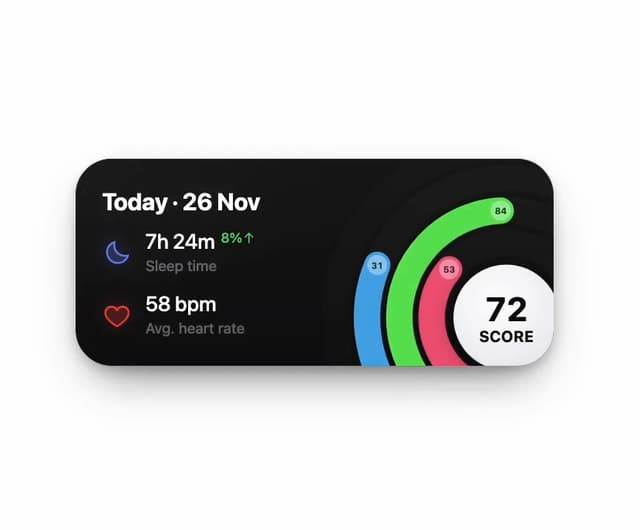
Vitals Widget
11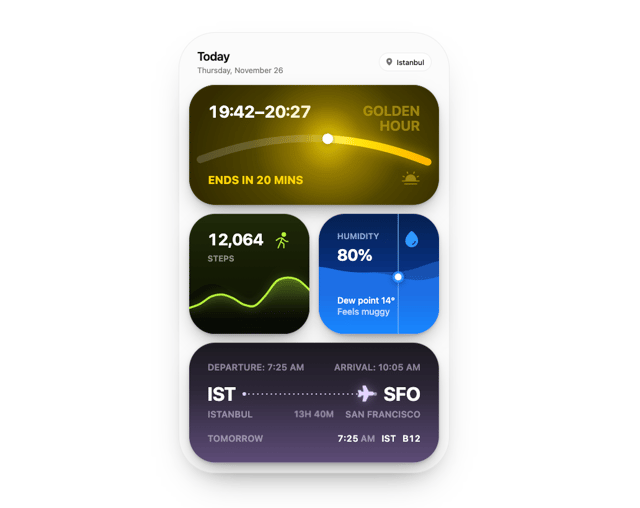
Glow Widgets
6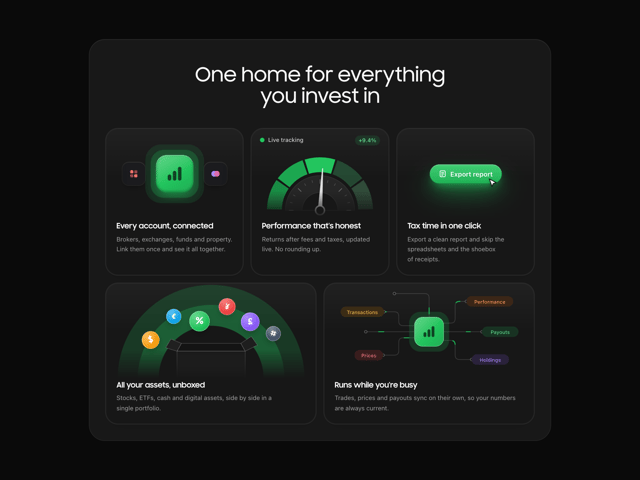
Animated Bento Features
6
Coin Rack Selector
4
Storage Folder Card
1
Coin Plan Picker