"use client";

import {
  ChatContainerContent,
  ChatContainerRoot,
  ChatContainerScrollAnchor,
} from "@/components/ui/chat-container";

const messages = [
  {
    id: 1,
    role: "user",
    content: "Hello! Can you help me with a coding question?",
  },
  {
    id: 2,
    role: "assistant",
    content:
      "Of course! I'd be happy to help with your coding question. What would you like to know?",
  },
  {
    id: 3,
    role: "user",
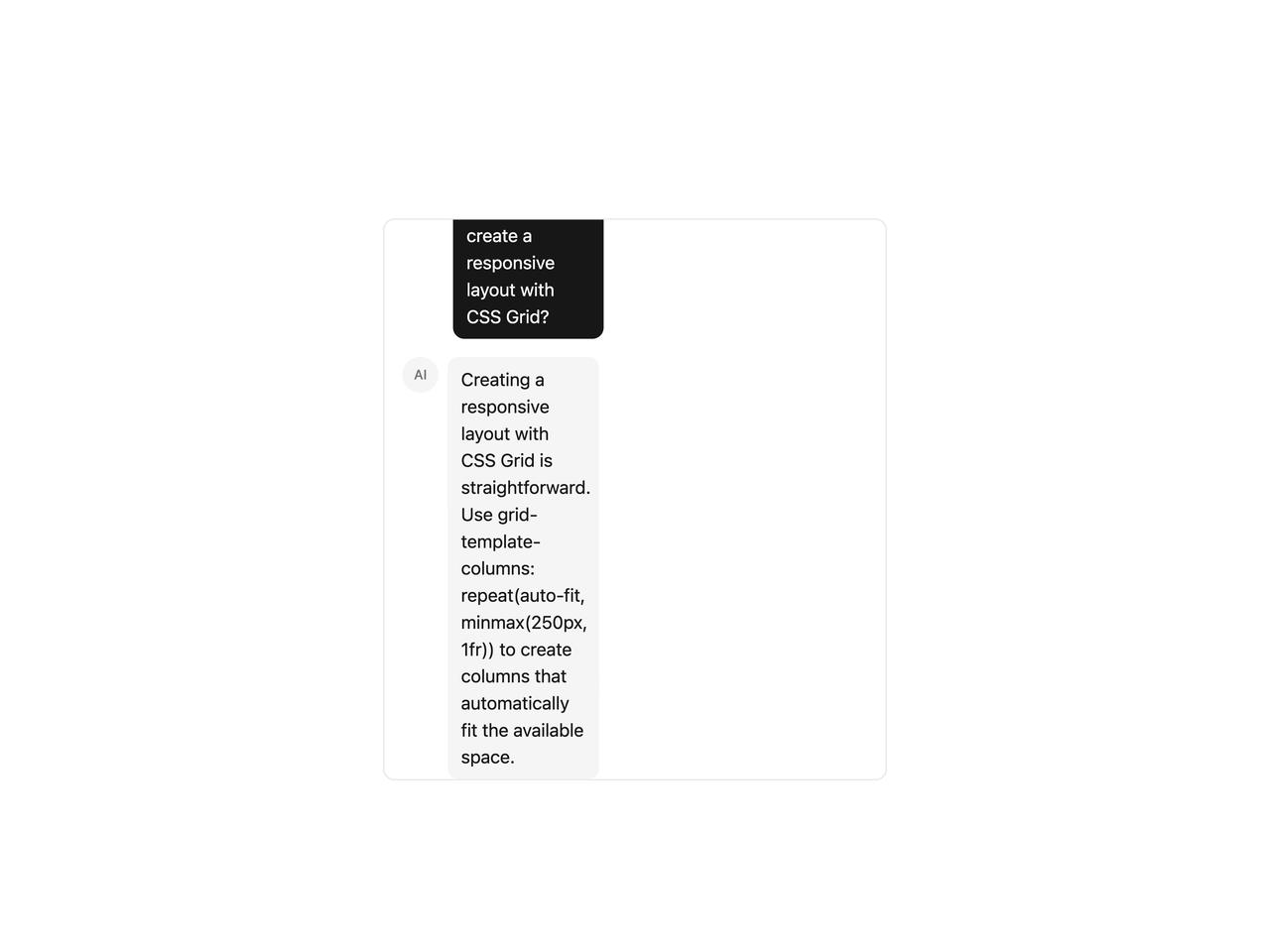
    content: "How do I create a responsive layout with CSS Grid?",
  },
  {
    id: 4,
    role: "assistant",
    content:
      "Creating a responsive layout with CSS Grid is straightforward. Use grid-template-columns: repeat(auto-fit, minmax(250px, 1fr)) to create columns that automatically fit the available space.",
  },
];

export default function ChatContainerDemo() {
  return (
    <div className="relative flex h-[500px] w-full max-w-md flex-col overflow-hidden rounded-lg border">
      <ChatContainerRoot className="flex-1">
        <ChatContainerContent className="space-y-4 p-4">
          {messages.map((message) =>
            message.role === "user" ? (
              <div key={message.id} className="flex justify-end">
                <div className="max-w-[75%] rounded-lg bg-primary px-3 py-2 text-primary-foreground">
                  {message.content}
                </div>
              </div>
            ) : (
              <div key={message.id} className="flex items-start gap-2">
                <div className="flex size-8 shrink-0 items-center justify-center rounded-full bg-muted text-xs font-medium text-muted-foreground">
                  AI
                </div>
                <div className="max-w-[75%] rounded-lg bg-secondary px-3 py-2 text-secondary-foreground">
                  {message.content}
                </div>
              </div>
            ),
          )}
        </ChatContainerContent>
        <ChatContainerScrollAnchor />
      </ChatContainerRoot>
    </div>
  );
}