
About
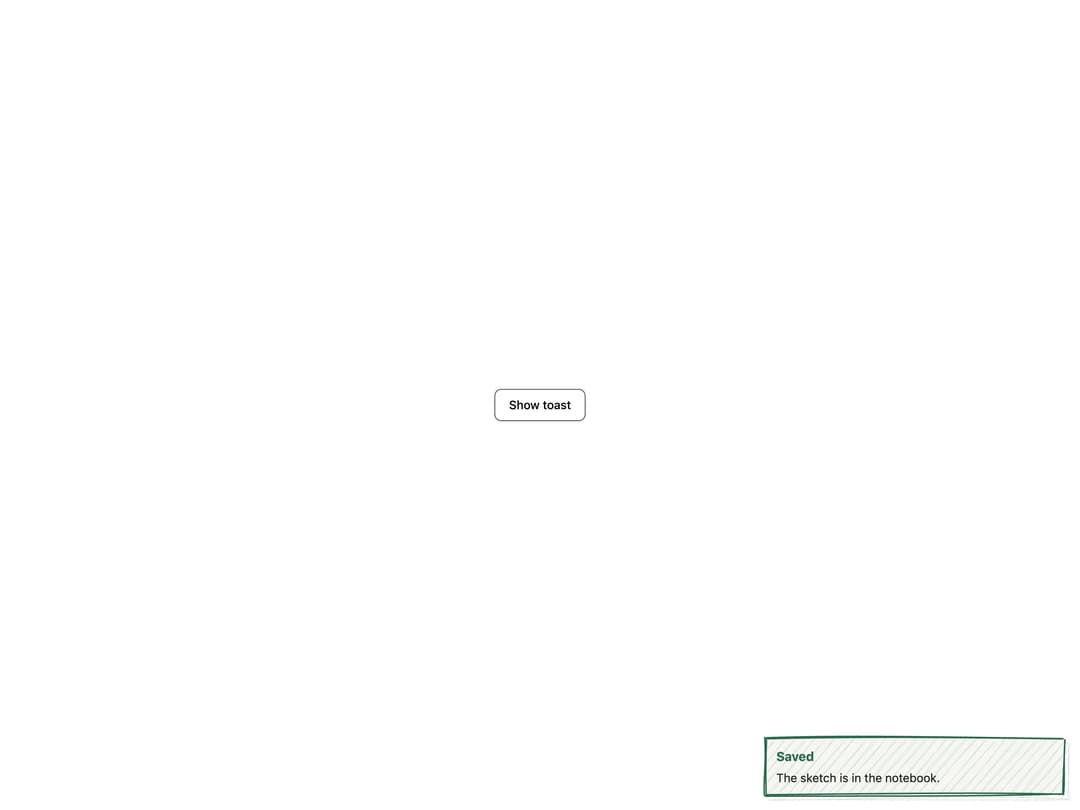
A transient hand-drawn notification card that slides in with a sketchy settle wobble, built on Radix Toast for stacking, auto-dismiss, and an accessible live region.
Built with React and Tailwind. Copy the prompt and paste it into Claude Code, Cursor or Lovable: your agent adds Sketch Toast to your project and fits it to your theme.
Code
How Sketch Toast is used: the demo's code. The component's own source comes with a free account.
Usage.tsx
"use client";

import Toast, { ToastProvider } from "@/components/ui/toast";
import { useState } from "react";

export default function ToastDemo() {
  const [open, setOpen] = useState(false);

  return (
    <ToastProvider>
      <div className="flex min-h-[200px] w-full items-center justify-center bg-background p-10 text-foreground">
        <button
          onClick={() => setOpen(true)}
          className="rounded-md border border-foreground/70 bg-background px-4 py-2 text-sm font-medium text-foreground shadow-sm transition hover:bg-muted"
        >
          Show toast
        </button>
        <Toast
          open={open}
          onOpenChange={setOpen}
          variant="success"
          title="Saved"
        >
          The sketch is in the notebook.
        </Toast>
      </div>
    </ToastProvider>
  );
}
Dependencies
More by kanchanasw
View all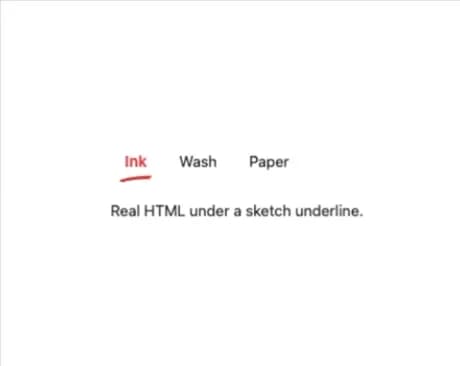
Sketch Tabs
98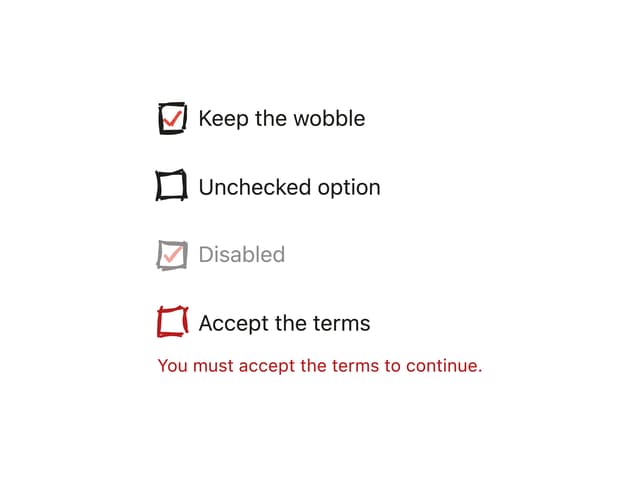
Hand-Drawn Checkbox
57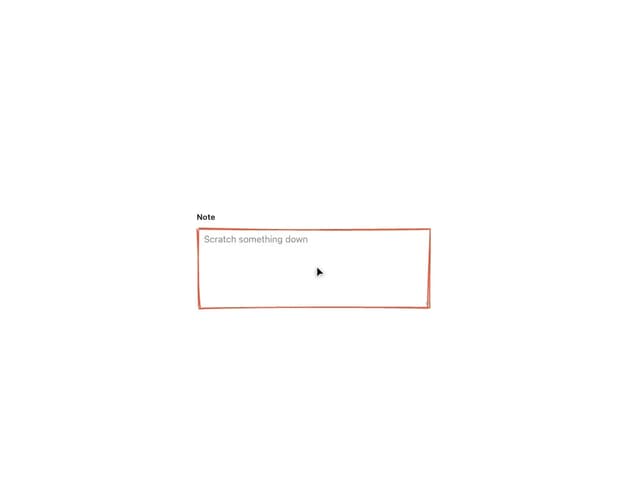
Sketch Textarea
42
Sketch Hover Card
33
Sketch Button
22
Pagination
6
Radial Menu
3
Sketch Prompt Input
2