
About
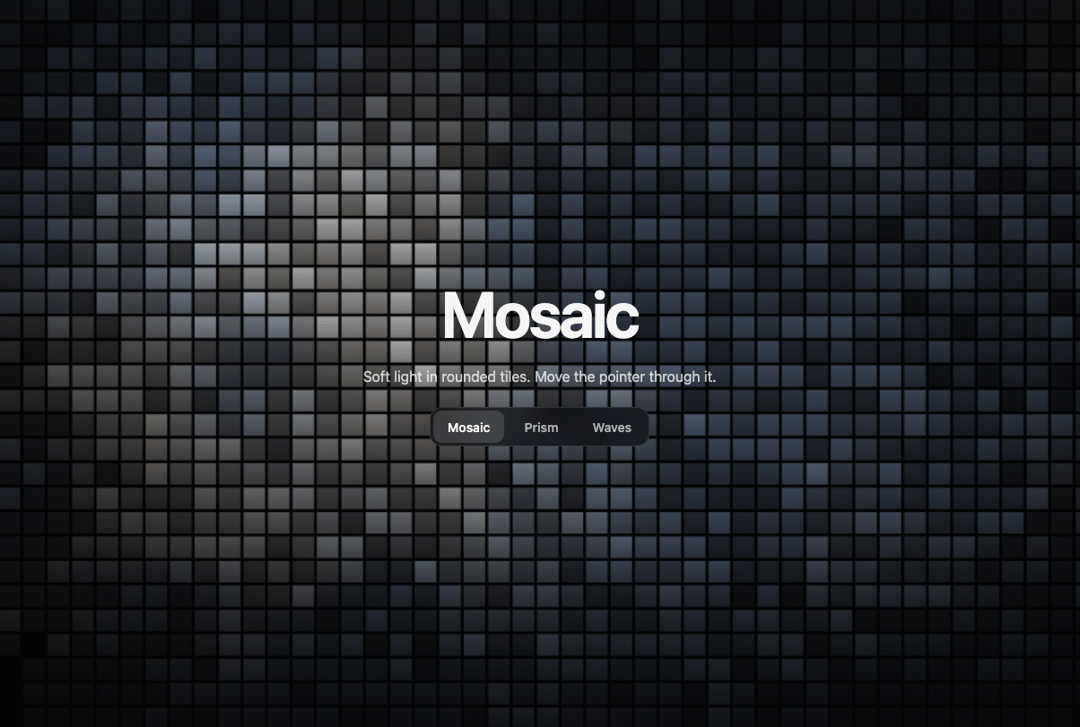
Animated WebGL shader background with three scenes in one fragment shader: soft light quantised into rounded mosaic tiles, spectral prism facets on slate, and silk waves on plum. Switching scenes re-tiles the sky cell by cell instead of fading, a light follows the pointer, and a CSS gradient stands in without WebGL. No dependencies.
Built with React and Tailwind. Copy the prompt and paste it into Claude Code, Cursor or Lovable: your agent adds Animated WebGL Shader Background to your project and fits it to your theme.
Code
How Animated WebGL Shader Background is used: the demo's code. The component's own source comes with a free account.
Usage.tsx
"use client"

import * as React from "react"
import MosaicShaderBackground from "@/components/ui/mosaic-shader-background"

const SCENES = [
  { id: "mosaic", label: "Mosaic", note: "Soft light in rounded tiles. Move the pointer through it." },
  { id: "prism", label: "Prism", note: "Spectral facets sweeping across slate." },
  { id: "waves", label: "Waves", note: "Silk ribbons drifting over plum." },
] as const

export default function Demo() {
  const [i, setI] = React.useState(0)
  return (
    <MosaicShaderBackground scene={SCENES[i].id}>
      <div style={{ height: "100%", display: "flex", flexDirection: "column", alignItems: "center", justifyContent: "center", gap: 22, padding: 24, textAlign: "center" }}>
        <h1 style={{ fontSize: "clamp(34px,6vw,72px)", fontWeight: 650, letterSpacing: "-0.035em", lineHeight: 1, margin: 0 }}>
          {SCENES[i].label}
        </h1>
        <p style={{ margin: 0, color: "rgba(255,255,255,.75)", fontSize: 16 }}>{SCENES[i].note}</p>
        <div style={{ display: "flex", gap: 6, padding: 4, borderRadius: 14, background: "rgba(10,10,14,.55)", boxShadow: "inset 0 0 0 1px rgba(255,255,255,.12)", backdropFilter: "blur(14px)" }}>
          {SCENES.map((s, j) => (
            <button
              key={s.id}
              type="button"
              onClick={() => setI(j)}
              aria-pressed={i === j}
              style={{
                height: 36,
                padding: "0 16px",
                border: 0,
                borderRadius: 10,
                font: "inherit",
                fontSize: 14,
                fontWeight: 550,
                cursor: "pointer",
                color: i === j ? "#fff" : "rgba(255,255,255,.65)",
                background: i === j ? "rgba(255,255,255,.14)" : "transparent",
              }}
            >
              {s.label}
            </button>
          ))}
        </div>
      </div>
    </MosaicShaderBackground>
  )
}
More by Kedhareswer Naidu
View all

Glassmorphism Folder Cards
3.1K
GitHub Contribution Graph 3D Heatmap
1.8K
Morph Gallery
1.5K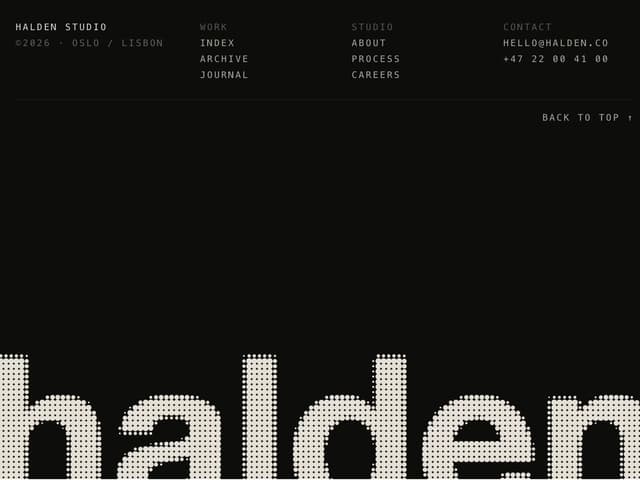
Halftone Wordmark Footer
1.4K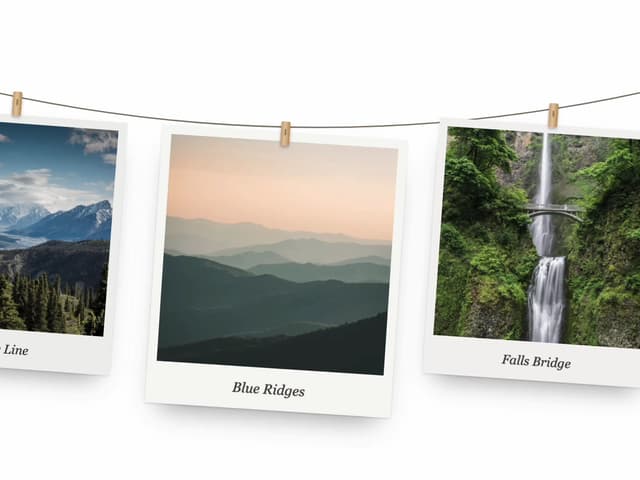
Hanging Polaroid Image Carousel
857
Glass Cards
738
Tiger Tear Reveal
663
Particle Animation
653
More in Shaders
View all
Glass Fold
257

Shader Animation
3.7K

Phosphor 30
290

Paper design shader Background
679
Shader Background
2K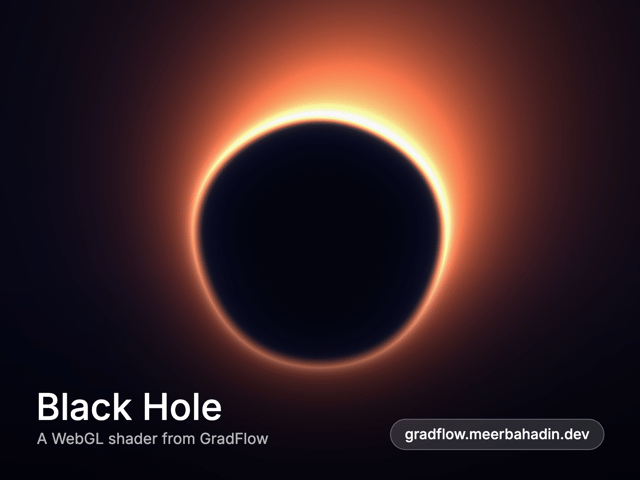
Black Hole
24
Liquid Glass Logo Reveal
312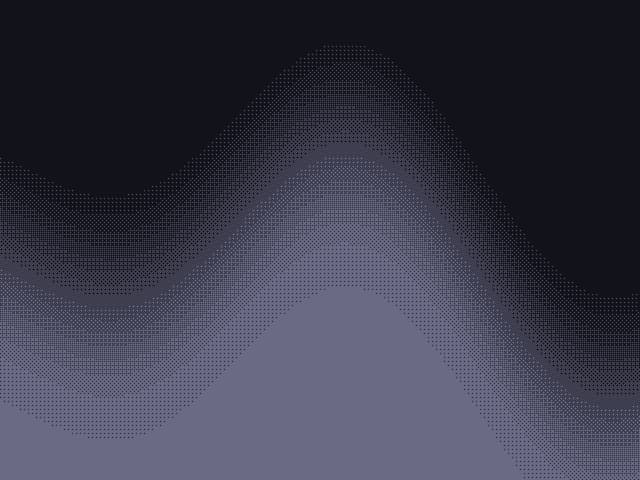
Shader Dithering
34


