
About
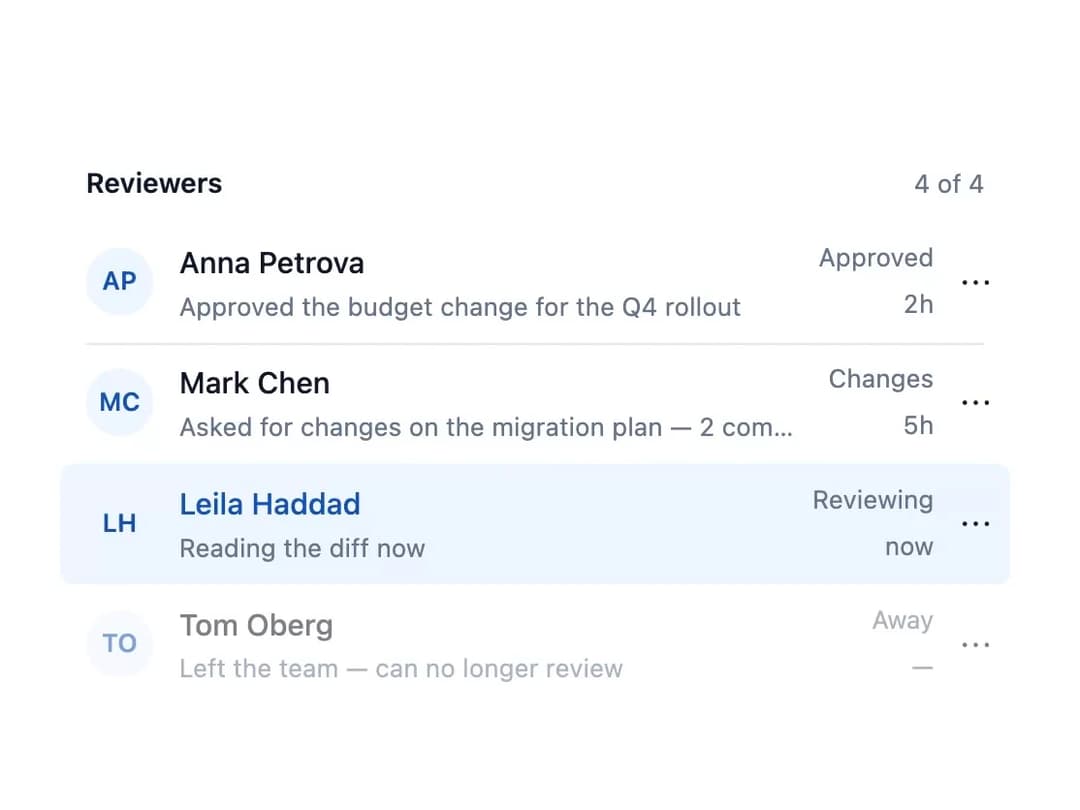
A list of rows with an optional heading, each row carrying a leading icon or avatar, a title with description, trailing meta, and actions, with built-in link/button/plain row semantics and a 'Show more' pagination footer.
Built with React and Tailwind. Copy the prompt and paste it into Claude Code, Cursor or Lovable: your agent adds List to your project and fits it to your theme.
Code
How List is used: the demo's code. The component's own source comes with a free account.
Usage.tsx
"use client";

import List, { ListItem } from "@/components/ui/list";

const reviewers = [
  {
    name: "Anna Petrova",
    line: "Approved the budget change for the Q4 rollout",
    word: "Approved",
    when: "2h",
  },
  {
    name: "Mark Chen",
    line: "Asked for changes on the migration plan — 2 comments",
    word: "Changes",
    when: "5h",
  },
  {
    name: "Leila Haddad",
    line: "Reading the diff now",
    word: "Reviewing",
    when: "now",
    current: true,
  },
  {
    name: "Tom Oberg",
    line: "Left the team — can no longer review",
    word: "Away",
    when: "—",
    disabled: true,
  },
];

function Initials({ name }: { name: string }) {
  const initials = name
    .split(" ")
    .map((part) => part[0])
    .join("")
    .slice(0, 2);
  return (
    <div
      style={{
        display: "flex",
        alignItems: "center",
        justifyContent: "center",
        width: 32,
        height: 32,
        borderRadius: "9999px",
        background: "#eef6ff",
        color: "#1852b0",
        fontSize: 12,
        fontWeight: 600,
      }}
    >
      {initials}
    </div>
  );
}

export default function ListDemo() {
  return (
    <div
      style={{
        width: "100%",
        maxWidth: 480,
        background: "var(--ggarry-bg-surface)",
        color: "var(--ggarry-text-default)",
        padding: 16,
      }}
    >
      <List
        label="Reviewers"
        count={`${reviewers.length} of ${reviewers.length}`}
      >
        {reviewers.map((who) => (
          <ListItem
            key={who.name}
            title={who.name}
            description={who.line}
            href="#"
            current={who.current}
            disabled={who.disabled}
            leading={<Initials name={who.name} />}
            meta={
              <>
                <span>{who.word}</span>
                <span>{who.when}</span>
              </>
            }
            actions={
              <button type="button" aria-label={`More for ${who.name}`}>
                ⋯
              </button>
            }
          />
        ))}
      </List>
    </div>
  );
}