
About
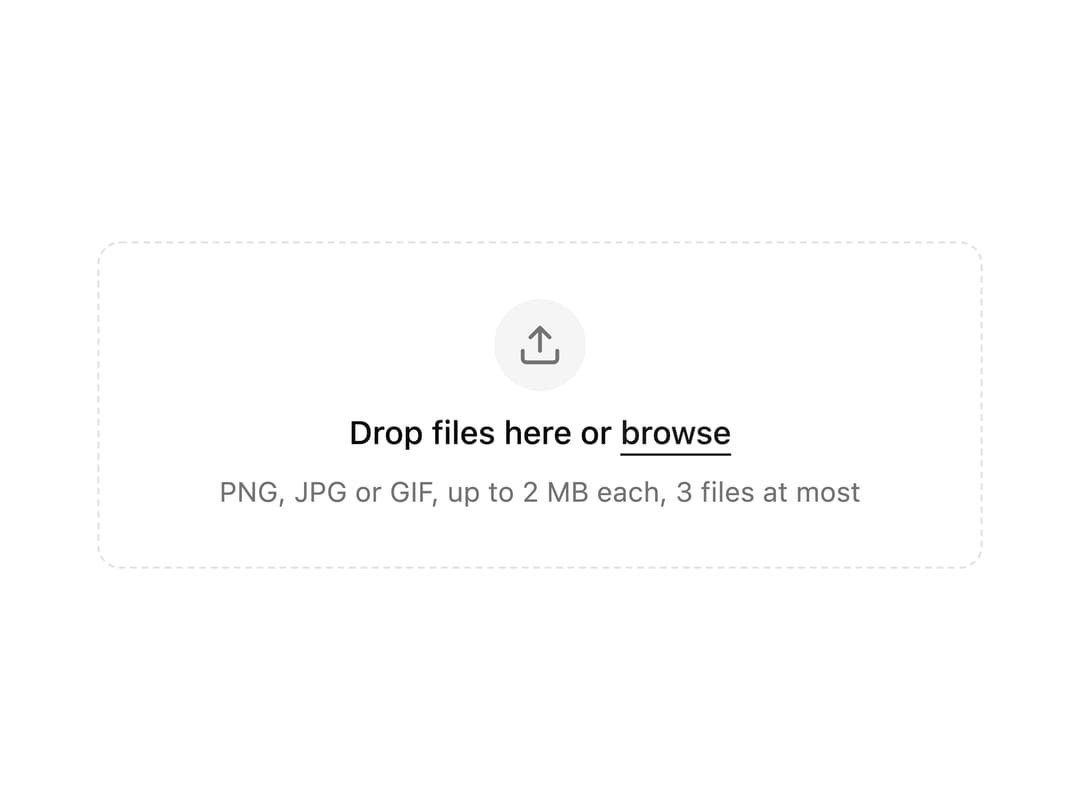
A drag-and-drop file upload area built on a native file input, with validation for file type, size and count, and a list of chosen files with remove buttons.
Built with React and Tailwind. Copy the prompt and paste it into Claude Code, Cursor or Lovable: your agent adds Dropzone to your project and fits it to your theme.
Code
How Dropzone is used: the demo's code. The component's own source comes with a free account.
Usage.tsx
"use client";

import { Dropzone } from "@/components/ui/dropzone";
import { useState } from "react";

export default function DropzoneDemo() {
  const [files, setFiles] = useState<File[]>([]);

  return (
    <div className="flex w-full max-w-sm items-center justify-center">
      <Dropzone
        accept="image/*"
        multiple
        maxFiles={3}
        maxSize={2_000_000}
        labels={{ hint: "PNG, JPG or GIF, up to 2 MB each, 3 files at most" }}
        files={files}
        onFilesChange={setFiles}
        className="w-full"
      />
    </div>
  );
}
Dependencies
More by kevingirelli
View all
Aurora
54
Warp Gradient
48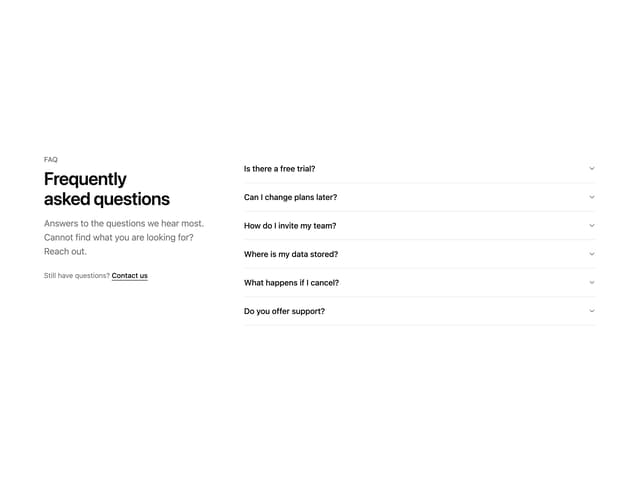
FAQ Section
46
QR Code
46
Wave Text
37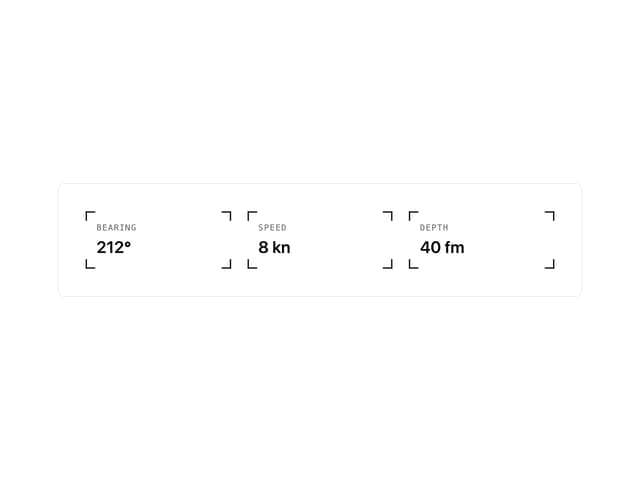
Corner Frame
36
Animated Border
32
Spotlight
23