
About
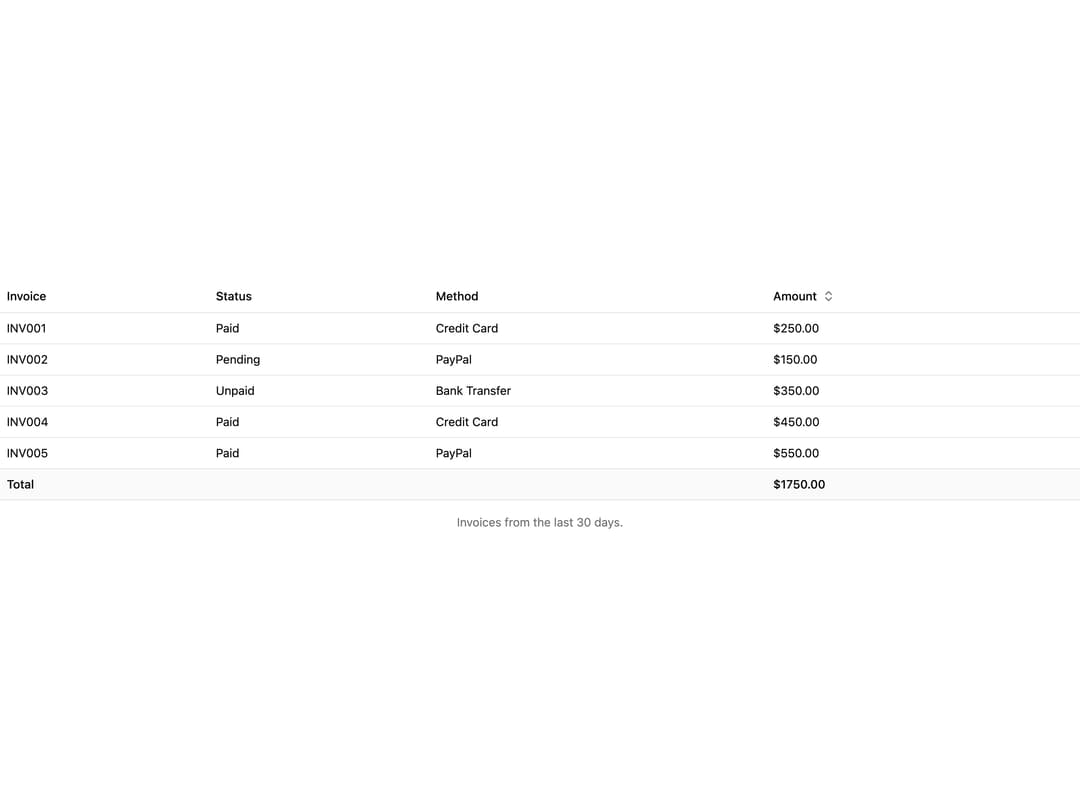
A data table built on native HTML table elements with a scrollable region, selectable rows, and sortable column headers.
Built with React and Tailwind. Copy the prompt and paste it into Claude Code, Cursor or Lovable: your agent adds Table to your project and fits it to your theme.
Code
How Table is used: the demo's code. The component's own source comes with a free account.
Usage.tsx
import {
  Table,
  TableBody,
  TableCaption,
  TableCell,
  TableFooter,
  TableHead,
  TableHeader,
  TableRow,
  TableSortButton,
} from "@/components/ui/table";
import * as React from "react";

const invoices = [
  { invoice: "INV001", status: "Paid", method: "Credit Card", amount: 250.0 },
  { invoice: "INV002", status: "Pending", method: "PayPal", amount: 150.0 },
  {
    invoice: "INV003",
    status: "Unpaid",
    method: "Bank Transfer",
    amount: 350.0,
  },
  { invoice: "INV004", status: "Paid", method: "Credit Card", amount: 450.0 },
  { invoice: "INV005", status: "Paid", method: "PayPal", amount: 550.0 },
];

export default function TableDemo() {
  const [sort, setSort] = React.useState(false);

  const rows = [...invoices].sort((a, b) => {
    if (!sort) return 0;
    return sort === "asc" ? a.amount - b.amount : b.amount - a.amount;
  });

  const total = invoices.reduce((sum, invoice) => sum + invoice.amount, 0);

  return (
    <Table scrollLabel="Invoices">
      <TableCaption>Invoices from the last 30 days.</TableCaption>
      <TableHeader>
        <TableRow>
          <TableHead>Invoice</TableHead>
          <TableHead>Status</TableHead>
          <TableHead>Method</TableHead>
          <TableHead sort={sort}>
            <TableSortButton direction={sort} onSort={setSort}>
              Amount
            </TableSortButton>
          </TableHead>
        </TableRow>
      </TableHeader>
      <TableBody>
        {rows.map((row) => (
          <TableRow key={row.invoice}>
            <TableCell>{row.invoice}</TableCell>
            <TableCell>{row.status}</TableCell>
            <TableCell>{row.method}</TableCell>
            <TableCell>${row.amount.toFixed(2)}</TableCell>
          </TableRow>
        ))}
      </TableBody>
      <TableFooter>
        <TableRow>
          <TableCell colSpan={3}>Total</TableCell>
          <TableCell>${total.toFixed(2)}</TableCell>
        </TableRow>
      </TableFooter>
    </Table>
  );
}
Dependencies
More by kevingirelli
View all
Aurora
54
Warp Gradient
48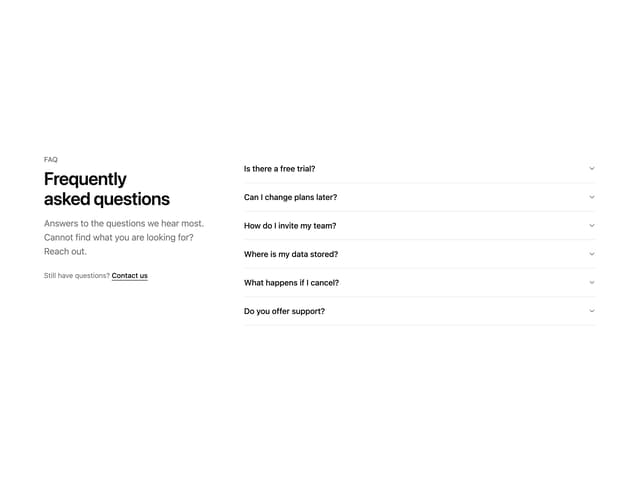
FAQ Section
46
QR Code
46
Wave Text
37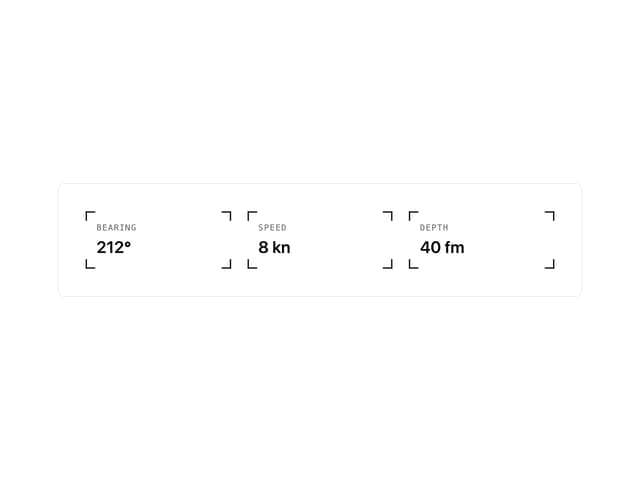
Corner Frame
36
Animated Border
32
Spotlight
23