
About
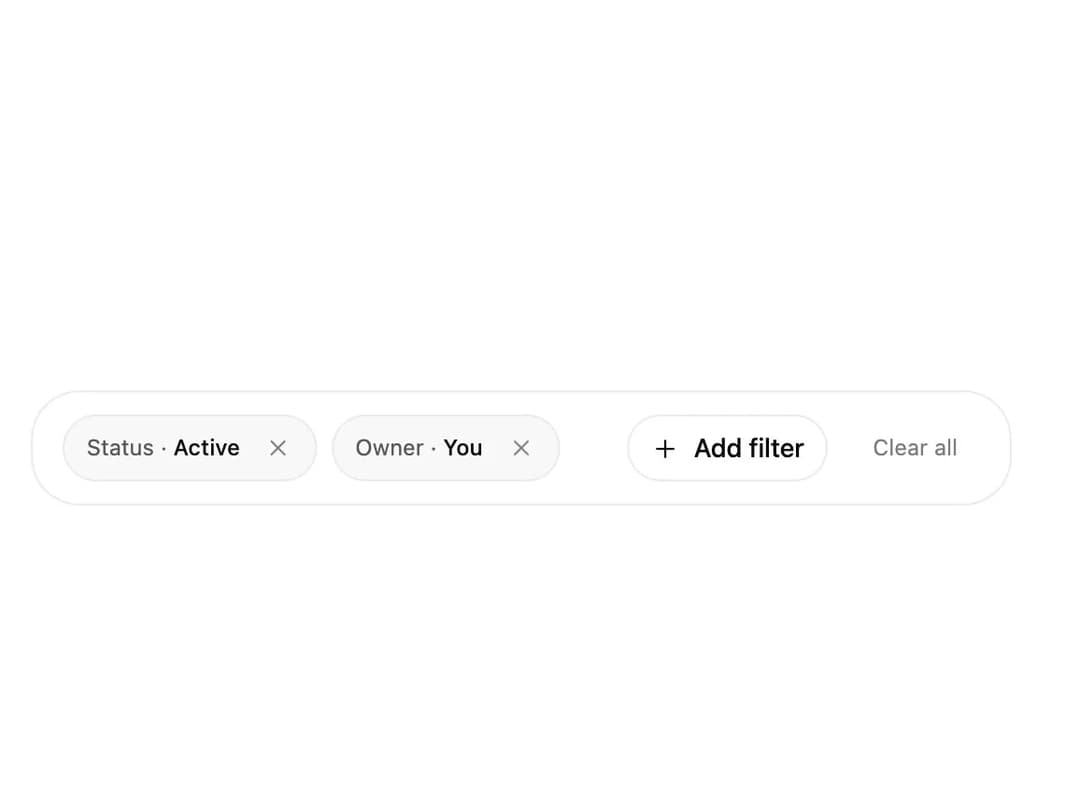
An animated active-filter chip bar with remove/clear-all controls and an add-filter menu for stepping through fields and values, used to manage applied filters on a data table or collection view.
Built with React and Tailwind. Copy the prompt and paste it into Claude Code, Cursor or Lovable: your agent adds Filter Toolbar to your project and fits it to your theme.
Code
How Filter Toolbar is used: the demo's code. The component's own source comes with a free account.
Usage.tsx
"use client";

import FilterToolbar from "@/components/ui/filter-toolbar";
import * as React from "react";

const fields = [
  { id: "status", label: "Status", options: ["Active", "Paused", "Archived"] },
  { id: "owner", label: "Owner", options: ["You", "Team", "Unassigned"] },
  { id: "priority", label: "Priority", options: ["Low", "Medium", "High"] },
];

export default function FilterToolbarDemo() {
  const [filters, setFilters] = React.useState([
    { id: "status", label: "Status", value: "Active" },
    { id: "owner", label: "Owner", value: "You" },
  ]);

  function addFilter(filter) {
    setFilters((previous) => [
      ...previous.filter((entry) => entry.id !== filter.id),
      filter,
    ]);
  }

  return (
    <div className="w-full max-w-xl p-6">
      <FilterToolbar
        filters={filters}
        onRemove={(id) =>
          setFilters((previous) => previous.filter((entry) => entry.id !== id))
        }
        onClearAll={() => setFilters([])}
        addFilter={{ fields, onAdd: addFilter }}
      />
    </div>
  );
}
Dependencies
More by kuratlielia
View all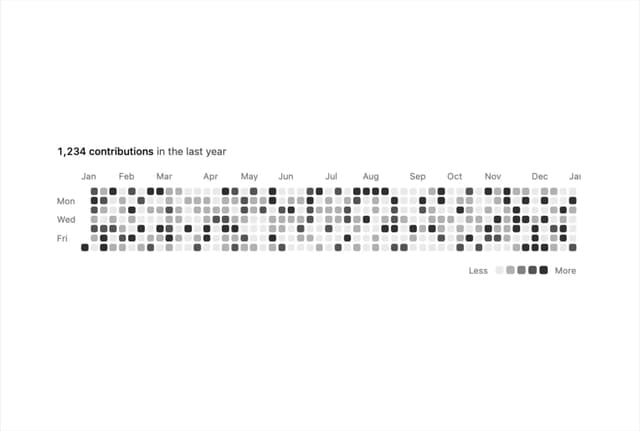
Activity Heatmap
326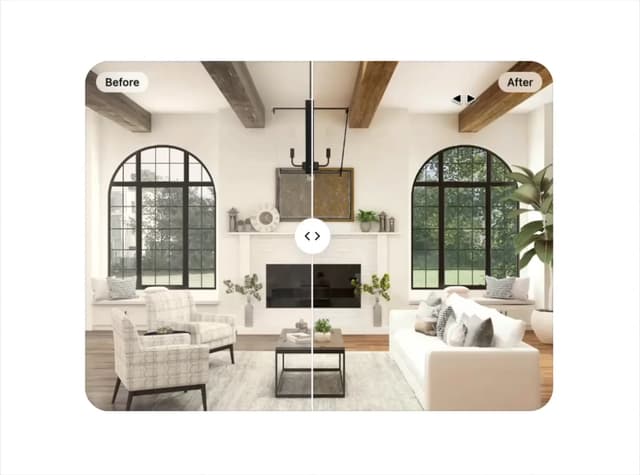
Image Compare
102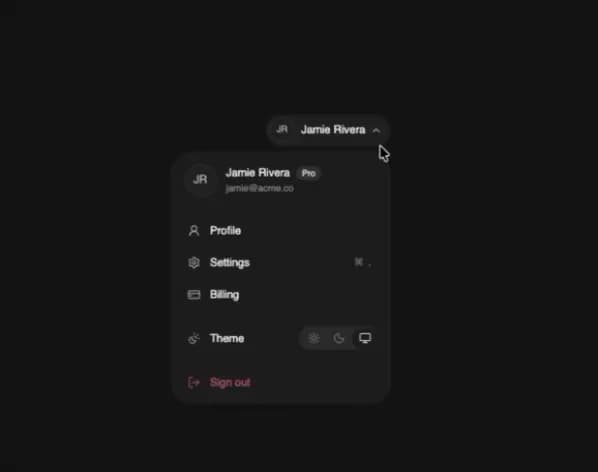
User Menu
93
Date Range Picker
62
Stats Band
50
Usage Meter
45
Signature Pad
36
Timeline
33