
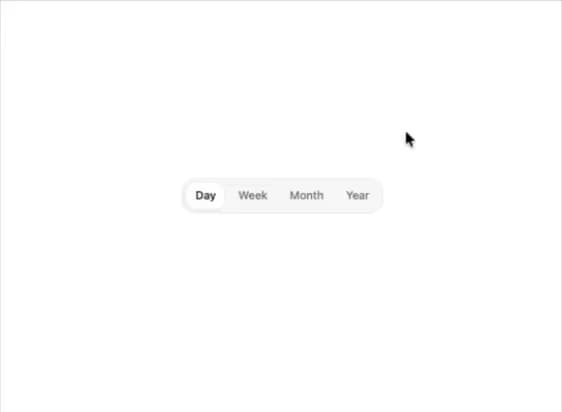
About
A horizontally scrollable group of mutually exclusive options with a gliding selection highlight, roving keyboard navigation, and an edge-fade for overflow content, used to switch between a small set of related views.
Built with React and Tailwind. Copy the prompt and paste it into Claude Code, Cursor or Lovable: your agent adds Segmented Control to your project and fits it to your theme.
Code
How Segmented Control is used: the demo's code. The component's own source comes with a free account.
Usage.tsx
"use client";

import SegmentedControl from "@/components/ui/segmented-control";
import { useState } from "react";

export default function SegmentedControlDemo() {
  const [value, setValue] = useState("day");

  return (
    <div className="flex min-h-[260px] w-full items-center justify-center p-8">
      <SegmentedControl
        label="View range"
        value={value}
        onValueChange={setValue}
        options={[
          { value: "day", label: "Day" },
          { value: "week", label: "Week" },
          { value: "month", label: "Month" },
          { value: "year", label: "Year" },
        ]}
      />
    </div>
  );
}
Dependencies
More by kuratlielia
View all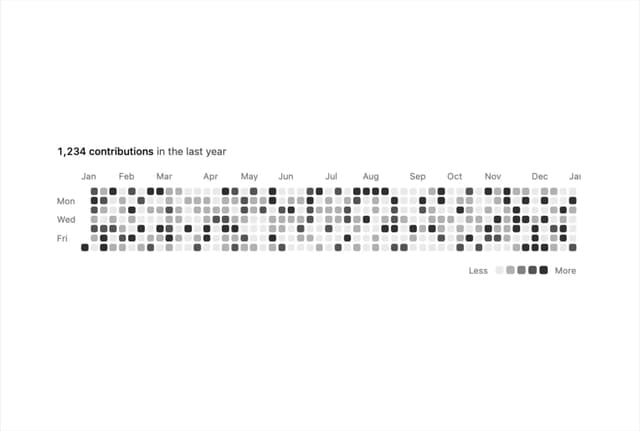
Activity Heatmap
339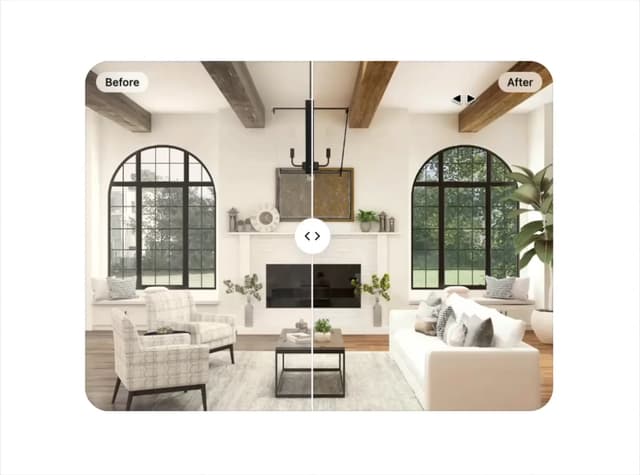
Image Compare
104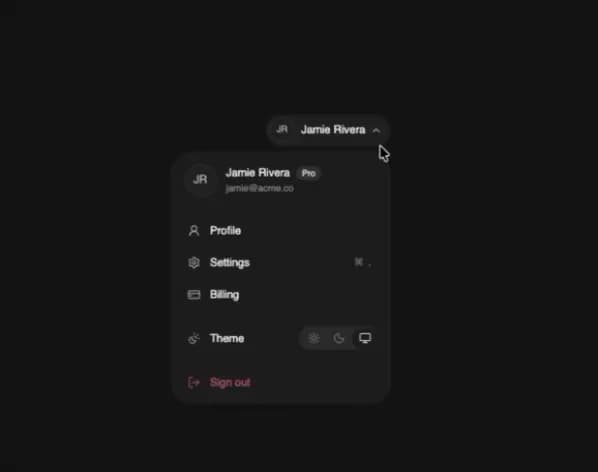
User Menu
93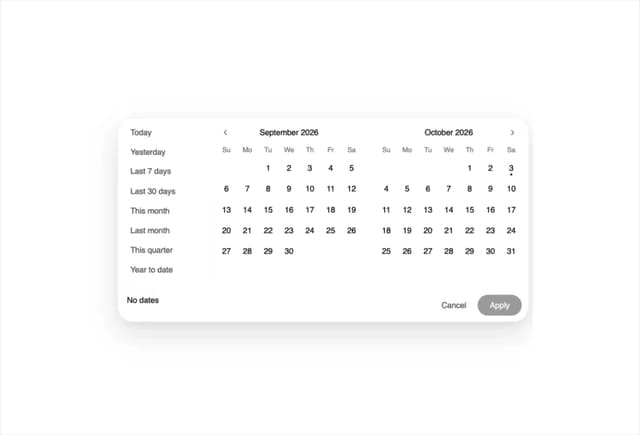
Date Range Picker
62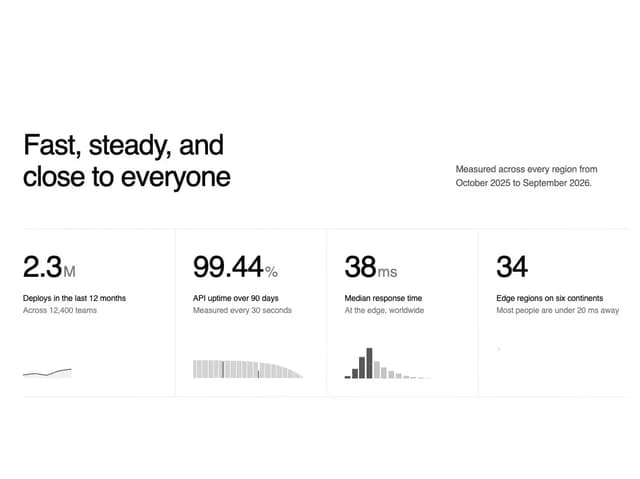
Stats Band
52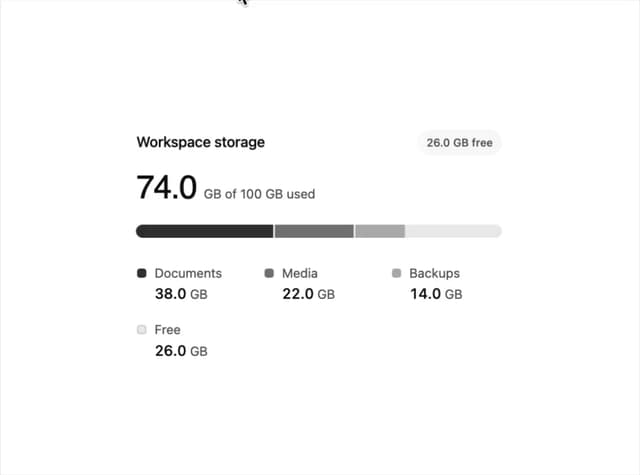
Usage Meter
45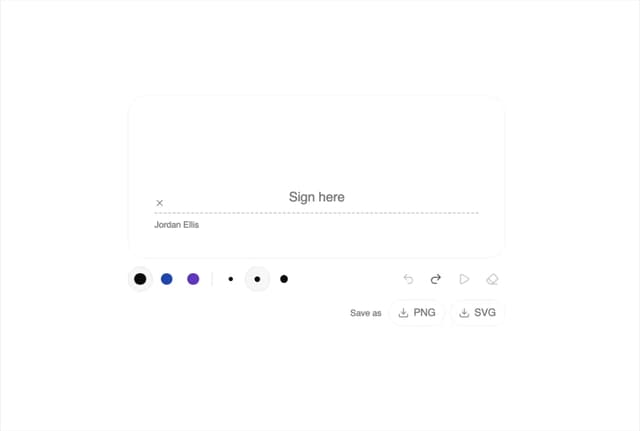
Signature Pad
37
Timeline
33