
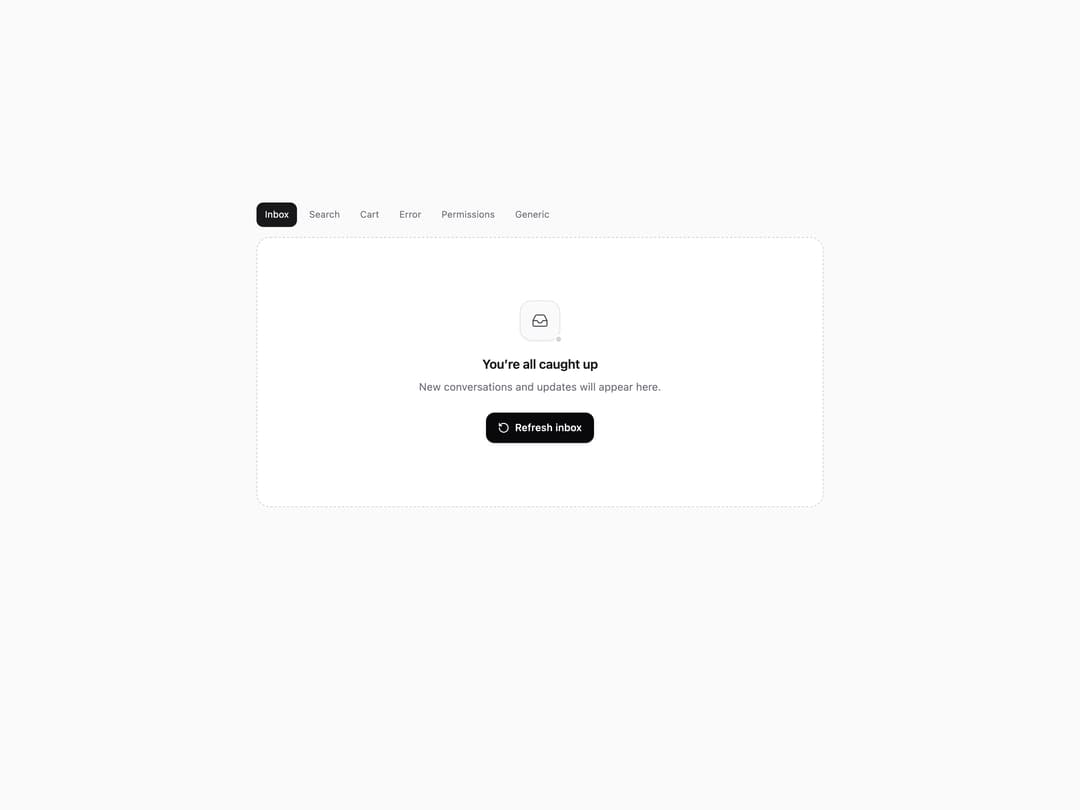
About
Six polished empty states for inboxes, search, carts, missing pages, restricted access, and blank product surfaces, with customizable copy and actions.
Built with React and Tailwind. Copy the prompt and paste it into Claude Code, Cursor or Lovable: your agent adds Empty State Kit to your project and fits it to your theme.
Code
How Empty State Kit is used: the demo's code. The component's own source comes with a free account.
Usage.tsx
"use client";
import * as React from "react";
import { EmptyStatesSet, type EmptyStateType } from "@/components/ui/empty-state-kit";

const TYPES: EmptyStateType[] = ["inbox", "search", "cart", "error", "permissions", "generic"];
export default function EmptyStatesSetDemo() {
  const [type, setType] = React.useState<EmptyStateType>("inbox");

  React.useEffect(() => {
    let index = 0;
    const timer = window.setInterval(() => {
      index = (index + 1) % TYPES.length;
      setType(TYPES[index]);
    }, 1200);
    return () => window.clearInterval(timer);
  }, []);

  return <div className="min-h-[520px] w-full bg-zinc-50 p-5 dark:bg-zinc-950"><div className="mx-auto max-w-2xl"><div className="mb-3 flex flex-wrap gap-1">{TYPES.map((item) => <button key={item} onClick={() => setType(item)} className={`rounded-md px-2.5 py-1.5 text-[11px] capitalize ${type === item ? "bg-zinc-900 text-white dark:bg-white dark:text-zinc-950" : "text-zinc-500 hover:bg-zinc-200/70 dark:hover:bg-zinc-900"}`}>{item}</button>)}</div><EmptyStatesSet type={type} /></div></div>;
}
Dependencies
More by Kiki
View all

Filter Token Bar
520
Compose
423
Product Tour
209
Tier List Maker
138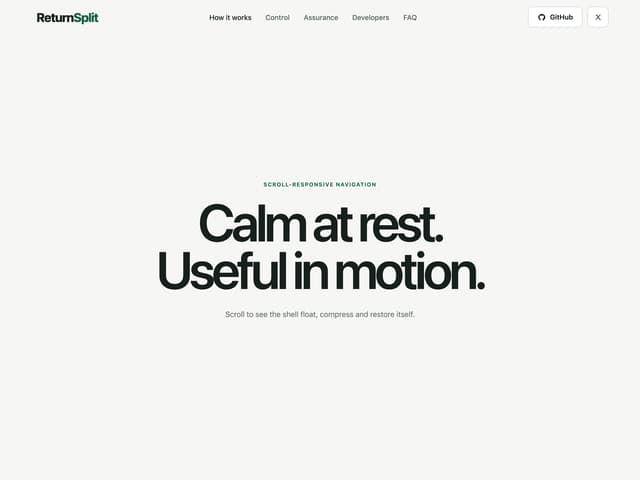
Morphing Scroll Navbar
81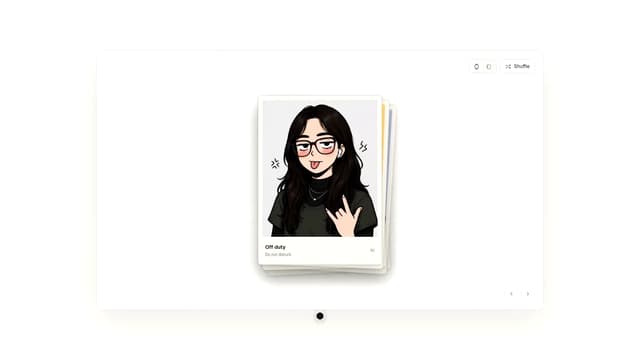
Draggable Photo Stack
81
Selection Bubble Menu
35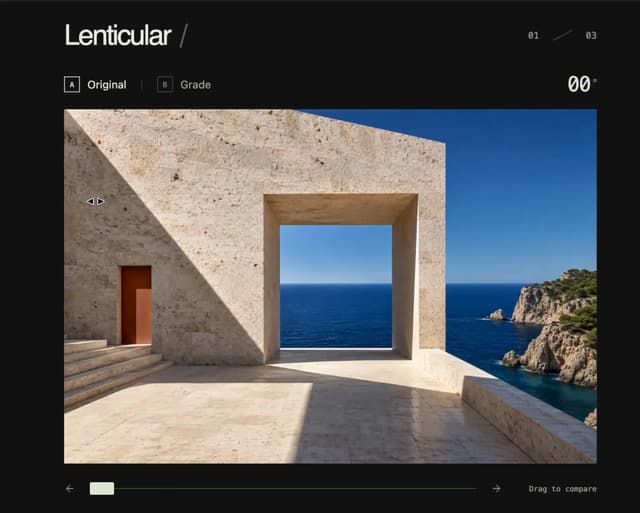
3D Before & After Image Slider
30