
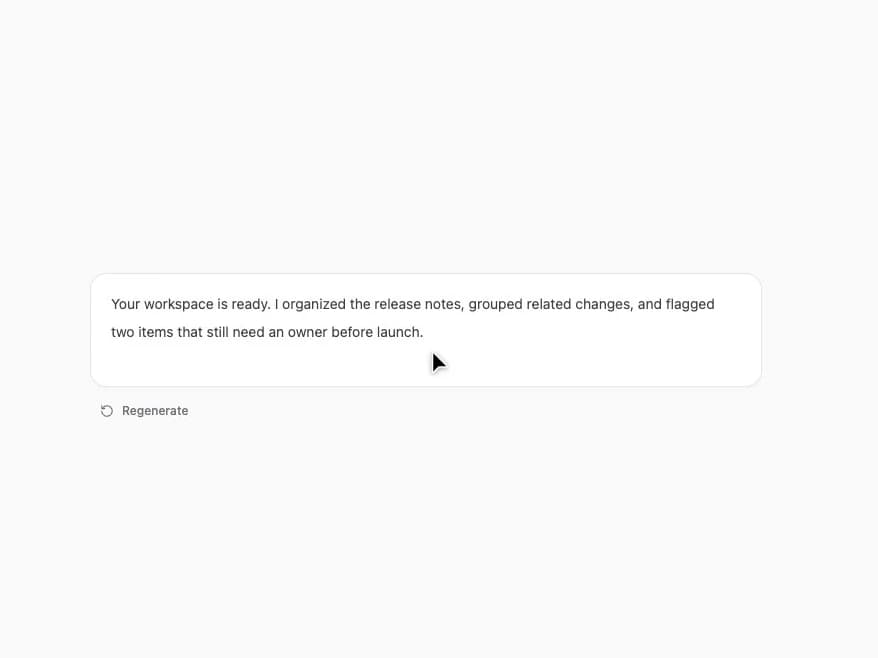
About
A focused AI response component with character-by-character streaming, a live cursor, stop generation, and regenerate states.
Built with React and Tailwind. Copy the prompt and paste it into Claude Code, Cursor or Lovable: your agent adds Streaming Chat Response to your project and fits it to your theme.
Code
How Streaming Chat Response is used: the demo's code. The component's own source comes with a free account.
Usage.tsx
import { StreamingChatBubble } from "@/components/ui/streaming-chat-response";

export default function StreamingChatBubbleDemo() {
  return <div className="grid min-h-[520px] w-full place-items-center bg-zinc-50 p-5 dark:bg-zinc-950"><StreamingChatBubble text="Your workspace is ready. I organized the release notes, grouped related changes, and flagged two items that still need an owner before launch." /></div>;
}
Dependencies
More by Kiki
View all

Filter Token Bar
521
Compose
423
Product Tour
209
Tier List Maker
138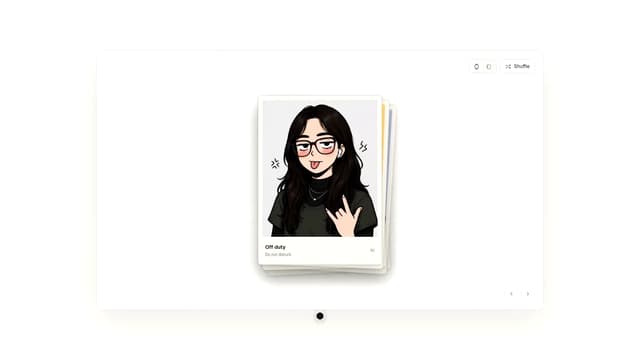
Draggable Photo Stack
82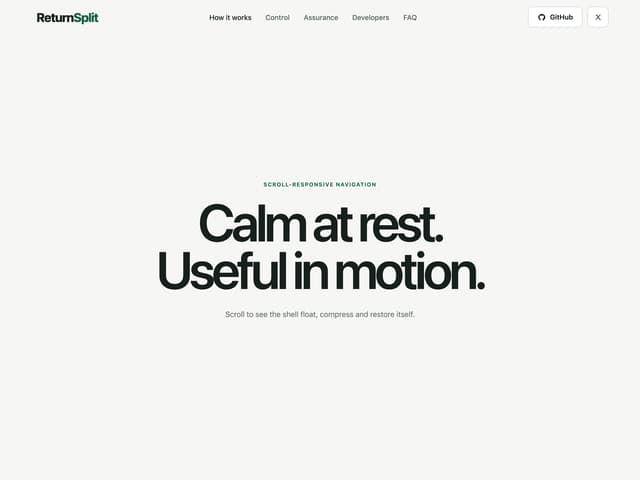
Morphing Scroll Navbar
81
Selection Bubble Menu
35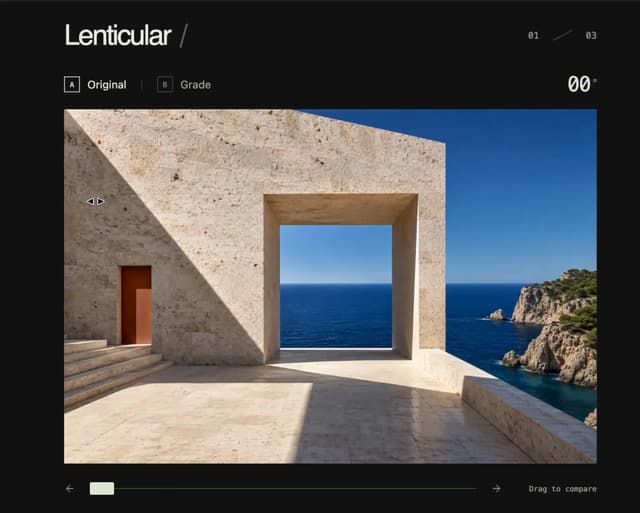
3D Before & After Image Slider
30
More in AI chats
View all

AI Actions
317
Color Picker
74
Prompt with Model Picker
2
Agent Chat
17
Approval Card
12

System Message
53

Message
48

AI Task List
159


