
About
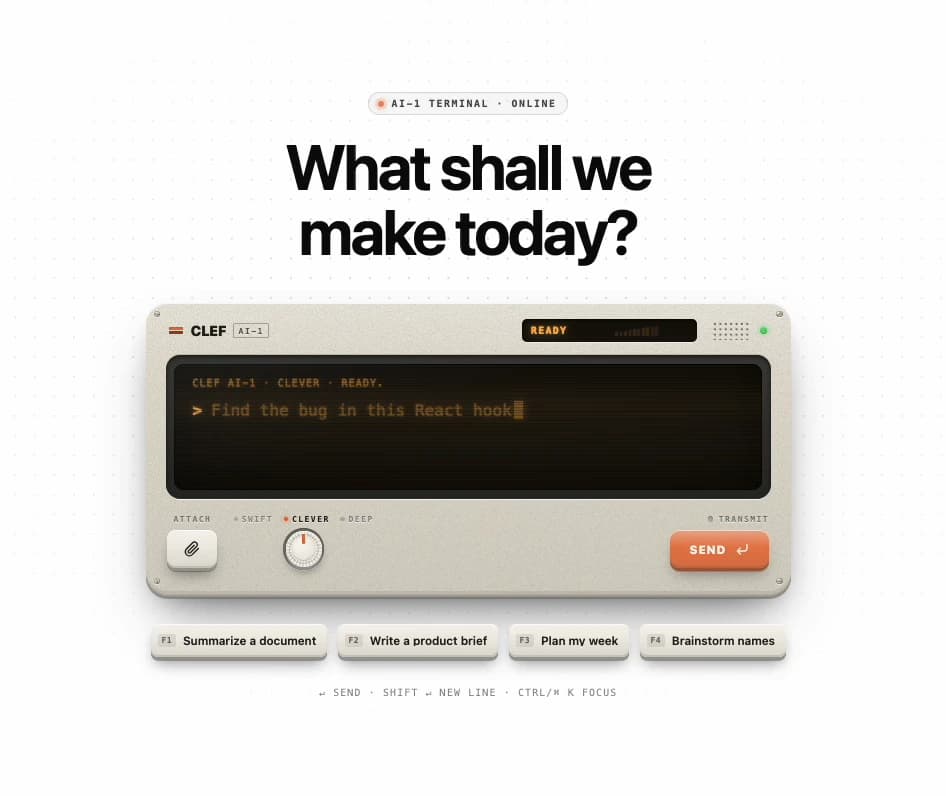
A first screen for an AI app: one headline and a chat box built like 80s hardware. Type on an amber CRT that types out example prompts, pick the model with a rotary knob, attach files, and press a chunky SEND key that plays a modem chirp. Suggestion keys type themselves in. Enter
Built with React and Tailwind. Copy the prompt and paste it into Claude Code, Cursor or Lovable: your agent adds Retro AI Chat to your project and fits it to your theme.
Code
How Retro AI Chat is used: the demo's code. The component's own source comes with a free account.
Usage.tsx
"use client";

import { RetroAiChat } from "@/components/ui/retro-ai-chat";

const settings = {
  headline: "What shall we make today?",
  eyebrow: "AI-1 terminal · online",
  brandName: "CLEF",
  modelName: "AI-1",
  bodyColor: "#E6E0D3",
  screenColor: "#17120B",
  phosphorColor: "#FFB23E",
  accentColor: "#E8692C",
  width: 720,
  scanlines: true,
  sound: true,
  autoFocus: false,
};

export default function Demo(props: Partial<typeof settings>) {
  const s = { ...settings, ...props };
  return <RetroAiChat {...s} className="min-h-screen" />;
}
More by Chun Keat Lim
View all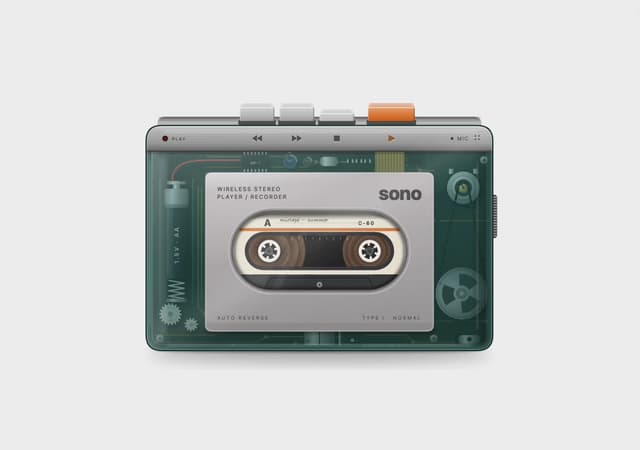
Translucent Cassette Player
62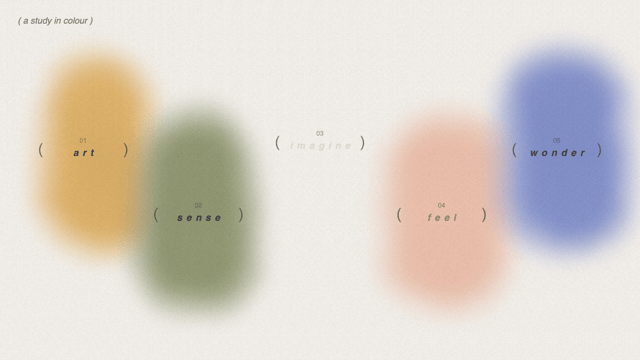
Chroma Sense Hero
12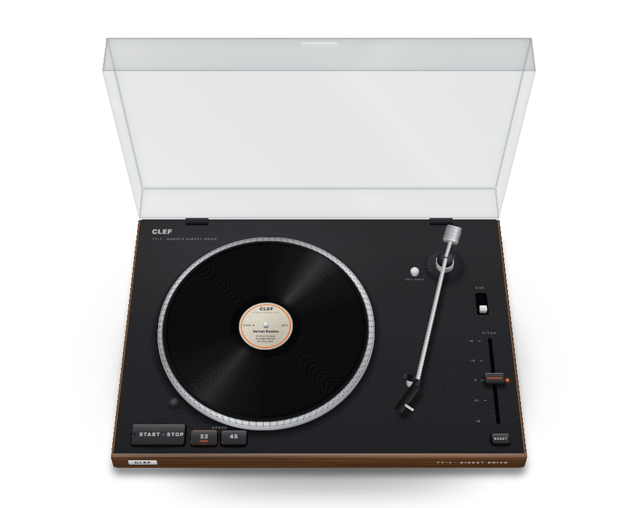
Turntable
6
Ink Grid Hero
5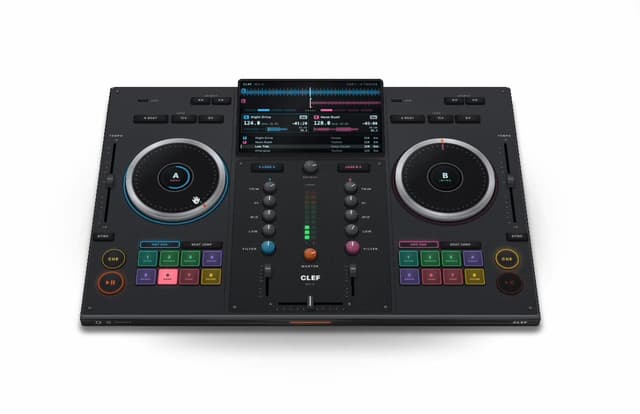
DJ Controller
3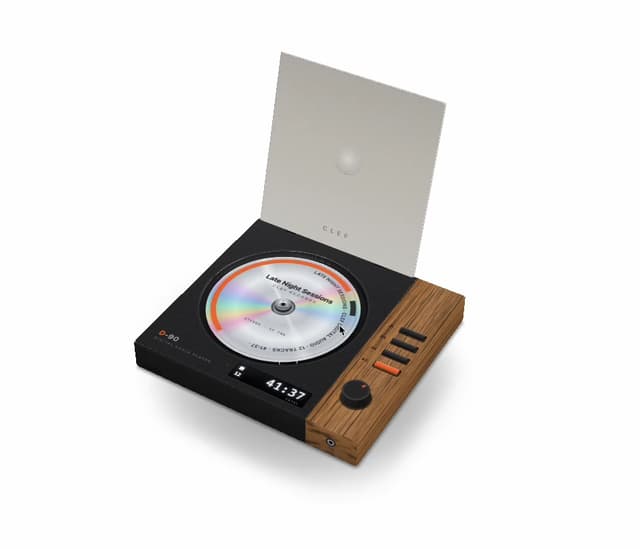
Portable CD Player
2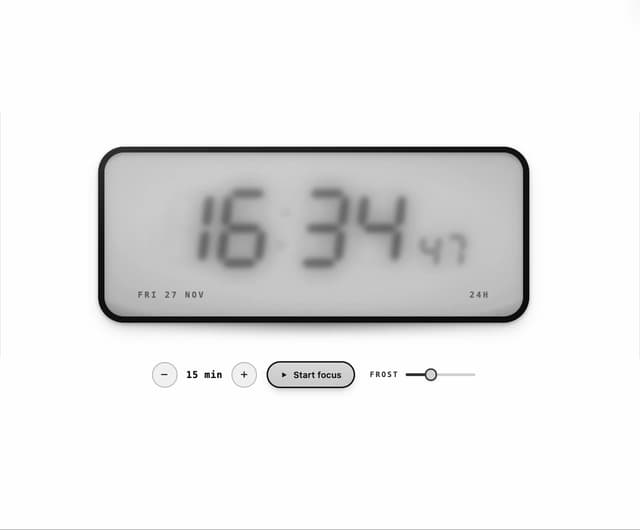
Frosted Digital Clock
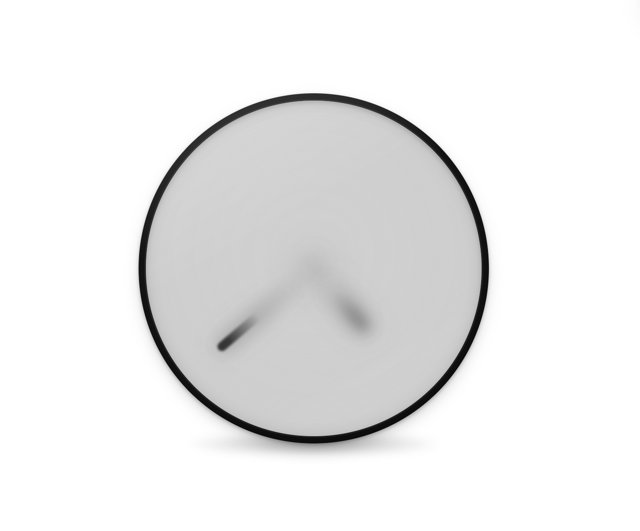
Frosted Clock
More in Heroes
View all
Agency Hero Section
1.1K

Hero Section 01
59

Hero
1.4K

Responsive Hero Banner
2.2K

SaaS Template
2.7K
Centered Hero with Image Fan
1.1K

Modren and Stunning Hero section
83

Hero Section
453
