
About
Here is Call To Action component
Built with React and Tailwind. Copy the prompt and paste it into Claude Code, Cursor or Lovable: your agent adds Call To Action to your project and fits it to your theme.
Code
How Call To Action is used: the demo's code. The component's own source comes with a free account.
Usage.tsx
import { Button } from '@/components/ui/button'
import { Mail, SendHorizonal } from 'lucide-react'

export default function CallToAction() {
    return (
        <section className="py-16 md:py-32">
            <div className="mx-auto max-w-5xl px-6">
                <div className="text-center">
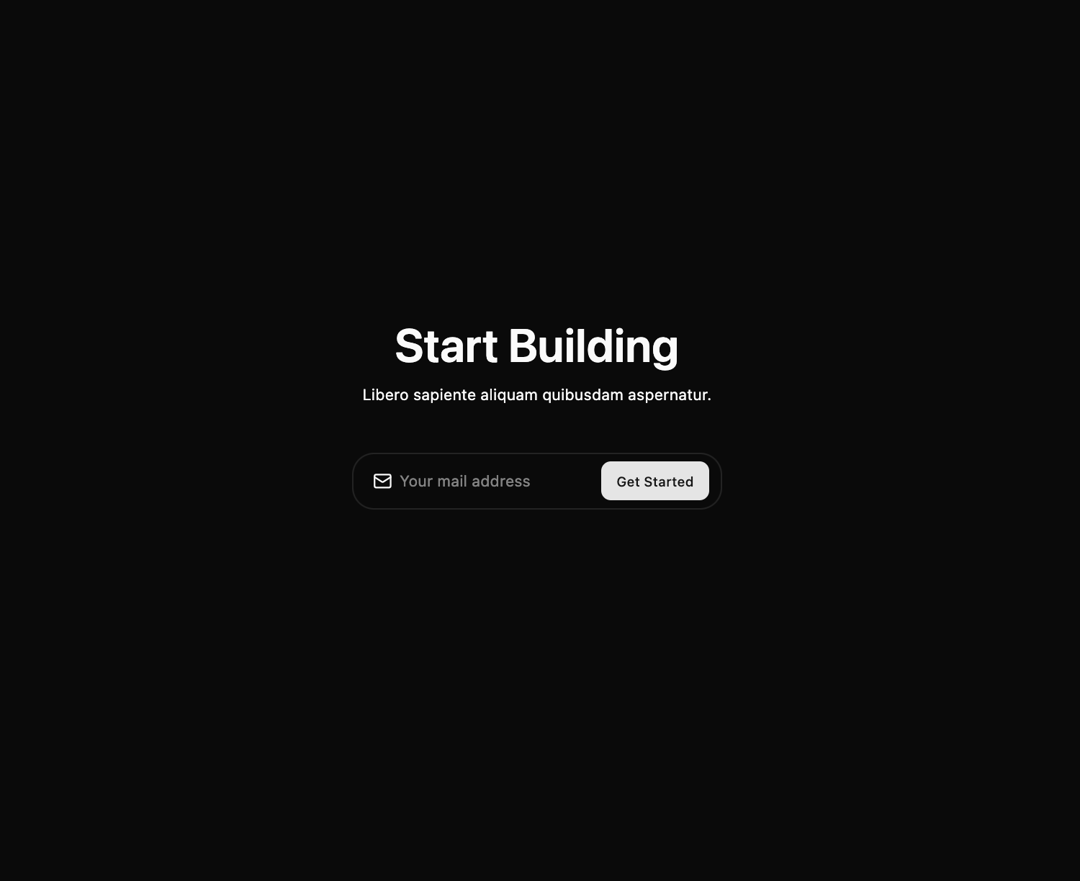
                    <h2 className="text-balance text-4xl font-semibold lg:text-5xl">Start Building</h2>
                    <p className="mt-4">Libero sapiente aliquam quibusdam aspernatur.</p>

                    <form
                        action=""
                        className="mx-auto mt-10 max-w-sm lg:mt-12">
                        <div className="bg-background has-[input:focus]:ring-muted relative grid grid-cols-[1fr_auto] items-center rounded-[calc(var(--radius)+0.75rem)] border pr-3 shadow shadow-zinc-950/5 has-[input:focus]:ring-2">
                            <Mail className="text-caption pointer-events-none absolute inset-y-0 left-5 my-auto size-5" />

                            <input
                                placeholder="Your mail address"
                                className="h-14 w-full bg-transparent pl-12 focus:outline-none"
                                type="email"
                            />

                            <div className="md:pr-1.5 lg:pr-0">
                                <Button
                                    aria-label="submit"
                                    className="rounded-(--radius)">
                                    <span className="hidden md:block">Get Started</span>
                                    <SendHorizonal
                                        className="relative mx-auto size-5 md:hidden"
                                        strokeWidth={2}
                                    />
                                </Button>
                            </div>
                        </div>
                    </form>
                </div>
            </div>
        </section>
    )
}
Dependencies
More by Méschac Irung
View all

Features 8
3.1K
Hero Section 1
3K
Hero Section 5
2.6K
Hero Section 6
897
Hero Section 2
876
Hero Section 4
626
Features 9
602
Integrations Section
586
More in CTAs
View all

Call to Action 01
51
Call to Action
6
Call to action
172

Cta 4
292

Responsive Hero Banner
2K
Call to Action
23

Team Section
28
CTA 3
406

