
About
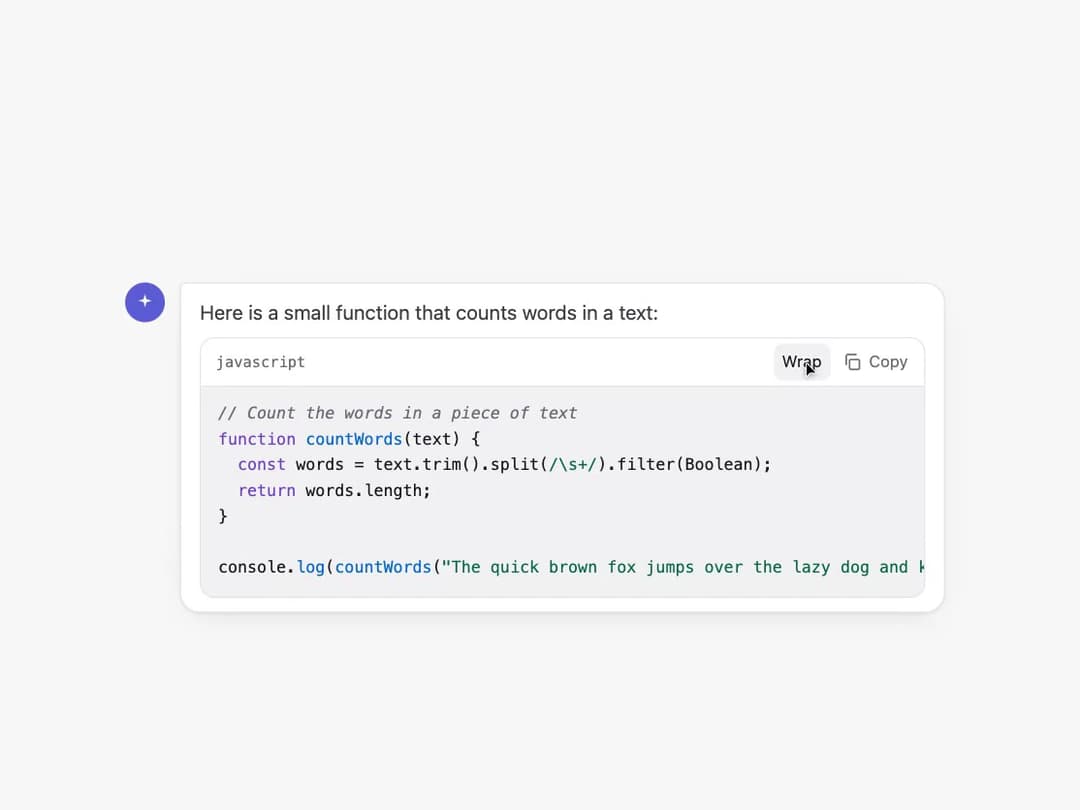
A chat-style message bubble containing a syntax-highlighted code snippet with a header showing the language, a button to toggle line wrapping, and a copy button that confirms once the code has been copied to the clipboard.
Built with React and Tailwind. Copy the prompt and paste it into Claude Code, Cursor or Lovable: your agent adds Code Block with Copy Button to your project and fits it to your theme.
Code
How Code Block with Copy Button is used: the demo's code. The component's own source comes with a free account.
Usage.tsx
import CodeBlockCopy from "@/components/ui/code-block-copy";

export default function CodeBlockCopyDemo() {
  return (
    <div
      className="w-full min-h-screen flex items-center justify-center p-6"
      style={{ background: "var(--bg)", color: "var(--text)" }}
    >
      <CodeBlockCopy />
    </div>
  );
}
More by mmrahmanbappi
View all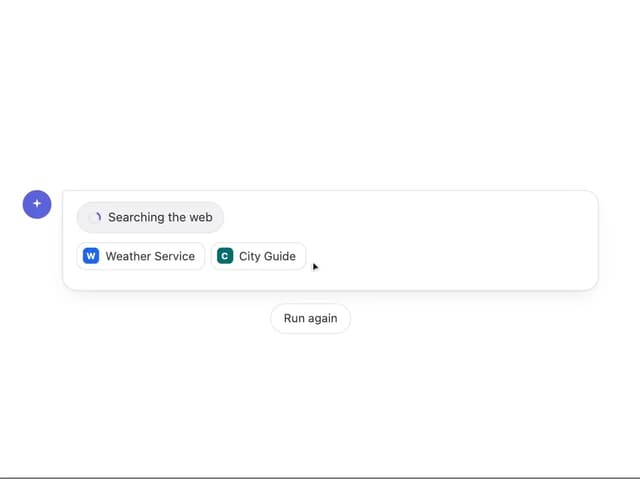
Web Search Indicator
20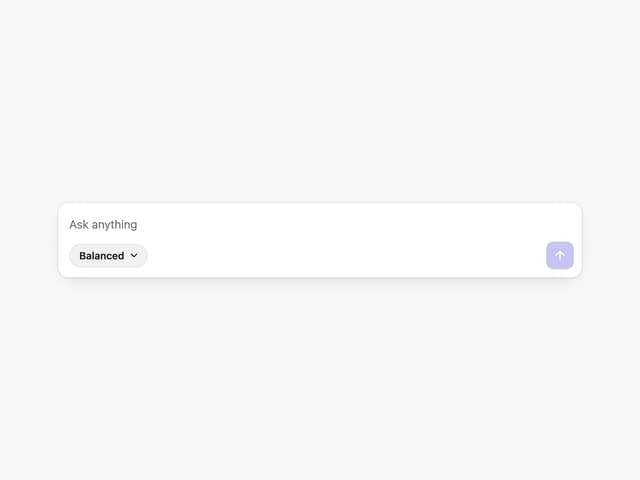
Prompt with Model Picker
2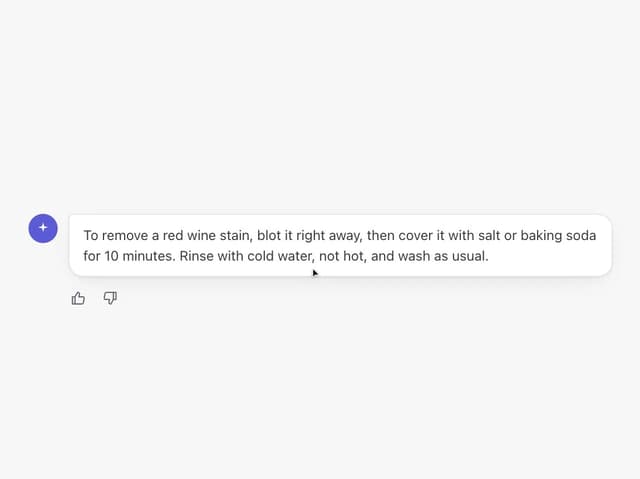
Thumbs Down with Reasons
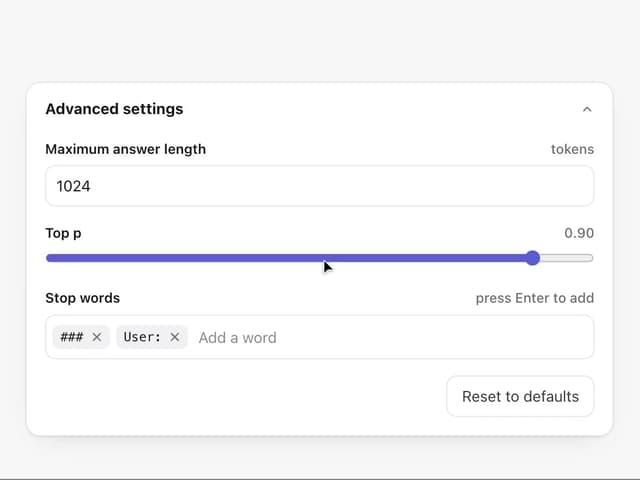
Advanced Parameters Panel
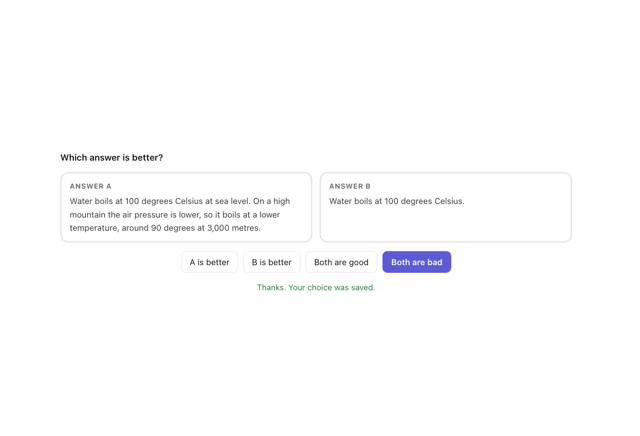
Compare Answers
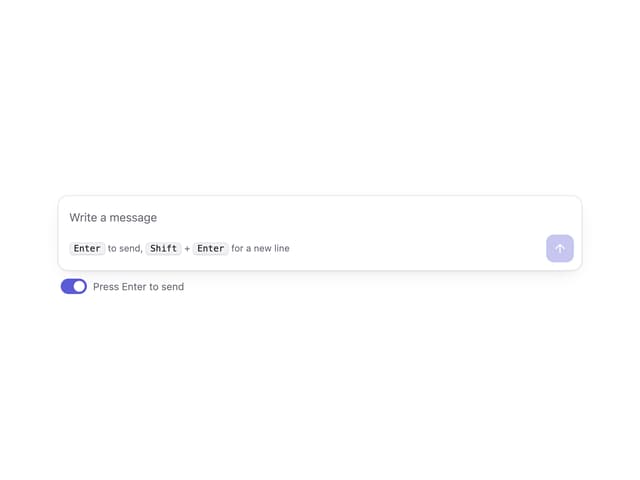
Send Shortcut Prompt
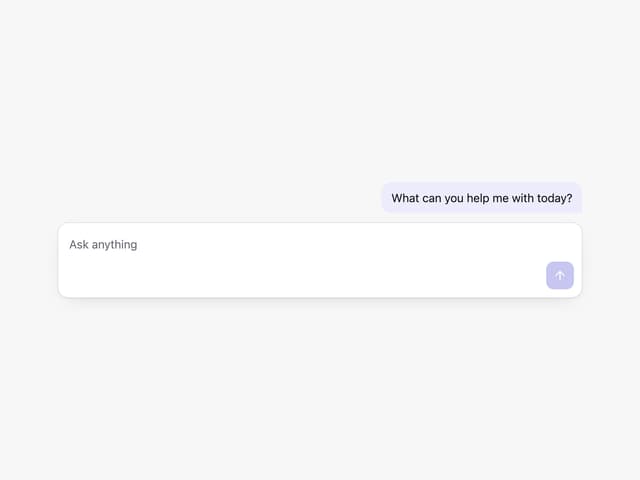
Basic Prompt Box
Answer Versions