
About
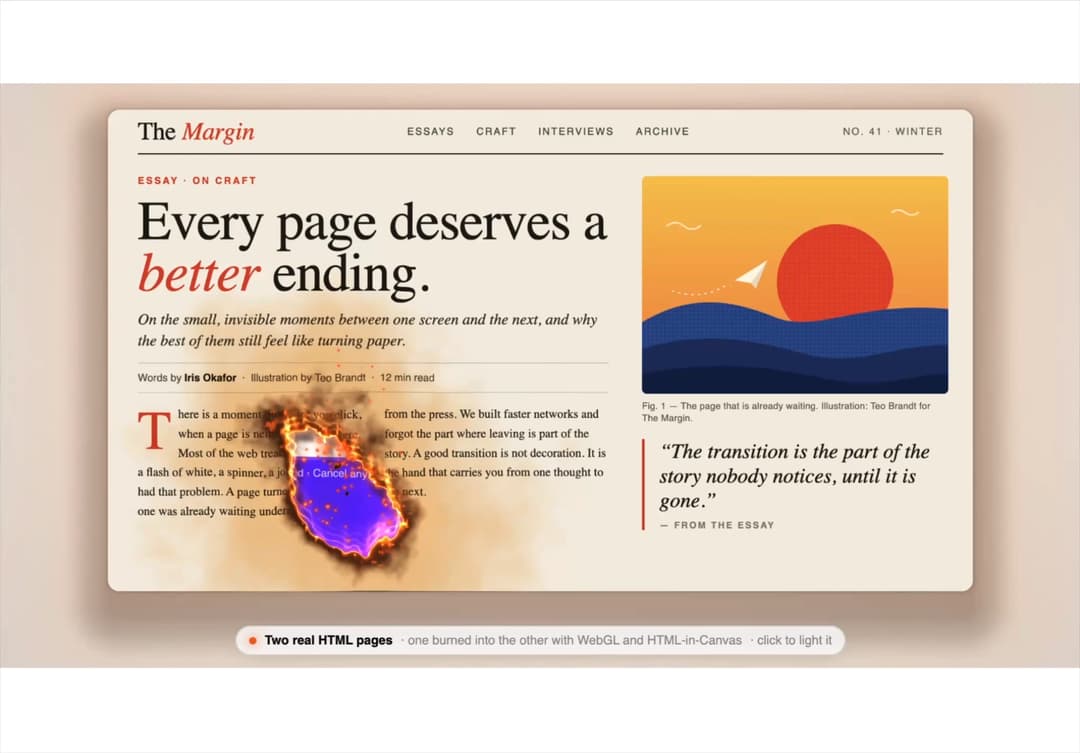
A page transition that burns: click a real HTML article and it chars and burns open onto a live landing page underneath, with a glowing rim, embers and smoke, then burns back. Uses Chrome 157's HTML-in-Canvas; other browsers crossfade the plain HTML pages. More at kit.neebarp.com
Built with React and Tailwind. Copy the prompt and paste it into Claude Code, Cursor or Lovable: your agent adds Burn Away to your project and fits it to your theme.
Code
How Burn Away is used: the demo's code. The component's own source comes with a free account.
Usage.tsx
import BurnAway from "@/components/ui/burn-away";

export default function BurnAwayDemo() {
  return (
    <div style={{ position: "relative", width: "100%", height: 560 }}>
      <BurnAway
        productName="Afterglow"
        magazine="Margin"
        articleTitle={<>Every page deserves a <em>better</em> ending.</>}
        articleStandfirst="On the small, invisible moments between one screen and the next, and why the best of them still feel like turning paper."
        headline="Leave a mark on"
        headlineAccent="every click."
        email="maya@northfield.studio"
      />
    </div>
  );
}
More by Neebarp
View all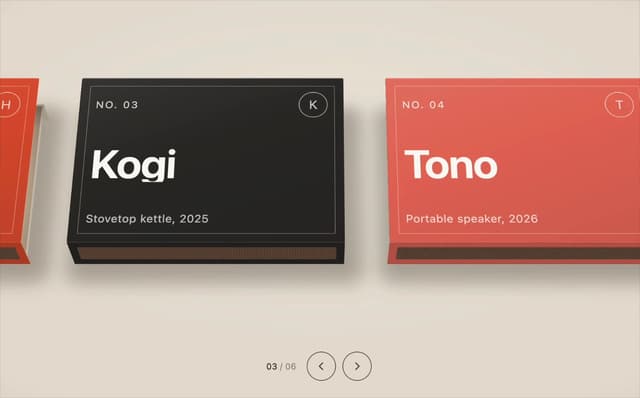

Matchbox Carousel
152
Iron Filings
20
Underwater Dashboard
2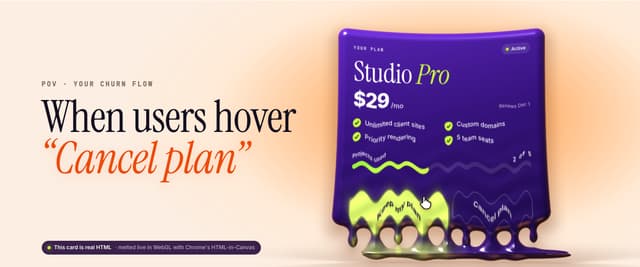
Melting Cancel
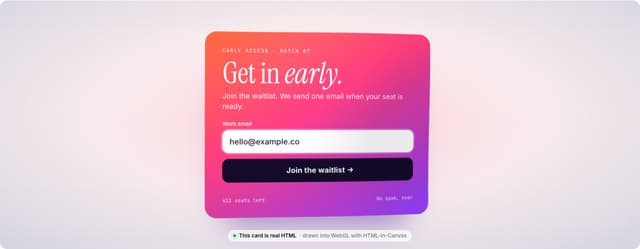
Particle Form
Print Gallery
Hologram Gallery
Tide Compare