About
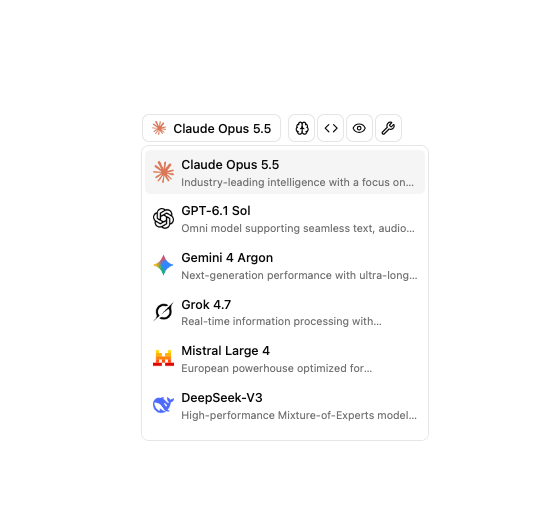
A dropdown button for picking an AI model from a list, showing each model's logo, description, and capability icons (vision, code, tools, etc.) with tooltips.
Built with React and Tailwind. Copy the prompt and paste it into Claude Code, Cursor or Lovable: your agent adds AI Model Selector to your project and fits it to your theme.
Code
How AI Model Selector is used: the demo's code. The component's own source comes with a free account.
Usage.tsx
import AiModelSelector from "@/components/ui/motion-ai-model-selector";

export default function AiModelSelectorDemo() {
  return (
    <div className="flex min-h-screen w-full items-center justify-center p-6">
      <AiModelSelector />
    </div>
  );
}
Dependencies
More by Pace UI
View all

Dot Loader
960
Flip Reveal
669
Dot Flow
267
Draw Line Text
119
Liquid Glass
62
Liquid Cursor
51
Layered Stack
46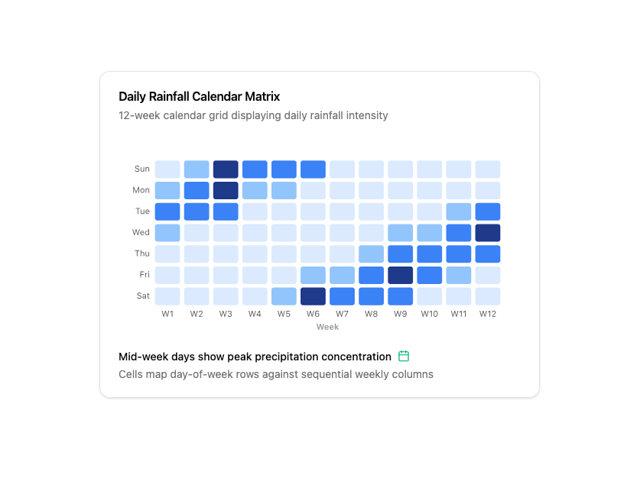
Calendar Heatmap Chart
10
More in AI chats
View all

AI Actions
361

Aquarium Prompt
158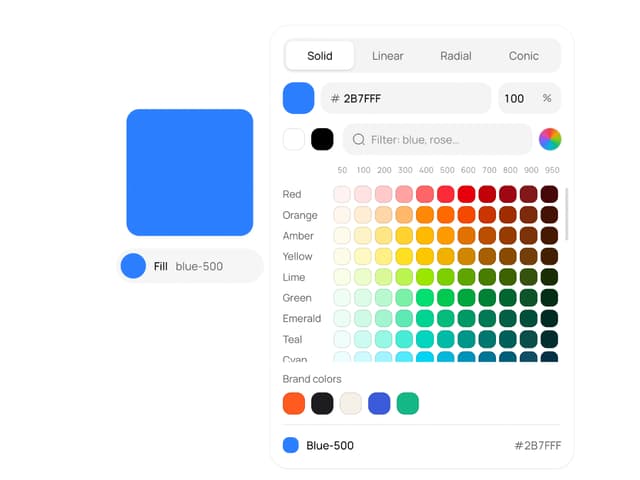
Color Picker
224

AI Task List
198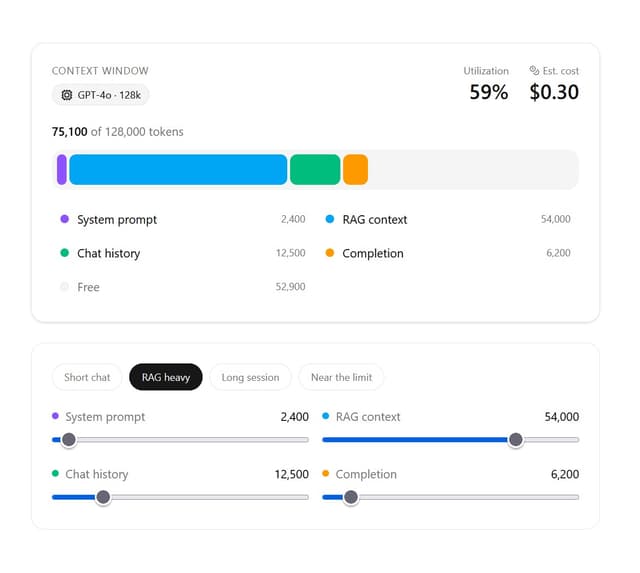

Interactive LLM Token & Context Window Visualizer
2

AI Orb
211

Message
53
Commit
43
