About
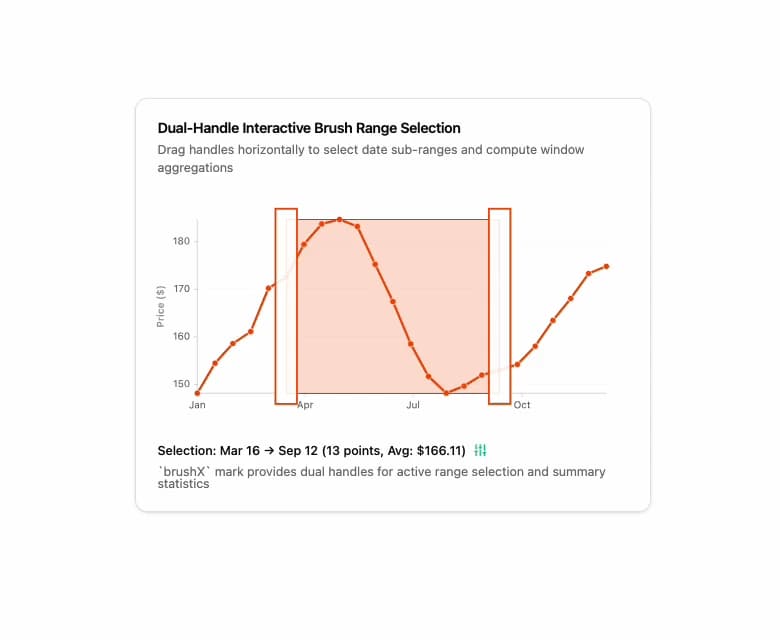
A line chart with a draggable dual-handle brush that lets users select a date sub-range and see summary stats for the selected window.
Built with React and Tailwind. Copy the prompt and paste it into Claude Code, Cursor or Lovable: your agent adds Brush Range Selection Chart to your project and fits it to your theme.
Code
How Brush Range Selection Chart is used: the demo's code. The component's own source comes with a free account.
Usage.tsx
import BrushRangeSelection from "@/components/ui/tanstack-charts-brush-range-selection";

export default function Demo() {
  return (
    <div className="flex w-full items-center justify-center p-4">
      <BrushRangeSelection />
    </div>
  );
}
Dependencies
More by Pace UI
View all

Dot Loader
959
Flip Reveal
668
Dot Flow
267
Draw Line Text
119
Liquid Glass
62
Liquid Cursor
51
Layered Stack
46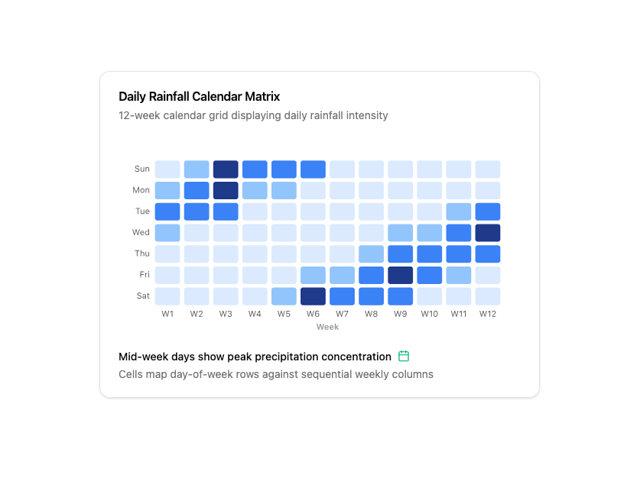
Calendar Heatmap Chart
10