
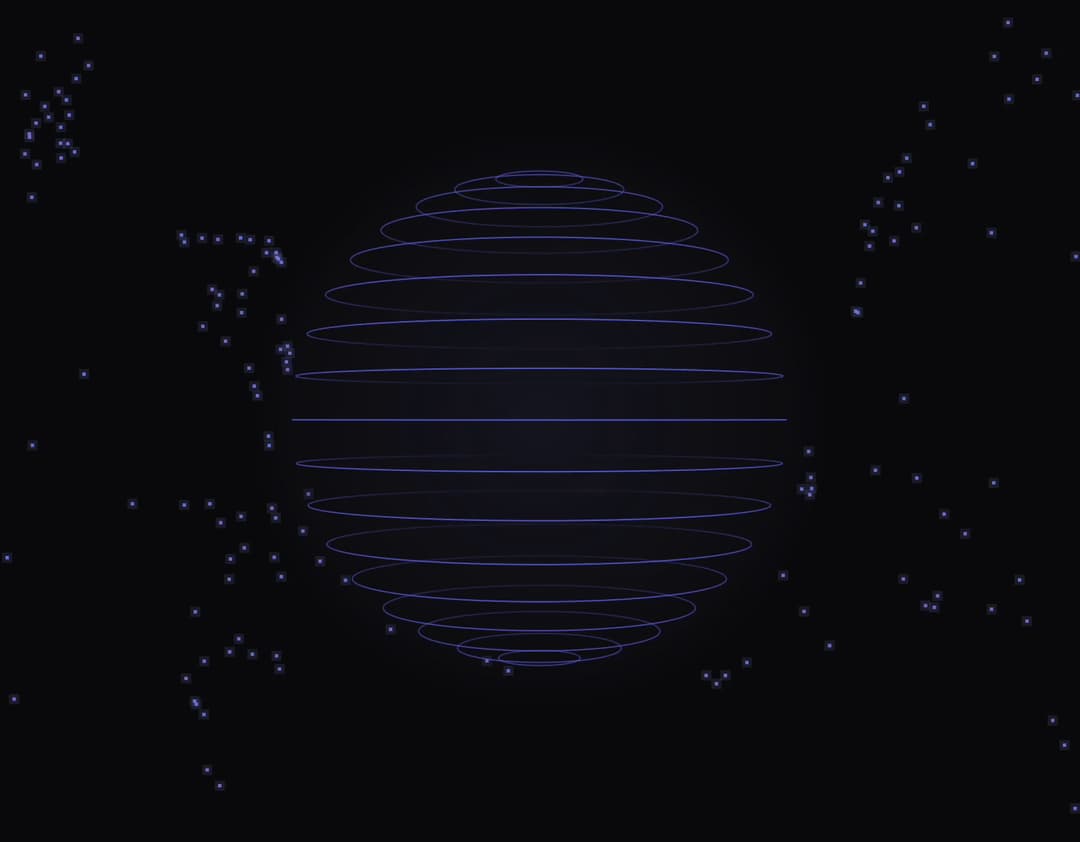
About
An interactive animated 3D sphere with flowing particles, realistic ripple effects on click, and a custom magnetic cursor.
Built with React and Tailwind. Copy the prompt and paste it into Claude Code, Cursor or Lovable: your agent adds Orb Flow Background to your project and fits it to your theme.
Code
How Orb Flow Background is used: the demo's code. The component's own source comes with a free account.
Usage.tsx
import "@/index.css";
import OrbFlowBackground from "@/components/ui/orb-flow-background";

const settings = {
  dark: true,
  orbRadiusPx: 180,
  numLatitudeLines: 18,
  numFlowLines: 60,
  particlesPerLine: 4,
  orbRotationSpeed: 0.14,
  orbPoleSpeed: 0.05,
  lineWidth: 1,
  particleSize: 2.5,
  floatAmplitude: 6,
  floatSpeed: 1,
  driftAmplitude: 0.12,
  showCursor: true,
  enableMouseInteraction: true,
  attractRadius: 90,
  pushRadius: 170,
  enableClickEffects: true,
  enablePokeEffects: true,
  pokeAmplitudePx: 10,
  pokeDuration: 2.8,
  maxPokes: 3,
  showGlow: true,
};

export default function Default(props: Partial<typeof settings>) {
  const s = { ...settings, ...props };
  const theme = s.dark ? "dark" : "light";

  return (
    <div
      className={`relative isolate h-screen min-h-0 w-full max-w-full overflow-hidden ${
        s.dark ? "dark" : ""
      } ${s.showCursor ? "cursor-none" : ""}`}
      data-theme={theme}
      style={{
        backgroundColor: s.dark ? "#09090b" : "#fafafa",
        colorScheme: s.dark ? "dark" : "light",
      }}
    >
      <OrbFlowBackground
        theme={theme}
        orbRadiusPx={s.orbRadiusPx}
        numLatitudeLines={s.numLatitudeLines}
        numFlowLines={s.numFlowLines}
        particlesPerLine={s.particlesPerLine}
        orbRotationSpeed={s.orbRotationSpeed}
        orbPoleSpeed={s.orbPoleSpeed}
        lineWidth={s.lineWidth}
        particleSize={s.particleSize}
        floatAmplitude={s.floatAmplitude}
        floatSpeed={s.floatSpeed}
        driftAmplitude={s.driftAmplitude}
        showCursor={s.showCursor}
        enableMouseInteraction={s.enableMouseInteraction}
        attractRadius={s.attractRadius}
        pushRadius={s.pushRadius}
        enableClickEffects={s.enableClickEffects}
        enablePokeEffects={s.enablePokeEffects}
        pokeAmplitudePx={s.pokeAmplitudePx}
        pokeDuration={s.pokeDuration}
        maxPokes={s.maxPokes}
        showGlow={s.showGlow}
      />
    </div>
  );
}