
About
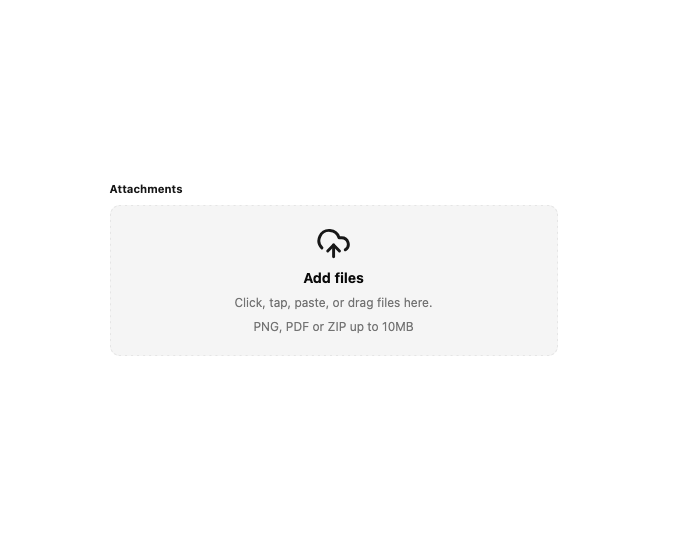
A file upload field with a click, paste, and drag-and-drop drop zone, file type filtering, and a removable list of selected files with size and type icons.
Built with React and Tailwind. Copy the prompt and paste it into Claude Code, Cursor or Lovable: your agent adds Drop Files to your project and fits it to your theme.
Code
How Drop Files is used: the demo's code. The component's own source comes with a free account.
Usage.tsx
"use client";

import * as React from "react";
import DropFiles, { type DropFileItem } from "@/components/ui/drop-files";

export default function DropFilesDemo() {
  const [files, setFiles] = React.useState<DropFileItem[]>([]);

  return (
    <div className="w-full max-w-md">
      <DropFiles
        label="Attachments"
        hint="PNG, PDF or ZIP up to 10MB"
        emptyTitle="Add files"
        emptyText="Click, tap, paste, or drag files here."
        accept="image/*,application/pdf,.zip"
        files={files}
        onChange={setFiles}
      />
    </div>
  );
}
Dependencies
More by purestackstudio
View all
Line Chart