"use client"

import { useMemo } from "react"

import { IsoLattice, type IsoLatticeShape } from "@/components/ui/iso-lattice"

const settings = {
  color: "#FFB25B",
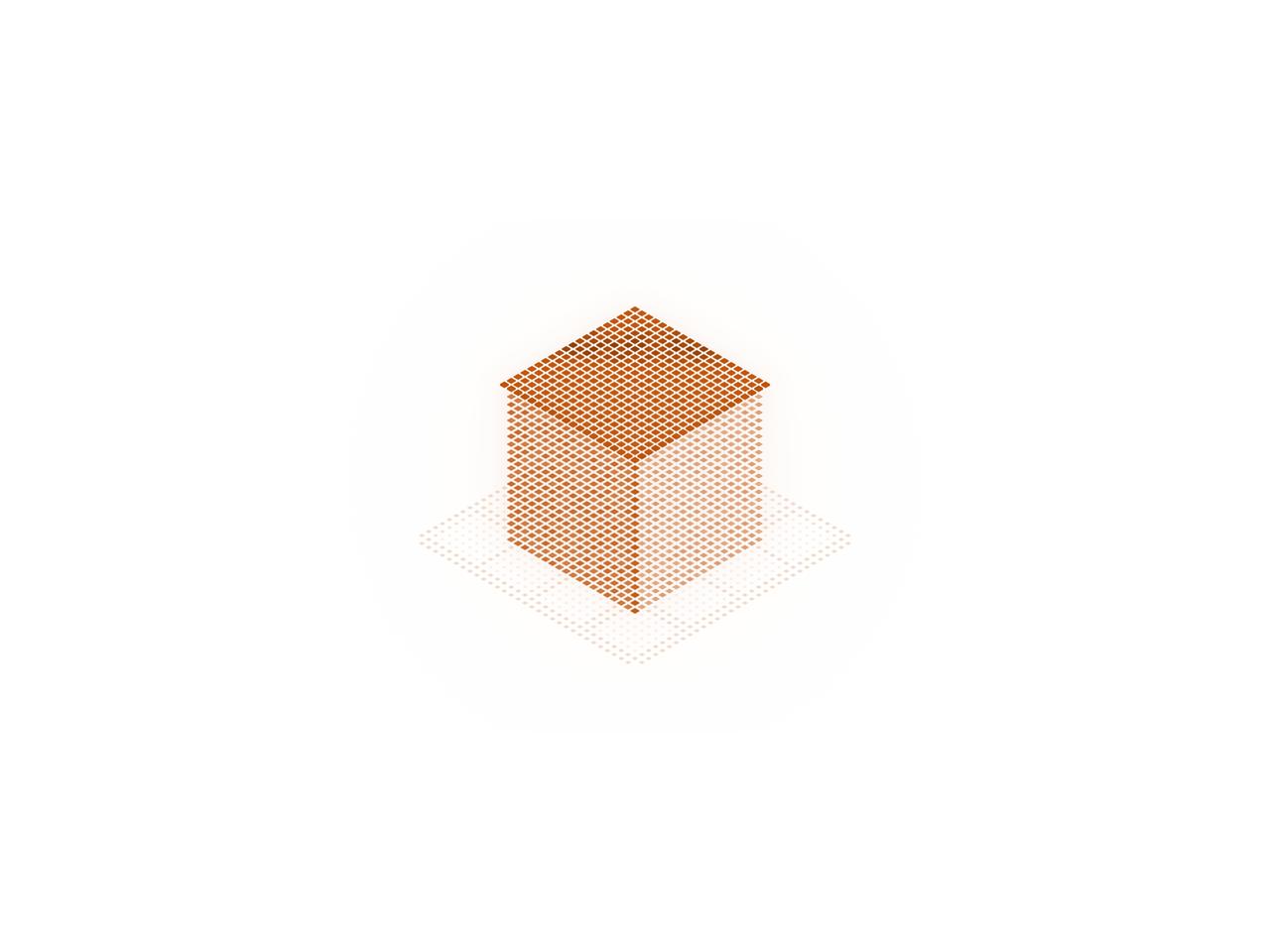
  cube: true,
  steps: true,
  pillars: true,
  coil: true,
  interval: 4,
  size: 0.6,
  spacing: 8,
  glow: 0.6,
  speed: 1,
  floor: true,
  interactive: true,
}

// The stock amber (dark) and burnt orange (light). Either one means
// "follow the theme", so the lattice swaps with light and dark mode.
const STOCK_COLORS = ["#FFB25B", "#C2560C"]

export default function IsoLatticeDemo(props: Partial<typeof settings>) {
  const s = { ...settings, ...props }

  const { cube, steps, pillars, coil } = s
  const shapes = useMemo(() => {
    const on: Record<IsoLatticeShape, boolean> = { cube, steps, pillars, coil }
    const all: IsoLatticeShape[] = ["cube", "steps", "pillars", "coil"]
    const picked = all.filter((shape) => on[shape])
    return picked.length ? picked : all
  }, [cube, steps, pillars, coil])

  const autoColor = STOCK_COLORS.includes(s.color.trim().toUpperCase())

  return (
    <div className="flex min-h-[520px] w-full items-center justify-center bg-background p-4">
      <div className="relative h-[520px] w-full overflow-hidden rounded-xl bg-background">
        <IsoLattice
          shapes={shapes}
          color={autoColor ? undefined : s.color}
          interval={s.interval}
          size={s.size}
          spacing={s.spacing}
          glow={s.glow}
          speed={s.speed}
          floor={s.floor}
          interactive={s.interactive}
        />
      </div>
    </div>
  )
}