
About
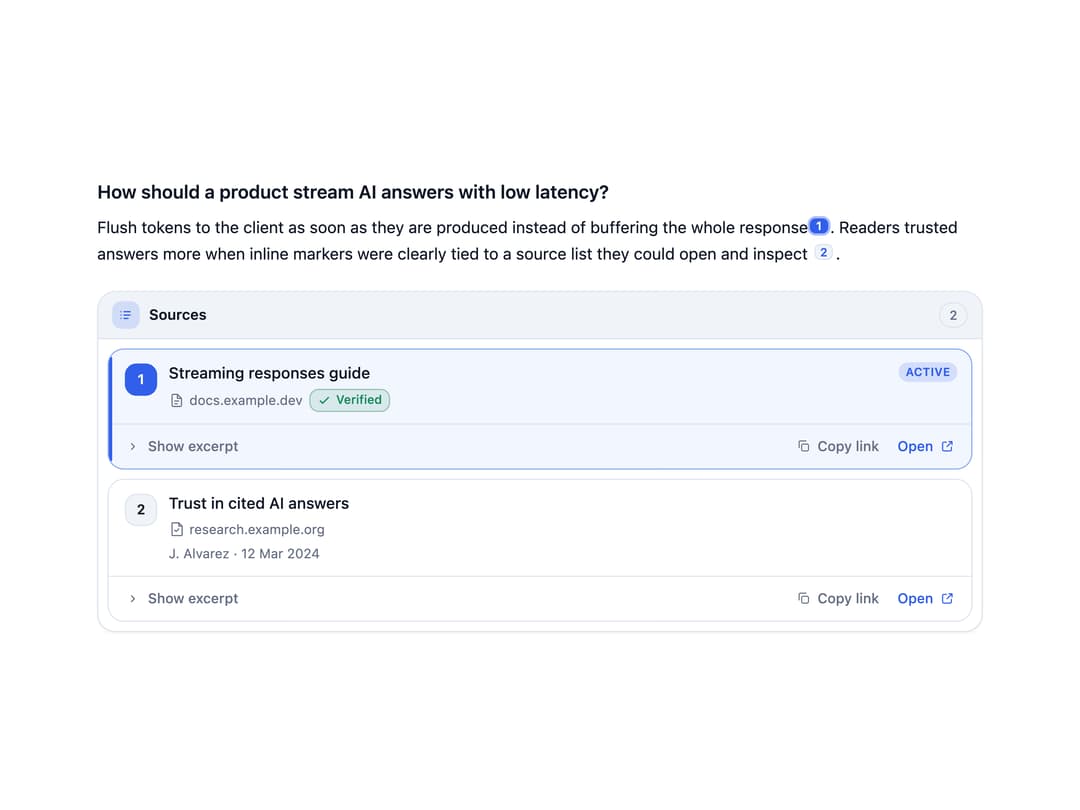
A citation panel that keeps inline [n] reference markers in an AI answer synced with a side list of sources, with active highlighting, expandable excerpts, copy-link, and keyboard navigation.
Built with React and Tailwind. Copy the prompt and paste it into Claude Code, Cursor or Lovable: your agent adds Source Citation Rail to your project and fits it to your theme.
Code
How Source Citation Rail is used: the demo's code. The component's own source comes with a free account.
Usage.tsx
"use client";

import * as React from "react";
import {
  SourceCitationRail,
  CitationMarker,
  type CitationSource,
} from "@/components/ui/source-citation-rail";

const sources: CitationSource[] = [
  {
    id: "s1",
    index: 1,
    title: "Streaming responses guide",
    domain: "docs.example.dev",
    url: "https://example.dev/streaming",
    type: "docs",
    excerpt:
      "Flush tokens to the client as soon as they are produced instead of buffering the whole response, and apply backpressure when the read buffer fills.",
    verified: true,
  },
  {
    id: "s2",
    index: 2,
    title: "Trust in cited AI answers",
    domain: "research.example.org",
    url: "https://example.org/citations-study",
    type: "paper",
    excerpt:
      "In a field study, readers trusted answers more when inline markers were clearly tied to a source list they could open and inspect.",
    author: "J. Alvarez",
    publishedAt: "2024-03-12",
  },
];

export default function SourceCitationRailDemo() {
  const [activeId, setActiveId] = React.useState<string | null>(null);

  return (
    <div className="w-full max-w-3xl">
      <SourceCitationRail
        sources={sources}
        activeSourceId={activeId}
        onActiveSourceChange={setActiveId}
        layout="rail"
      >
        <article className="text-sm leading-relaxed">
          <h2 className="mb-2 text-base font-semibold">
            How should a product stream AI answers with low latency?
          </h2>
          <p>
            Flush tokens to the client as soon as they are produced instead of
            buffering the whole response
            <CitationMarker source="s1" />. Readers trusted answers more when
            inline markers were clearly tied to a source list they could open
            and inspect <CitationMarker source="s2" />.
          </p>
        </article>
      </SourceCitationRail>
    </div>
  );
}
Dependencies
More by Mehi
View all
Border Beam Panel
947
Compare Reveal
314
Decrypt Text
249
Holo Card
225
Magnetic Dock
167
Luminous Topography
111
Lens Card
87
Copperplate Hatch
59
More in AI chats
View all

AI Actions
328

AI Task List
171
Agent Chat
18
Color Picker
126
Message Thread
49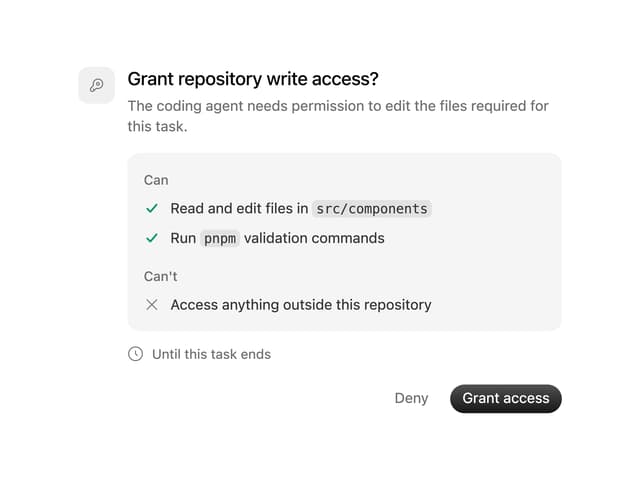
Permission Grant
17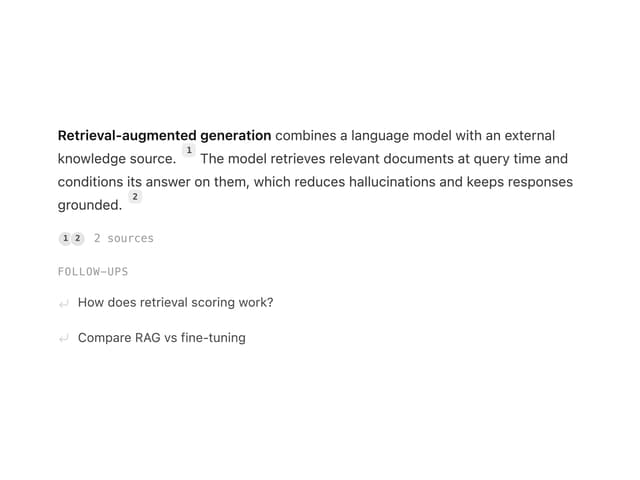
Streaming Text
18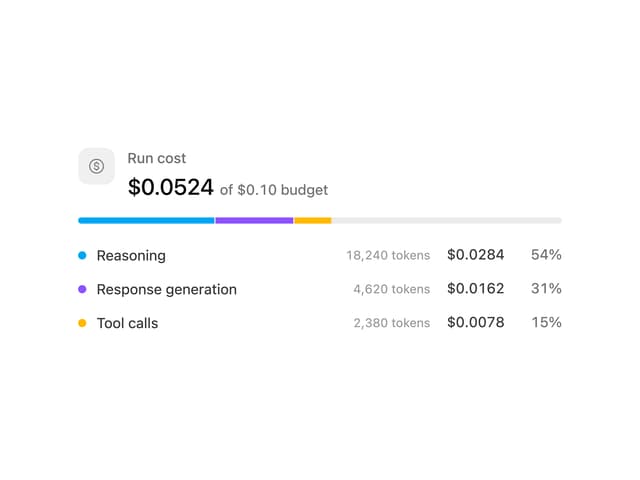
Cost Meter
38


