
About
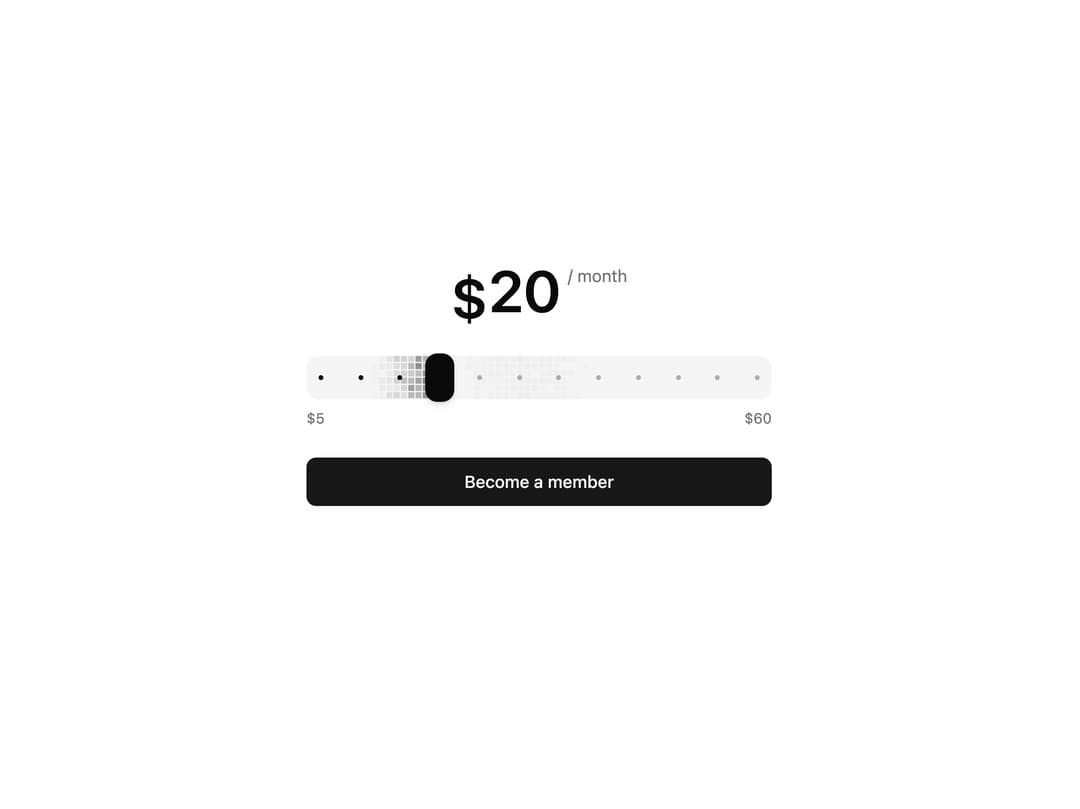
Amount slider drawn as a live grid of shimmering accent squares, with magnetic dot stops and a rolling-digit amount that counts up and down as you drag. Inspired by Claude Code slider.
Built with React and Tailwind. Copy the prompt and paste it into Claude Code, Cursor or Lovable: your agent adds Amount Slider to your project and fits it to your theme.
Code
How Amount Slider is used: the demo's code. The component's own source comes with a free account.
Usage.tsx
"use client"

import * as React from "react"

import { AmountReadout, AmountSlider } from "@/components/ui/amount-slider"

// Every $5 is a stop, so the thumb always lands on a round amount and the ticks
// show what there is to choose from.
const STOPS = [5, 10, 15, 20, 25, 30, 35, 40, 45, 50, 55, 60]

export default function AmountSliderDemo() {
  const [amount, setAmount] = React.useState(20)

  return (
    <div className="flex w-full items-center justify-center p-8">
      <div className="flex w-full max-w-sm flex-col gap-6">
        {/* The period rides near the top of the digits, not on their baseline,
            so the amount stays the one thing you read first. */}
        <div className="flex items-start justify-center gap-1.5">
          <AmountReadout value={amount} className="text-5xl leading-none" />
          <span className="mt-0.5 text-sm text-muted-foreground">/ month</span>
        </div>

        <div className="flex flex-col gap-2">
          <AmountSlider
            min={5}
            max={60}
            step={1}
            stops={STOPS}
            value={[amount]}
            onValueChange={([next]) => setAmount(next ?? 5)}
          />
          <div className="flex justify-between text-xs text-muted-foreground tabular-nums">
            <span>$5</span>
            <span>$60</span>
          </div>
        </div>

        <button
          type="button"
          className="h-10 w-full rounded-md bg-primary text-sm font-medium text-primary-foreground transition-[background-color,scale] duration-150 hover:bg-primary/90 active:scale-[0.99]"
        >
          Become a member
        </button>
      </div>
    </div>
  )
}
Dependencies
More by Serafim
View all
Spline Scene
9.6K
Testimonials with Marquee
2.4K
Gradient Button
2K
Pixel Canvas
918
Animated Blur Number
831
Empty State
789
Balloons
777
Status Badge
673
More in Pricing
View all
Pricing Section
633

Pricing Card
551

Pricing Section
188
Single Pricing Card
805

Pricing Cards
22

RuixenPricing05
109

Boxly Pricing-1
91
Login Card
5

