About
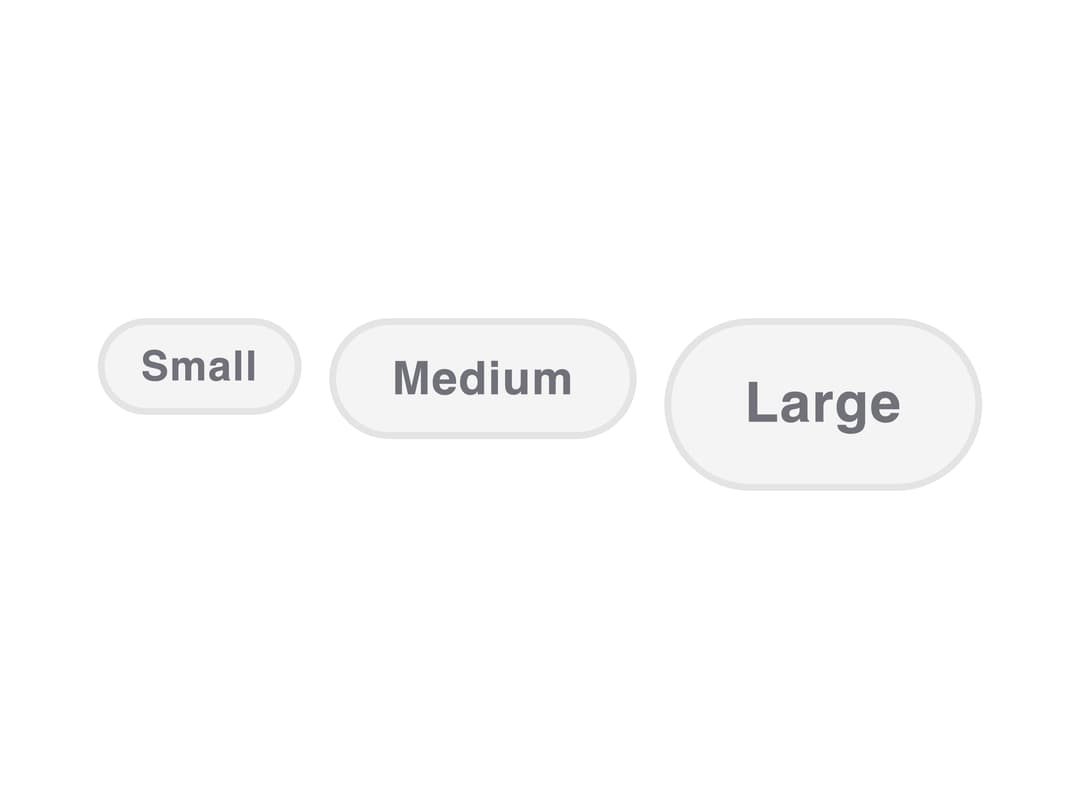
A compact status badge for labeling and tagging items inside PDF documents generated with the Takumi PDF renderer, supporting color variants, sizes, and theme tokens.
Built with React and Tailwind. Copy the prompt and paste it into Claude Code, Cursor or Lovable: your agent adds PDF Badge to your project and fits it to your theme.
Code
How PDF Badge is used: the demo's code. The component's own source comes with a free account.
Usage.tsx
import Badge from "@/components/ui/pdf-badge";
import { PdfcnThemeProvider } from "@/components/ui/pdf-badge-utils/theme-provider";
import {
  Document,
  Page,
  View,
} from "@/components/ui/pdf-badge-utils/pdf-primitives";

const DemoBody = () => (
  <View
    style={{
      display: "flex",
      flexDirection: "row",
      flexWrap: "wrap",
      gap: 6,
      marginBottom: 12,
    }}
  >
    <Badge label="Small" variant="default" size="sm" />
    <Badge label="Medium" variant="default" size="md" />
    <Badge label="Large" variant="default" size="lg" />
  </View>
);

export default function PdfBadgeDemo() {
  return (
    <Document>
      <Page size={{ height: 200, width: 595 }}>
        <PdfcnThemeProvider>
          <DemoBody />
        </PdfcnThemeProvider>
      </Page>
    </Document>
  );
}
More by shadcn-labs
View all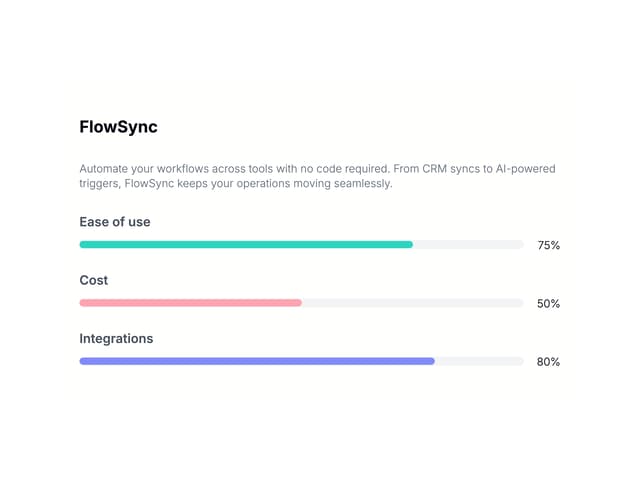

Email Progress Bar
6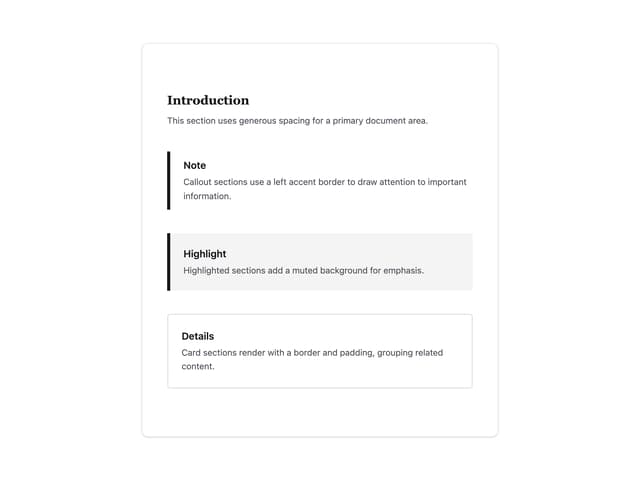
PDF Section
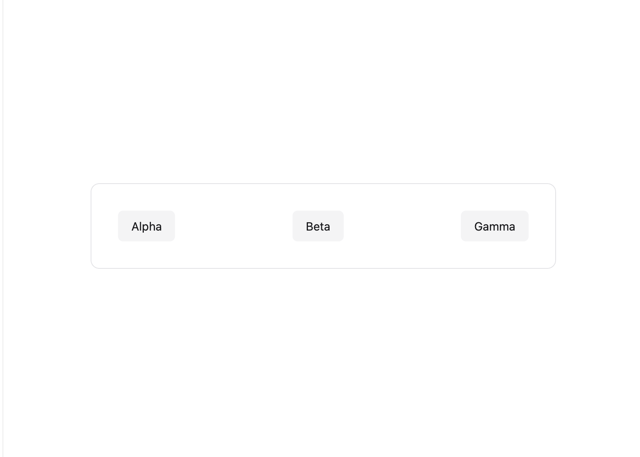
PDF Stack
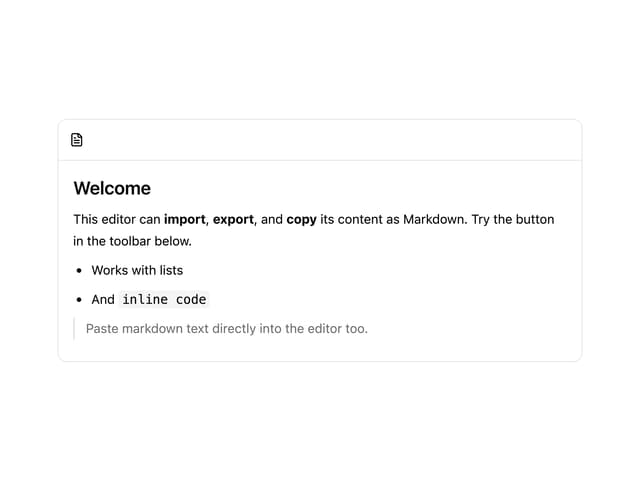
Markdown Toolbar
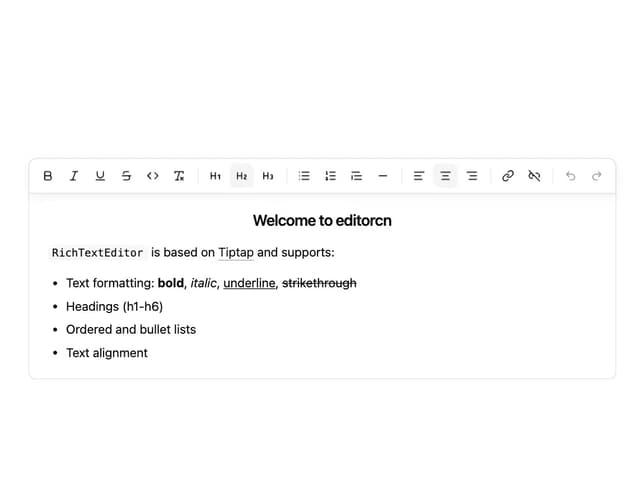
Rich Text Editor

Coupons With Centered Text
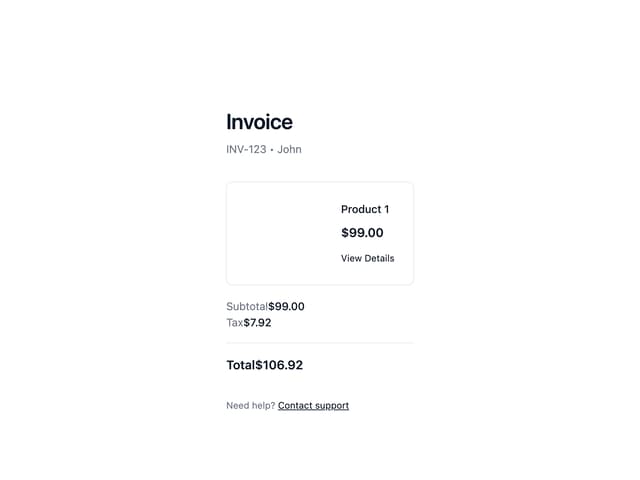
Stripe Receipt Email

Masonry Product Detail