
About
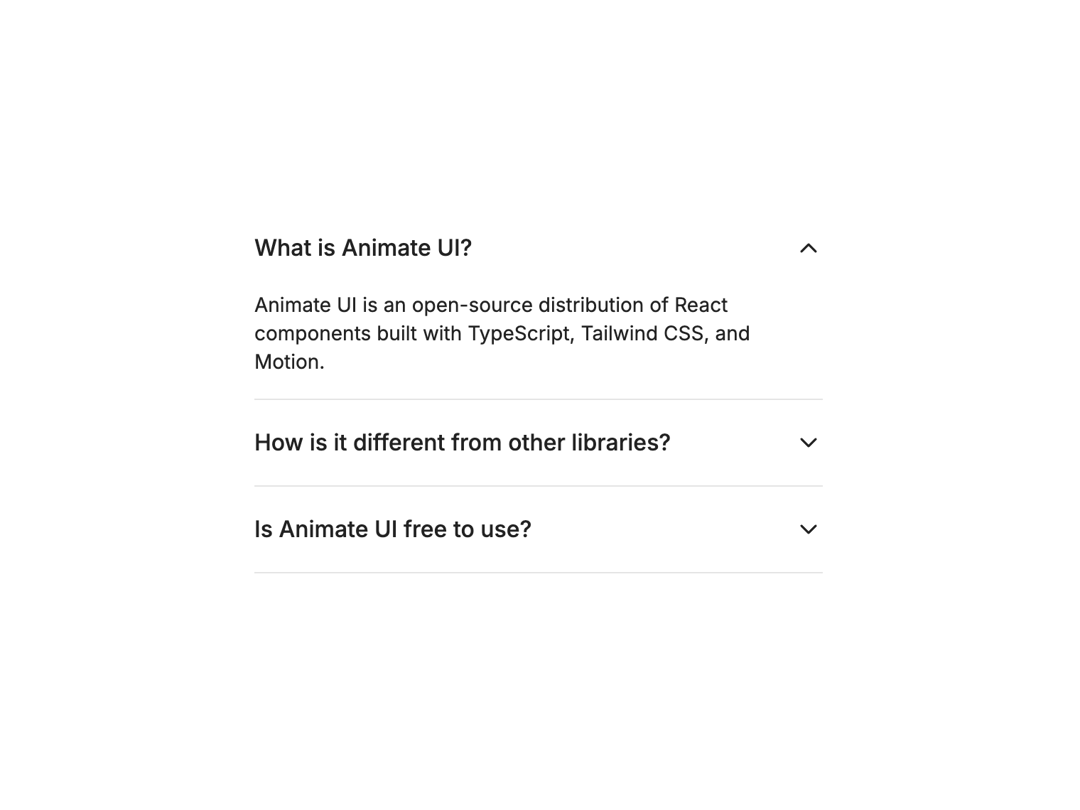
A vertically stacked set of interactive headings that each reveal an associated section of content.
Built with React and Tailwind. Copy the prompt and paste it into Claude Code, Cursor or Lovable: your agent adds Radix Accordion to your project and fits it to your theme.
Code
How Radix Accordion is used: the demo's code. The component's own source comes with a free account.
Usage.tsx
import { Accordion, AccordionItem, AccordionTrigger, AccordionContent } from "@/components/ui/radix-accordion"

export const RadixAccordionDemo = () => {
  return (
    <Accordion
      type="single"
      defaultValue="item-1"
      collapsible
      className="w-[400px]"
    >
      <AccordionItem value="item-1">
        <AccordionTrigger>What is Animate UI?</AccordionTrigger>
        <AccordionContent>
          Animate UI is an open-source distribution of React components built
          with TypeScript, Tailwind CSS, and Motion.
        </AccordionContent>
      </AccordionItem>

      <AccordionItem value="item-2">
        <AccordionTrigger>
          How is it different from other libraries?
        </AccordionTrigger>
        <AccordionContent>
          Instead of installing via NPM, you copy and paste the components
          directly. This gives you full control to modify or customize them as
          needed.
        </AccordionContent>
      </AccordionItem>

      <AccordionItem value="item-3">
        <AccordionTrigger>Is Animate UI free to use?</AccordionTrigger>
        <AccordionContent>
          Absolutely! Animate UI is fully open-source. You can use, modify, and
          adapt it to fit your needs.
        </AccordionContent>
      </AccordionItem>
    </Accordion>
  );
};
Dependencies
More by Elliot Sutton
View all

Notification List
208
Scroll Progress
134
Cursor
123
Pin List
107
Radix Dropdown Menu
100
Flip Button
94
Bubble Background
91
Avatar Group
80