
About
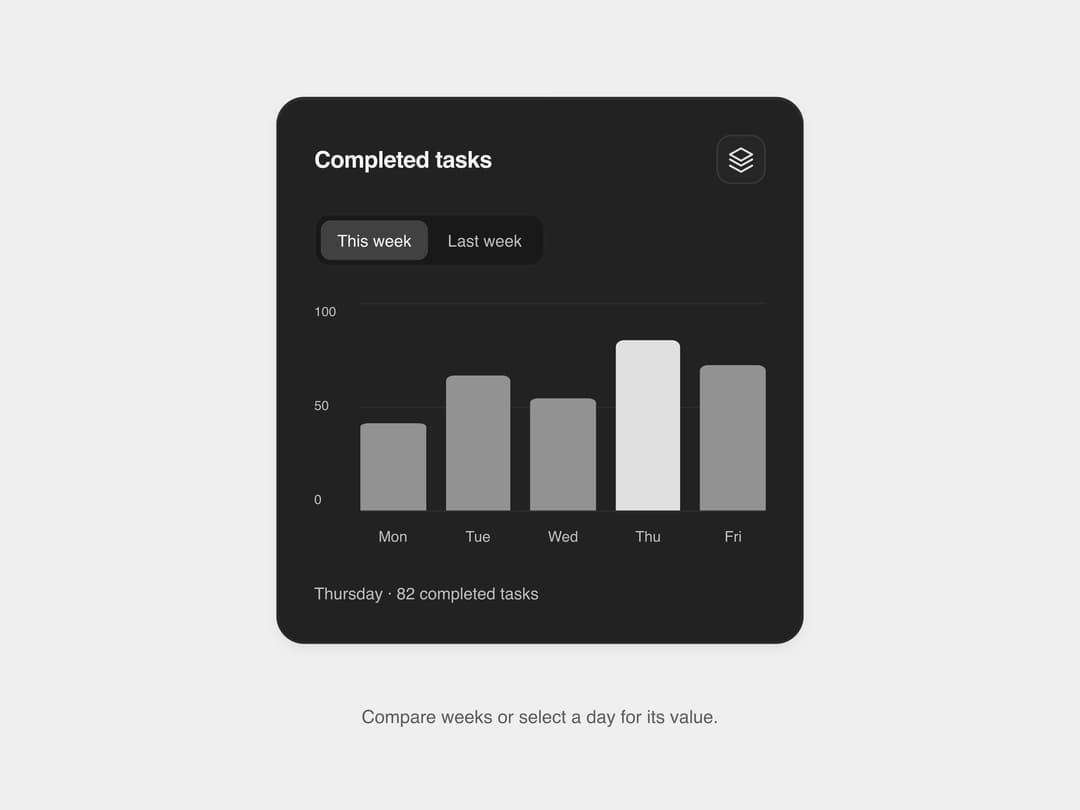
A weekly bar chart card that lets users switch between two time periods and select a weekday bar to see its exact completed-task value, with full keyboard and screen-reader support.
Built with React and Tailwind. Copy the prompt and paste it into Claude Code, Cursor or Lovable: your agent adds Matte Bar Display to your project and fits it to your theme.
Code
How Matte Bar Display is used: the demo's code. The component's own source comes with a free account.
Usage.tsx
import MatteBarDisplay from "@/components/ui/matte-bar-display";

export default function MatteBarDisplayDemo() {
  return (
    <div className="w-full min-h-screen flex items-center justify-center bg-[#efefef] p-5">
      <div
        className="w-[min(320px,100%)]"
        style={{ containerType: "inline-size" }}
      >
        <MatteBarDisplay />
      </div>
    </div>
  );
}
More by SL
View all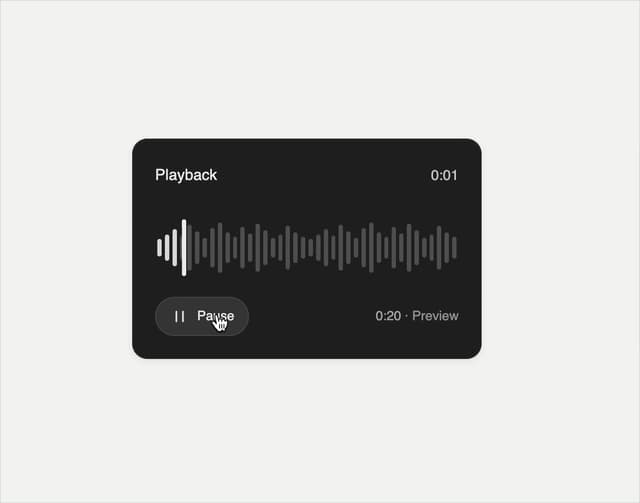

Playback Scrubber
58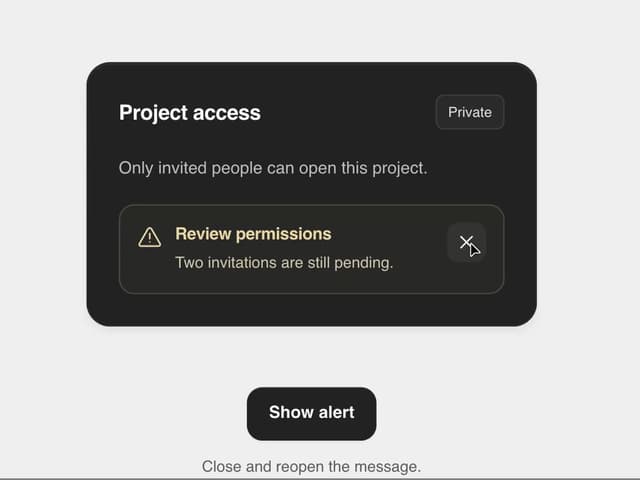
Matte Alert Feedback
44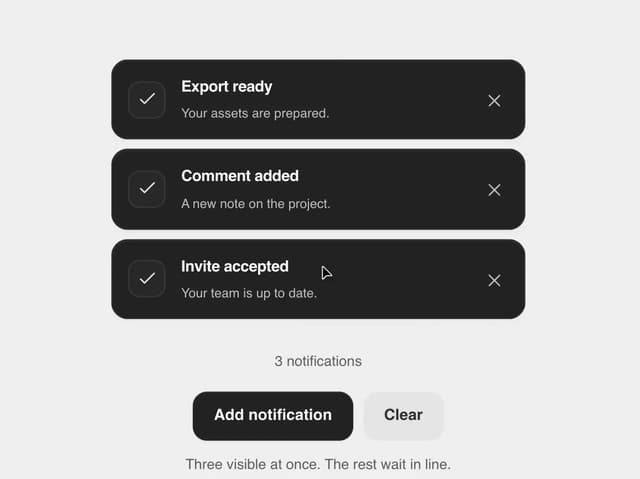
Notification Stack
33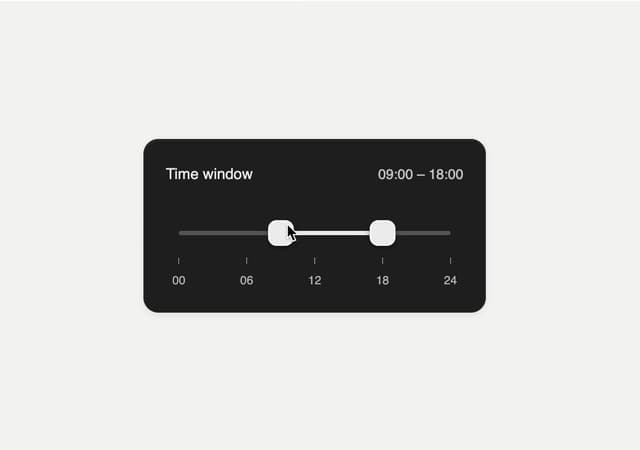
Time Window Slider
26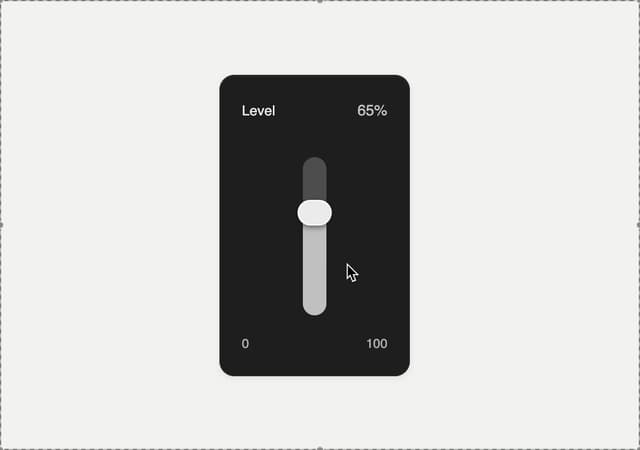
Matte Meter Slider
17
Commands Menu
15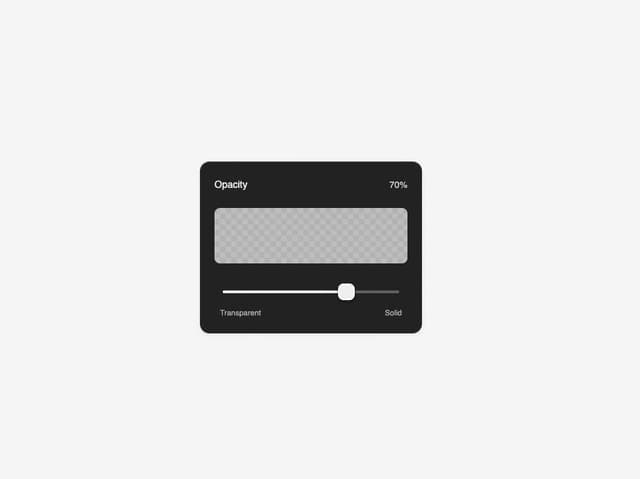
Matte Opacity Slider
13
Undo Feedback
9
More in Cards
View all

Course Design Cards
1.2K
Stats cards with links
36

Statistics Card 2
298

Card Studio
37

Interactive Tech Stack Bento Grid with Hover Effects
542
Statistics Card 7
320
Statistics Card 10
289
The Item one
3
