
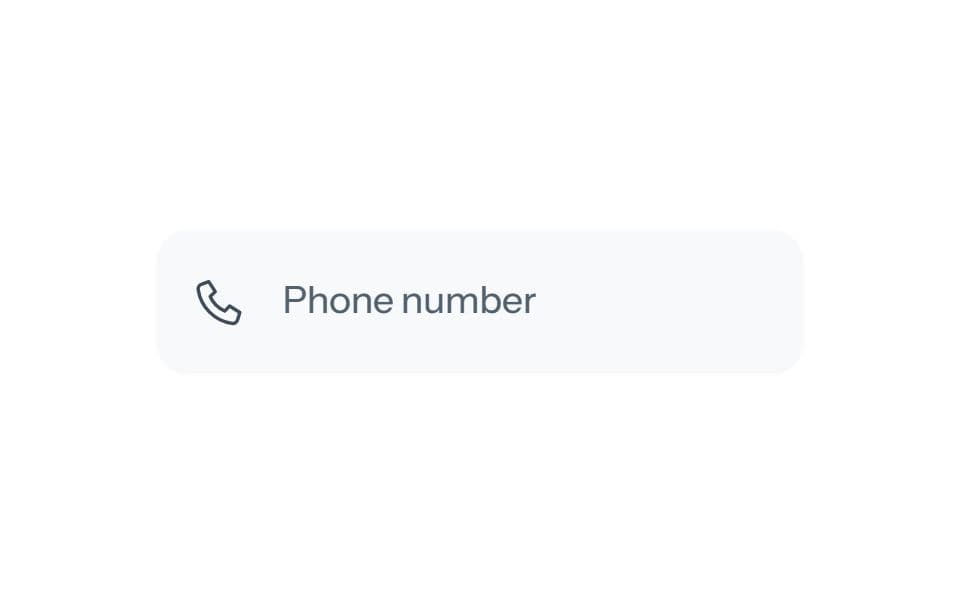
About
A telephone field with common international masks and forgiving deletion. Includes White, Black and Blue palettes, with the approved SL UI Library presentations and local interactive demos.
Built with React and Tailwind. Copy the prompt and paste it into Claude Code, Cursor or Lovable: your agent adds Matte Phone input to your project and fits it to your theme.
Code
How Matte Phone input is used: the demo's code. The component's own source comes with a free account.
Usage.tsx
import {useState as useTransferState,useEffect as useTransferEffect} from 'react';
'use client';
import {useState} from 'react';
import Component from '@/components/ui/matte-phone-input';
// Demo only. Replace handlers with your real application operations.
function wait(signal){return new Promise((resolve,reject)=>{if(signal?.aborted){reject(new DOMException('Canceled','AbortError'));return;}const timer=setTimeout(()=>{signal?.removeEventListener('abort',abort);resolve();},700);function abort(){clearTimeout(timer);reject(new DOMException('Canceled','AbortError'));}signal?.addEventListener('abort',abort,{once:true});});}

const defaults={palette:"white",presentation:"phone-input"};
const presentations={"phone-input":"Phone input"};
export default function Demo(props={}){
 const [transferPalette,setTransferPalette]=useTransferState(defaults.palette),[transferPresentation,setTransferPresentation]=useTransferState(defaults.presentation);
 useTransferEffect(()=>{if(['white','black','blue'].includes(props.palette))setTransferPalette(props.palette);if(Object.hasOwn(presentations,props.presentation))setTransferPresentation(props.presentation);},[props.palette,props.presentation]);
 const s={...defaults,...props,palette:transferPalette,presentation:transferPresentation};
 const [message,setMessage]=useState("Local demonstration. No server data is changed.");
 return <div style={{width:"100%",minHeight:360,padding:32,boxSizing:"border-box",display:"flex",flexDirection:"column",alignItems:"center",justifyContent:"center",gap:24,color:"var(--color-foreground)"}}><DemoSurface palette={s.palette} presentation={s.presentation} callbacks={{}} onError={error=>setMessage(error.message)}/><p role="status" style={{margin:0,maxWidth:380,textAlign:"center",fontSize:12,lineHeight:1.5,color:"var(--color-muted-foreground)"}}>{message}</p><div aria-label="Demo options" style={{display:'flex',alignItems:'center',justifyContent:'center',gap:16,flexWrap:'wrap'}}><div role="group" aria-label="Palette" style={{display:'flex',gap:8}}>{[['white','#fafbfd'],['black','#292d33'],['blue','#55749a']].map(([value,color])=><button key={value} type="button" aria-label={value[0].toUpperCase()+value.slice(1)+' palette'} aria-pressed={s.palette===value} onClick={()=>setTransferPalette(value)} style={{width:28,height:28,padding:3,borderRadius:'50%',border:s.palette===value?'2px solid var(--color-primary)':'1px solid var(--color-border)',background:color,backgroundClip:'content-box',cursor:'pointer'}}/>)}</div>{Object.keys(presentations).length>1&&<select aria-label="Presentation" value={s.presentation} onChange={e=>setTransferPresentation(e.target.value)} style={{font:'inherit',fontSize:12,padding:'8px 12px',borderRadius:9,border:'1px solid var(--color-border)',background:'var(--color-background)',color:'var(--color-foreground)'}}>{Object.entries(presentations).map(([value,label])=><option key={value} value={value}>{label}</option>)}</select>}</div></div>;
}

function DemoSurface(props){return <div data-sl-demo-surface style={{display:'flex',justifyContent:'center',alignItems:'center',maxWidth:'100%',minHeight:144,padding:32,borderRadius:16,background:'#f7f9fb',color:'#364152',boxSizing:'border-box'}}><Component {...props}/></div>;}
More by SL
View all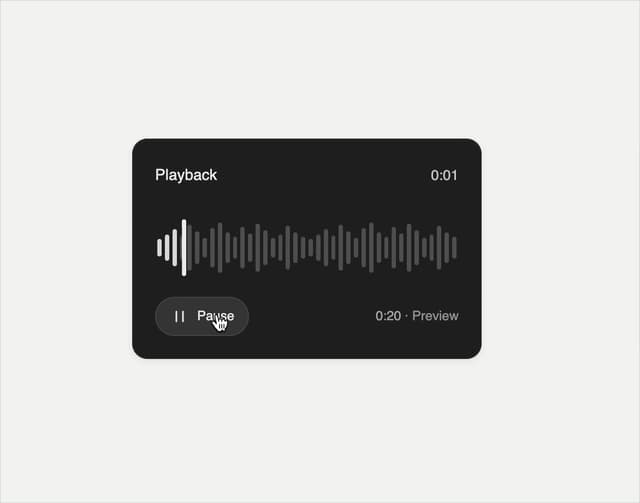

Playback Scrubber
58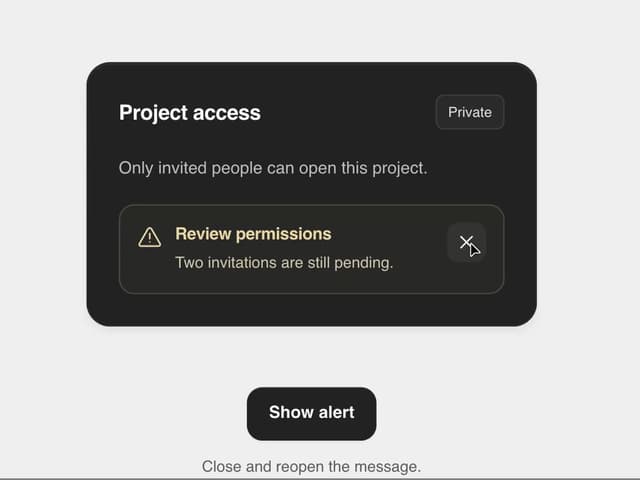
Matte Alert Feedback
44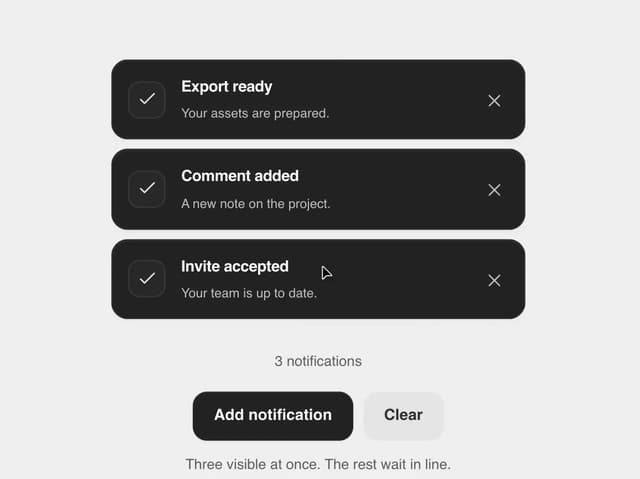
Notification Stack
33
Time Window Slider
26
Matte Meter Slider
17
Commands Menu
15
Matte Opacity Slider
13
Undo Feedback
9