
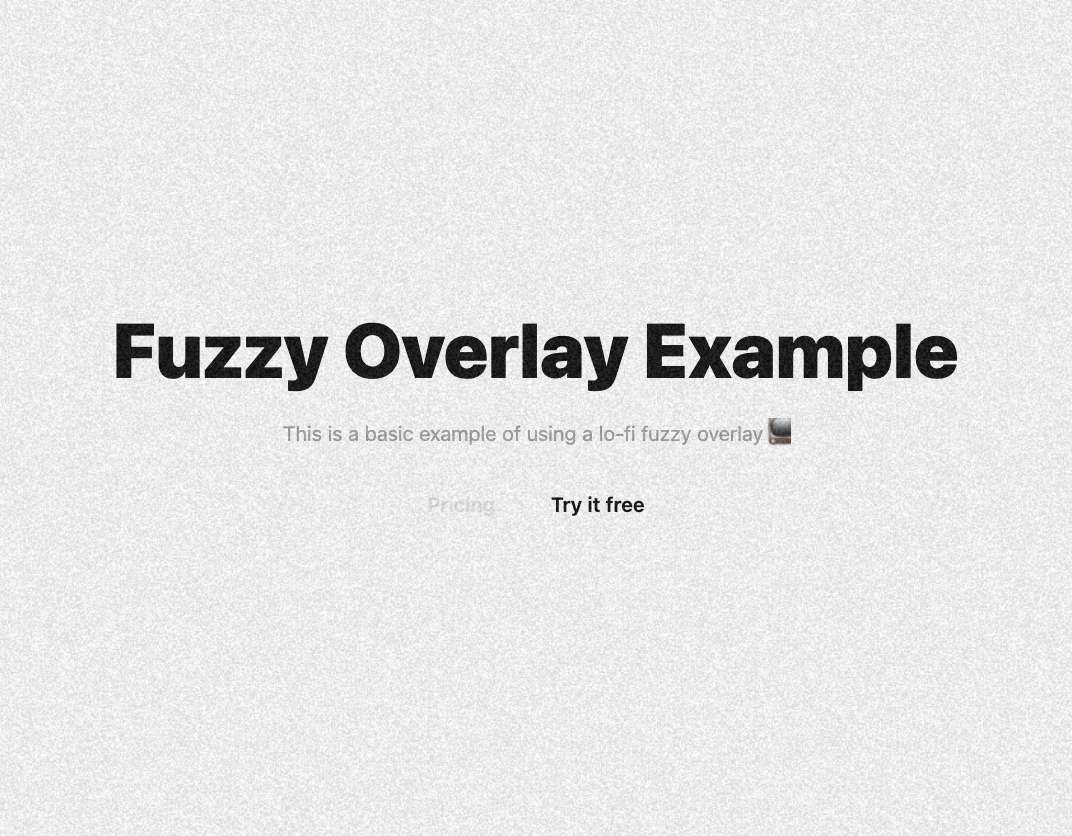
This code implements a visually appealing animated fuzzy overlay effect using React and Framer Motion. It solves the problem of adding a subtle, attention-grabbing background effect without being distracting. The overlay subtly shifts its position, creating a sense of movement and depth. Here's how it works: 1. **`FuzzyOverlayExample` Component:** This is the main component that renders both the content (`ExampleContent`) and the fuzzy overlay (`FuzzyOverlay`). Crucially, it wraps both in a `div` with `relative` positioning and `overflow-hidden` to ensure the overlay is correctly clipped. 2. **`FuzzyOverlay` Component:** This component creates the overlay using `motion.div` from Framer Motion. It utilizes the `initial`, `animate`, and `transition` properties to control the animation. The overlay's image is set using a background image (`black-noise.png` or `noise.png`). The animation smoothly translates the overlay back and forth, creating a subtle, continuous movement. The `pointer-events-none` class prevents the overlay from interfering with user interactions with the content below. The `absolute` positioning and `-inset-[100%]` ensure the overlay extends beyond the visible area, creating the fuzzy effect. The opacity is set to 15% for a subtle look. 3. **`ExampleContent` Component:** This component renders the main content of the page, including text, buttons, and styling. It's a visually simple design to highlight the overlay effect. **Libraries and Concepts:** - React: The JavaScript library for building user interfaces. - Framer Motion: A production-ready motion library for React, providing smooth animations and transitions. **Use Cases:** - Adding a subtle, visually engaging background to websites or applications. - Creating a low-fi, retro aesthetic. - Enhancing the user experience with subtle animations. **Example Scenarios:** - Landing pages: To add visual interest and draw attention to the main content. - Dashboard applications: To create a more dynamic and engaging user interface. - Game interfaces: To add a stylistic element to the UI. Note: The code requires two PNG images (`black-noise.png` and `noise.png`) for the background. You can find links to download these images within the `FuzzyOverlay` component's comments.
Built with React and Tailwind. Copy the prompt and paste it into Claude Code, Cursor or Lovable: your agent adds Animated Fuzzy Overlay Effect to your project and fits it to your theme.
Code
How Animated Fuzzy Overlay Effect is used: the demo's code. The component's own source comes with a free account.
Usage.tsx
import FuzzyOverlay from "@/components/ui/animated-fuzzy-overlay-effect";

export default function DemoOne() {
  return <FuzzyOverlay />;
}
Dependencies
More by Sonu kumar
View all
Dashboard with Collapsible Sidebar
2.5K
Modern Hero
1.4K
Text Parallax Content (scroll)
1.2K
About Us section
1.2K
Modern Animated Hero Section
1.2K
Animated Hero Section
690
Cuisine Selector Chips
589
Bounce card features
576