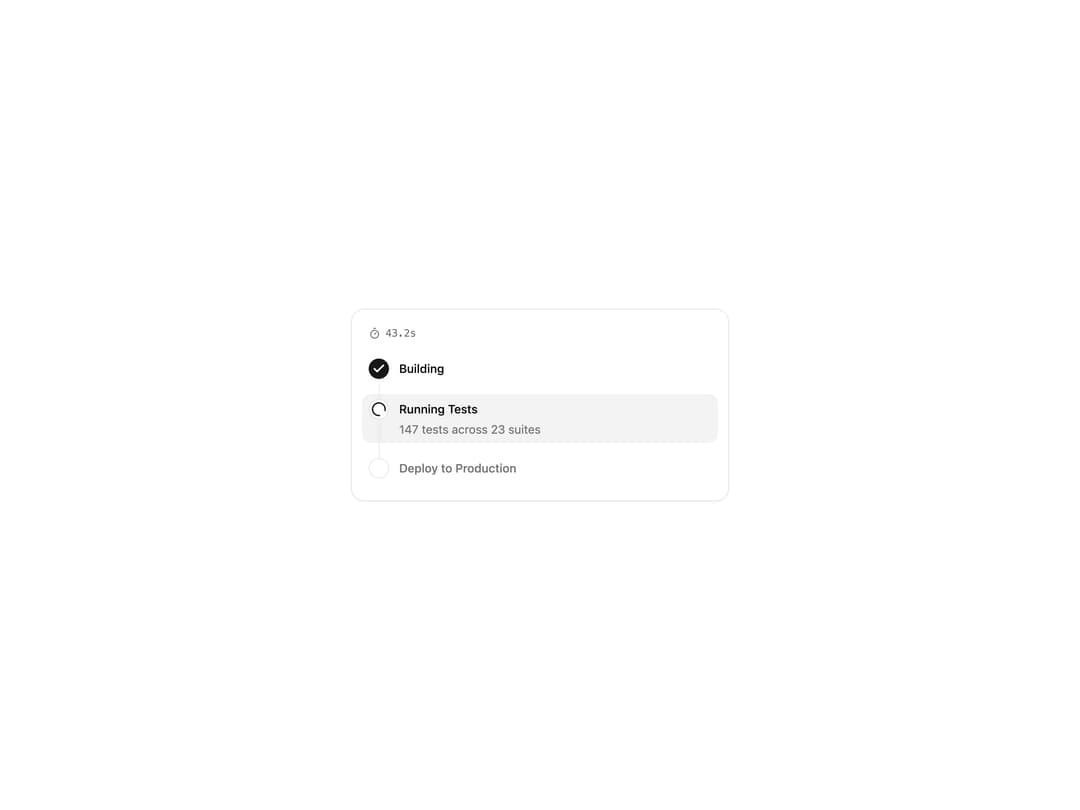
About
A multi-step progress tracker that shows real-time status (pending, in-progress, completed, failed) for each step of an operation, with an elapsed-time badge and a receipt summary state.
Built with React and Tailwind. Copy the prompt and paste it into Claude Code, Cursor or Lovable: your agent adds Progress Tracker to your project and fits it to your theme.
Code
How Progress Tracker is used: the demo's code. The component's own source comes with a free account.
Usage.tsx
"use client";

import { ProgressTracker } from "@/components/ui/progress-tracker";

export default function Default() {
  return (
    <div className="flex min-h-[420px] w-full items-center justify-center bg-background p-8 text-foreground">
      <ProgressTracker
        id="progress-tracker-in-progress"
        steps={[
          {
            id: "build",
            label: "Building",
            description: "Compiling TypeScript and bundling assets",
            status: "completed",
          },
          {
            id: "test",
            label: "Running Tests",
            description: "147 tests across 23 suites",
            status: "in-progress",
          },
          {
            id: "deploy",
            label: "Deploy to Production",
            description: "Upload to edge nodes",
            status: "pending",
          },
        ]}
        elapsedTime={43200}
      />
    </div>
  );
}
Dependencies
More by tool-ui
View all
Message Draft
9
Citation
4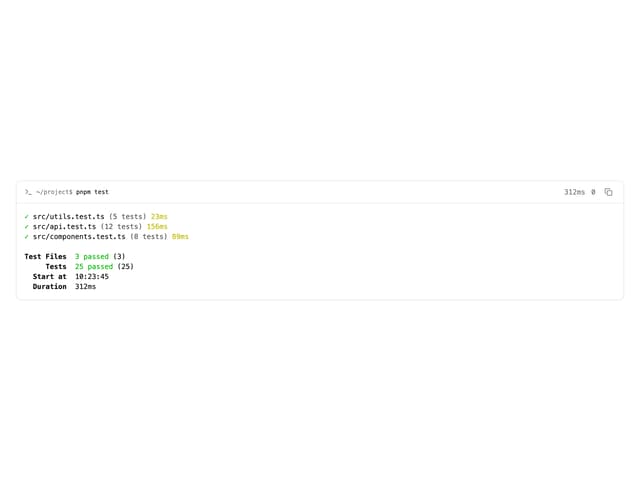
Terminal
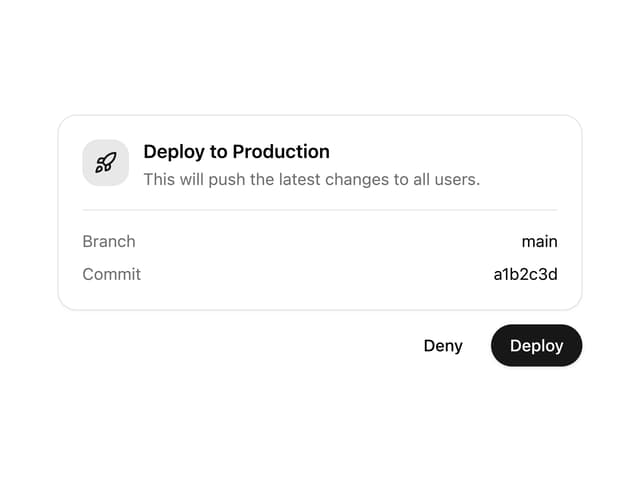
Approval Card
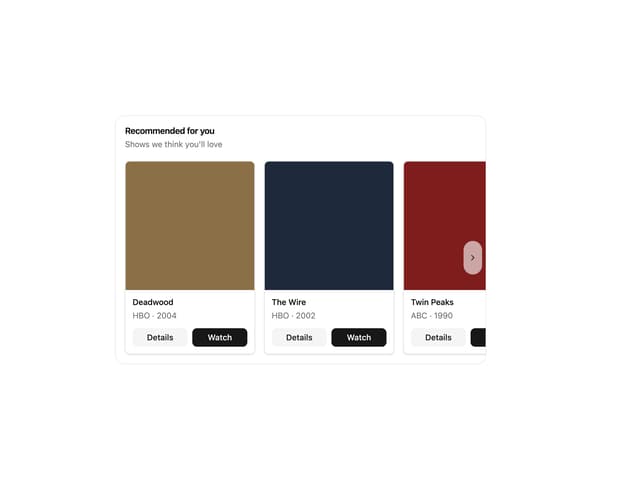
Item Carousel