
About
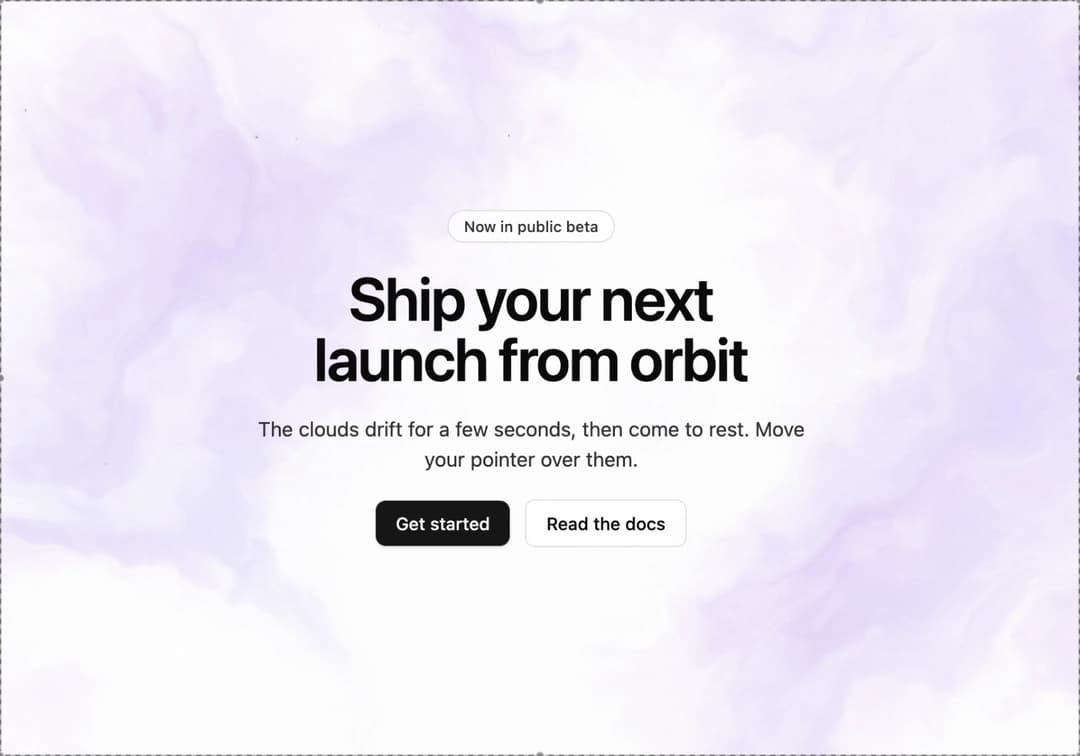
A slow-drifting nebula background with twinkling stars, grain and a pointer glow. It sits on your theme's background: deep space in dark mode, soft pigment clouds in light mode. It drifts, then rests, so the GPU stays idle.
Built with React and Tailwind. Copy the prompt and paste it into Claude Code, Cursor or Lovable: your agent adds Nebula Space Background to your project and fits it to your theme.
Code
How Nebula Space Background is used: the demo's code. The component's own source comes with a free account.
Usage.tsx
// Copyright (c) 2026 haim repael azoulay. Released under the MIT License.
import NebulaSpaceBackground, { type NebulaSpaceBackgroundProps } from "@/components/ui/nebula-space-background"

// The base follows the theme's background and the stars use foreground. The
// cloud tints below are this demo's palette: remove them and the clouds use
// the theme's primary color instead.
const settings = {
  motion: "settle",
  settleSeconds: 10, // 0-60 s of drift, then the GPU idles
  cloudSpeed: 0.2,
  scale: 1.6,
  intensity: 0.6,
  cloudTint: "#5b3df5",
  wispTint: "#d04fd9",
  glowColor: "#b9a8ff",
  starDensity: 0.15, // keep low
  twinkleStrength: 0.6,
  twinkleSpeed: 1,
  twinklePercent: 35,
  grain: 0.03,
  vignette: 0.45,
  seed: 0,
  hoverGlow: true, // faint light inside the clouds following the pointer
  glowStrength: 0.35,
  glowRadius: 0.45,
}

const focusRing =
  "focus-visible:outline-none focus-visible:ring-2 focus-visible:ring-ring focus-visible:ring-offset-2 focus-visible:ring-offset-background"

export default function NebulaSpaceBackgroundDemo(props: Partial<typeof settings>) {
  const s = { ...settings, ...props } as NebulaSpaceBackgroundProps
  return (
    <section className="relative flex min-h-screen w-full items-center justify-center overflow-hidden bg-background text-foreground">
      <NebulaSpaceBackground className="absolute inset-0" {...s} />
      {/* pointer-events-none lets the pointer reach the canvas for the hover glow */}
      <div className="pointer-events-none relative z-10 flex max-w-xl flex-col items-center gap-5 px-6 py-16 text-center">
        <span className="rounded-full border border-border bg-background/80 px-3 py-1 text-xs font-medium text-foreground/80 backdrop-blur">
          Now in public beta
        </span>
        <h1 className="text-balance text-4xl font-semibold tracking-tight sm:text-5xl">Ship your next launch from orbit</h1>
        <p className="max-w-md text-sm text-foreground/80 sm:text-base">
          The clouds drift for a few seconds, then come to rest. Move your pointer over them.
        </p>
        <div className="pointer-events-auto flex flex-wrap items-center justify-center gap-3">
          <button
            type="button"
            className={`rounded-md bg-primary px-4 py-2 text-sm font-medium text-primary-foreground shadow-sm transition-colors hover:bg-primary/90 active:bg-primary/80 ${focusRing}`}
          >
            Get started
          </button>
          <button
            type="button"
            className={`rounded-md border border-border bg-background/60 px-4 py-2 text-sm font-medium backdrop-blur transition-colors hover:bg-accent hover:text-accent-foreground active:bg-accent/80 ${focusRing}`}
          >
            Read the docs
          </button>
        </div>
      </div>
    </section>
  )
}
More by Haim Repaél Azoulay
View all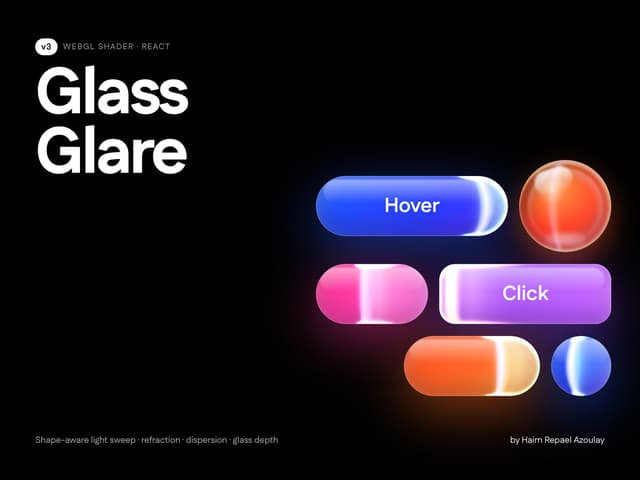

Glass Glare
79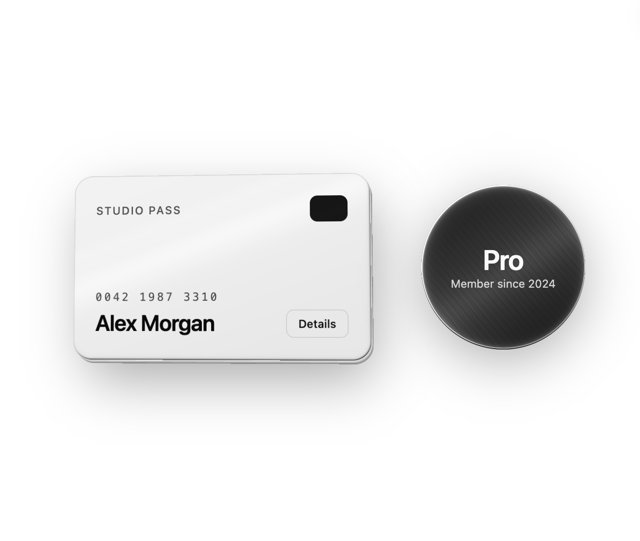
Card Tilt Depth
3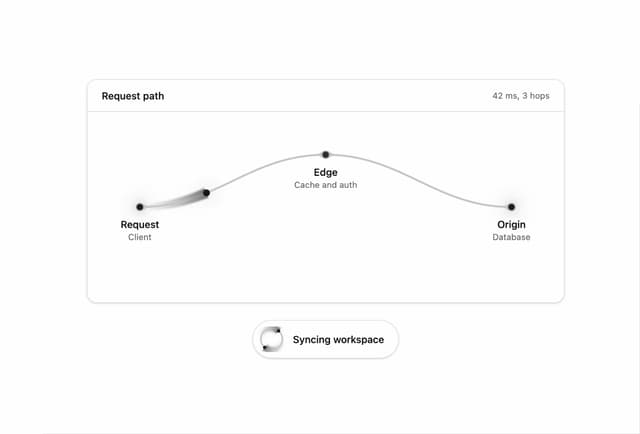
Light Runner Path
1
More in Heroes
View all

Responsive Hero Banner
2.2K

SaaS Template
2.7K

Hero
1.3K
Centered Hero with Image Fan
1.1K
Hero with group of images, text and two buttons
440
Editorial Collage Hero
501

Aero Hero-3
614

Hero 03
373
