
About
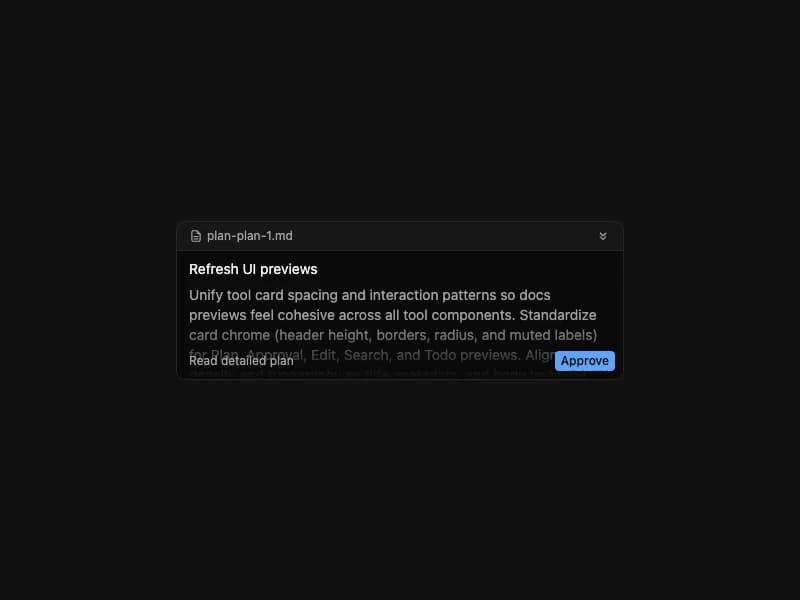
Display a plan title and summary with expand/collapse and an Approve action. State-driven (idle / pending). Self-contained port from 21st.dev Agent Elements without the Markdown dep — summary renders as plain prose.
Built with React and Tailwind. Copy the prompt and paste it into Claude Code, Cursor or Lovable: your agent adds Plan Tool to your project and fits it to your theme.
Code
How Plan Tool is used: the demo's code. The component's own source comes with a free account.
Usage.tsx
import { PlanTool } from "@/components/ui/plan-tool";

const plan = {
  id: "plan-1",
  title: "Refresh UI previews",
  summary:
    "Unify tool card spacing and interaction patterns so docs previews feel cohesive across all tool components. Standardize card chrome (header height, borders, radius, and muted labels) for Plan, Approval, Edit, Search, and Todo previews. Align content density and typography so title, metadata, and body text read consistently at a glance. Normalize interaction states: loading shimmer, pending indicators, hover affordances, and disabled action buttons. Validate responsive behavior on narrow widths, including truncation rules and action-row wrapping. Run a visual QA pass in both light and dark themes and tighten spacing where cards feel too loose or cramped. Outcome: preview gallery feels intentionally designed, easier to scan, and stable across viewport sizes.",
};

export default function Demo() {
  return (
    <div className="flex items-center justify-center w-full min-h-screen bg-background p-8 overflow-hidden">
      <div className="w-full max-w-md">
        <PlanTool state="idle" plan={plan} />
      </div>
    </div>
  );
}
Dependencies
More by 21st
View all
Spline Scene
9.4K
Testimonials with Marquee
2.3K
Gradient Button
1.9K
Pixel Canvas
899
Animated Blur Number
830
Empty State
773
Balloons
753
Status Badge
639

More in AI chats
View all

AI Actions
317
Color Picker
73
Agent Chat
17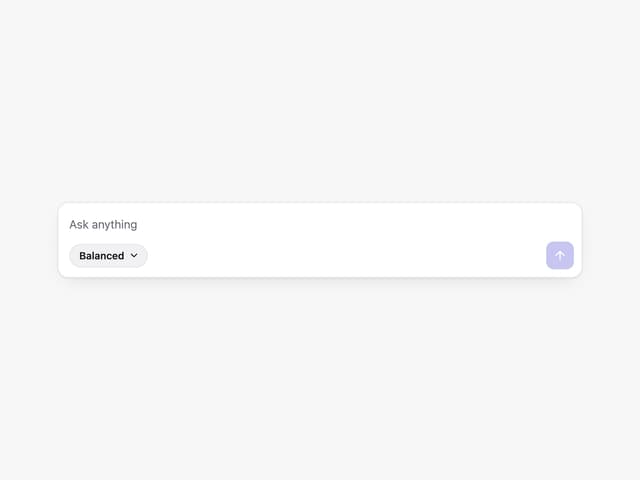
Prompt with Model Picker
2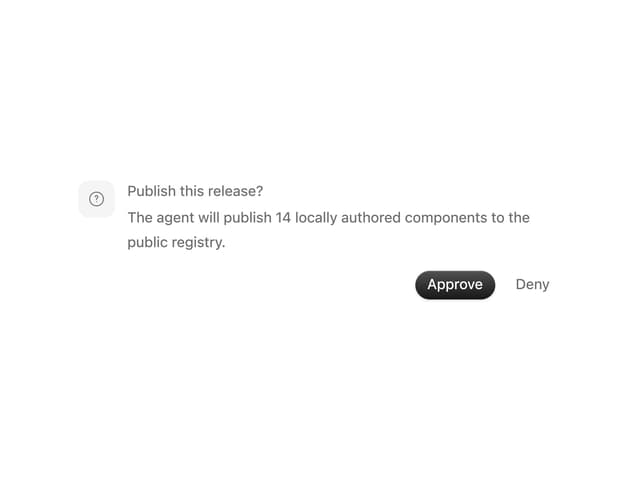
Approval Card
12

System Message
53

Message
48

AI Task List
158

