
About
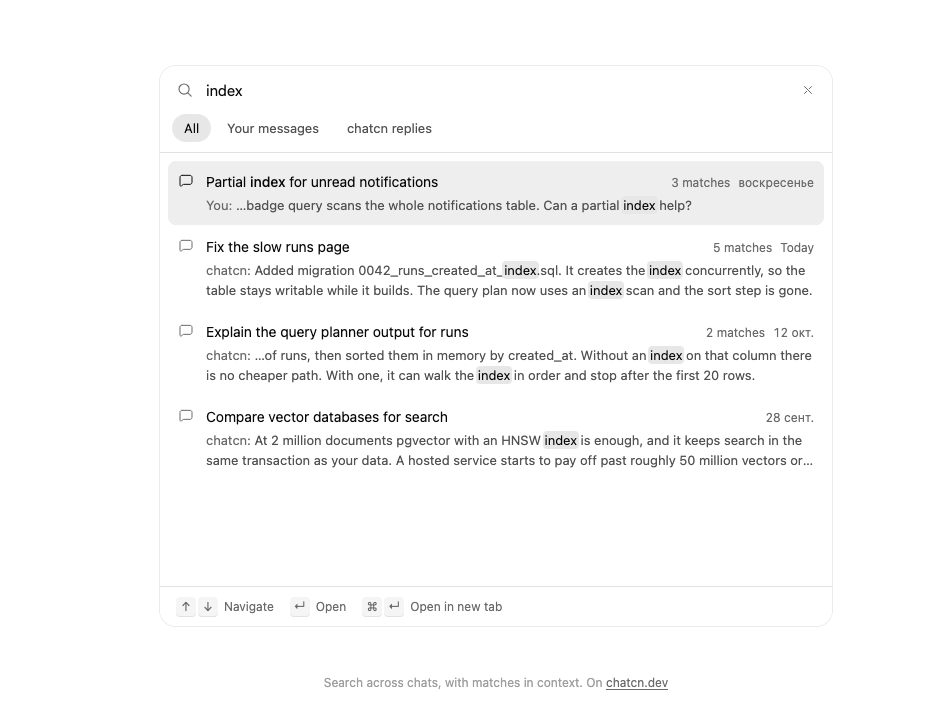
Search across past chats: filters for all, your messages or replies, results with the matching text in bold and the date, match counts per chat, and keyboard navigation to open one.
Built with React and Tailwind. Copy the prompt and paste it into Claude Code, Cursor or Lovable: your agent adds Chat Search to your project and fits it to your theme.
Code
How Chat Search is used: the demo's code. The component's own source comes with a free account.
Usage.tsx
"use client"

import * as React from "react"
import { ChatSearch, ChatSearchChat } from "@/components/ui/chat-search"

const FIT_CSS = "html,body{overflow:hidden}[data-fit-small] [data-fit-hide]{display:none!important}"

/**
 * 21st shows a demo in a small frame: about 674 by 421 on a component page, 358 by 224 on a
 * phone and 245 by 139 on a profile card. A demo taller than its frame gets scrollbars, which
 * render white on dark pages. FitFrame fills the frame exactly instead.
 *
 * - "scale": the content shrinks until it fits, centered. For visuals such as orbs.
 * - "crop": the content stays at full size from the top and fades out at the bottom. For text
 *   that streams in, where a changing scale would make the page breathe.
 *
 * `minWidth` lays out a wide demo (a table, a two column panel) at that width and scales it down
 * to the frame, instead of letting it collapse to a narrow layout. The frame centers it, so it
 * shrinks evenly on both sides.
 *
 * Anything marked `data-fit-hide` (state buttons, the chatcn.dev line) drops out in frames
 * shorter than `hideBelow`, so a profile card shows the visual alone.
 */
function FitFrame({
  children,
  mode = "scale",
  hideBelow = 360,
  minWidth,
}: {
  children: React.ReactNode
  mode?: "scale" | "crop"
  hideBelow?: number
  minWidth?: string
}) {
  const content = React.useRef<HTMLDivElement>(null)
  const [cropped, setCropped] = React.useState(false)

  React.useLayoutEffect(() => {
    const el = content.current
    if (!el) return
    const measure = () => {
      const vw = window.innerWidth
      const vh = window.innerHeight
      el.toggleAttribute("data-fit-small", vh < hideBelow)
      // Layout sizes ignore the transform, so measuring never feeds back.
      const w = Math.max(el.offsetWidth, el.scrollWidth)
      const h = Math.max(el.offsetHeight, el.scrollHeight)
      const scale = mode === "scale" ? Math.min(1, vw / w, vh / h) : 1
      el.style.transform = scale < 1 ? `scale(${scale})` : ""
      setCropped(mode === "crop" && h > vh + 1)
    }
    measure()
    const observer = new ResizeObserver(measure)
    observer.observe(el)
    // Content that changes inside a fixed width box (a headline that cycles words) never resizes
    // the box itself, so changes below it measure again on the next frame.
    let frame = 0
    const mutations = new MutationObserver(() => {
      cancelAnimationFrame(frame)
      frame = requestAnimationFrame(measure)
    })
    mutations.observe(el, { subtree: true, childList: true, characterData: true })
    window.addEventListener("resize", measure)
    return () => {
      observer.disconnect()
      mutations.disconnect()
      cancelAnimationFrame(frame)
      window.removeEventListener("resize", measure)
    }
  }, [mode, hideBelow])

  const fade = "linear-gradient(to bottom, #000 calc(100% - 40px), transparent)"
  return (
    <div
      className="flex w-full justify-center overflow-hidden"
      style={{
        height: "100dvh",
        alignItems: mode === "crop" ? "flex-start" : "center",
        maskImage: cropped ? fade : undefined,
        WebkitMaskImage: cropped ? fade : undefined,
      }}
    >
      <style>{FIT_CSS}</style>
      <div
        ref={content}
        className="w-full shrink-0"
        style={{ transformOrigin: mode === "crop" ? "top center" : "center", minWidth }}
      >
        {children}
      </div>
    </div>
  )
}

const day = (n: number, h = 11) => new Date(2026, 9, 21 - n, h, 12)

const chats: ChatSearchChat[] = [
  {
    id: "runs",
    title: "Fix the slow runs page",
    updatedAt: day(0, 15),
    messages: [
      {
        id: "r1",
        role: "user",
        text: "The runs page takes about 4 seconds to load in production. Find out why and fix it.",
      },
      {
        id: "r2",
        role: "assistant",
        text: "Found it. getRuns loads every run with all of its logs, about 18,000 rows, while the page renders 20. I added a limit and left the logs out. One follow-up worth doing: runs has no index on created_at, so the sort will slow down again as the table grows.",
      },
      { id: "r3", role: "user", text: "Add the created_at index then." },
      {
        id: "r4",
        role: "assistant",
        text: "Added migration 0042_runs_created_at_index.sql. It creates the index concurrently, so the table stays writable while it builds. The query plan now uses an index scan and the sort step is gone.",
      },
    ],
  },
  {
    id: "notifications",
    title: "Partial index for unread notifications",
    updatedAt: day(3),
    messages: [
      {
        id: "n1",
        role: "user",
        text: "The unread badge query scans the whole notifications table. Can a partial index help?",
      },
      {
        id: "n2",
        role: "assistant",
        text: "Yes. A partial index on (user_id, created_at) WHERE read_at IS NULL stays small because most notifications are read within a day. Postgres only uses it when the query repeats the same predicate, so keep read_at IS NULL in the WHERE clause.",
      },
    ],
  },
  {
    id: "planner",
    title: "Explain the query planner output for runs",
    updatedAt: day(9),
    messages: [
      {
        id: "p1",
        role: "user",
        text: "What does Seq Scan on runs with a Sort node on top mean here?",
      },
      {
        id: "p2",
        role: "assistant",
        text: "Postgres read every row of runs, then sorted them in memory by created_at. Without an index on that column there is no cheaper path. With one, it can walk the index in order and stop after the first 20 rows.",
      },
    ],
  },
  {
    id: "stripe",
    title: "Retry logic for the Stripe worker",
    updatedAt: day(1, 18),
    messages: [
      {
        id: "s1",
        role: "user",
        text: "Webhook deliveries fail when the worker restarts mid-batch. Add retries.",
      },
      {
        id: "s2",
        role: "assistant",
        text: "The worker now retries failed deliveries with exponential backoff, capped at 5 attempts, and stores an idempotency key so a retried event is never applied twice.",
      },
    ],
  },
  {
    id: "vector",
    title: "Compare vector databases for search",
    updatedAt: day(23),
    messages: [
      {
        id: "v1",
        role: "user",
        text: "pgvector or a hosted vector database for 2 million documents?",
      },
      {
        id: "v2",
        role: "assistant",
        text: "At 2 million documents pgvector with an HNSW index is enough, and it keeps search in the same transaction as your data. A hosted service starts to pay off past roughly 50 million vectors or when you need filtering at very high write rates.",
      },
    ],
  },
  {
    id: "incident",
    title: "Draft the September incident review",
    updatedAt: day(30),
    messages: [
      {
        id: "i1",
        role: "user",
        text: "Write the incident review for the 47 minute API outage on September 18.",
      },
      {
        id: "i2",
        role: "assistant",
        text: "Draft ready. Root cause: a migration took an exclusive lock on accounts during peak traffic. Action items: run migrations with lock_timeout, and alert when p95 latency doubles for 3 minutes.",
      },
    ],
  },
]

const NOW = new Date(2026, 9, 21, 16, 40)

function ChatSearchDemo() {
  const [opened, setOpened] = React.useState<string>()
  return (
    <div className="flex w-full max-w-2xl flex-col gap-3">
      <div className="rounded-(--chatcn-radius-xl) bg-(color:--chatcn-surface) shadow-(--chatcn-shadow-border) flex h-[min(560px,80dvh)] flex-col overflow-hidden">
        <ChatSearch
          chats={chats}
          defaultQuery="index"
          assistantName="chatcn"
          now={NOW}
          onOpen={(result, { newTab }) =>
            setOpened(`${newTab ? "New tab: " : "Opened "}“${result.title}”`)
          }
          className="flex-1"
        />
      </div>
      <p aria-live="polite" className="text-[0.8125rem]/[1.25rem] text-(color:--chatcn-fg-subtle) h-5 text-center">
        {opened ?? ""}
      </p>
    </div>
  )
}

/** The line under each 21st demo that points back to the kit. */
function MoreOn({ slug, children }: { slug: string; children: React.ReactNode }) {
  return (
    <p data-fit-hide className="text-[0.75rem]/[1rem] text-(color:--chatcn-fg-faint) text-center text-balance">
      {children}{" "}
      <a
        href={`https://chatcn.dev/docs/components/${slug}`}
        target="_blank"
        rel="noopener"
        className="text-(color:--chatcn-fg-subtle) hover:text-(color:--chatcn-fg) underline underline-offset-2"
      >
        chatcn.dev
      </a>
    </p>
  )
}

/** The kit's own example, framed for the 21st preview. */
export default function ChatSearchPreview() {
  return (
    <FitFrame minWidth="38rem">
      <div className="flex w-full flex-col items-center justify-center gap-4 p-6">
        <div className="flex w-full max-w-2xl justify-center">
          <ChatSearchDemo />
        </div>
        <MoreOn slug="chat-search">Search across chats, with matches in context. On</MoreOn>
      </div>
    </FitFrame>
  )
}
Dependencies
More by Aadi
View all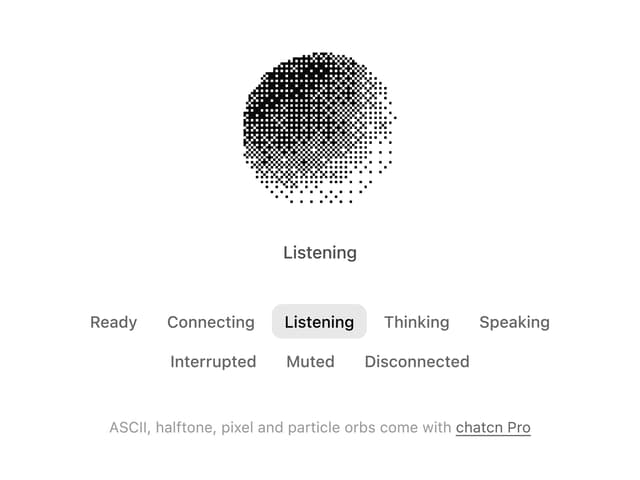
Dither Orb
12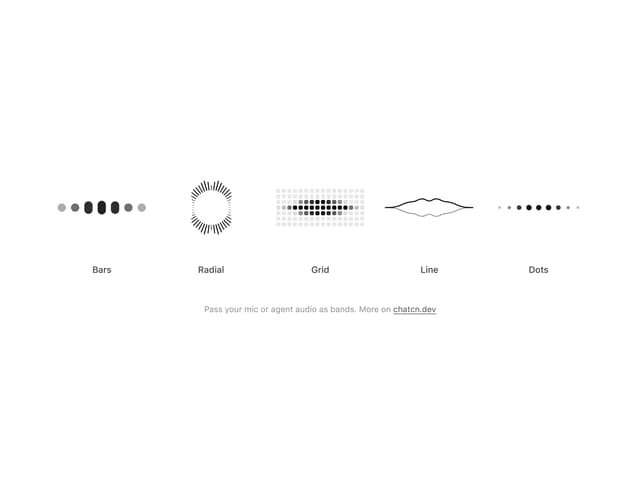
Audio Visualizer
9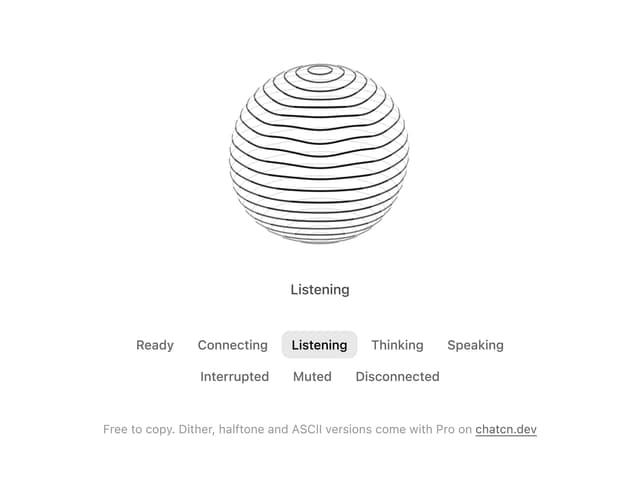
Voice Orb
8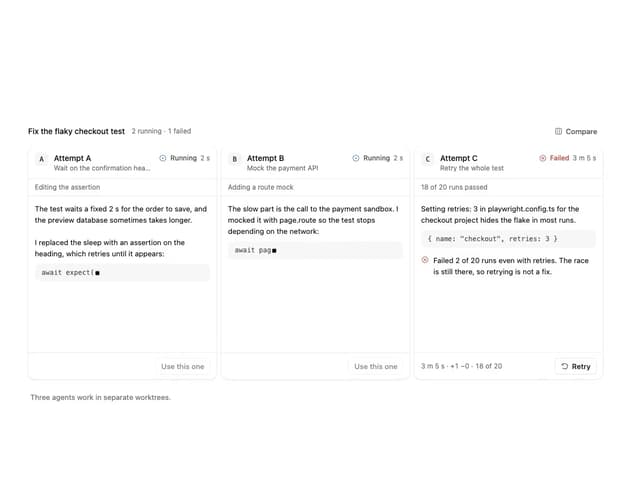
Agent Lanes
6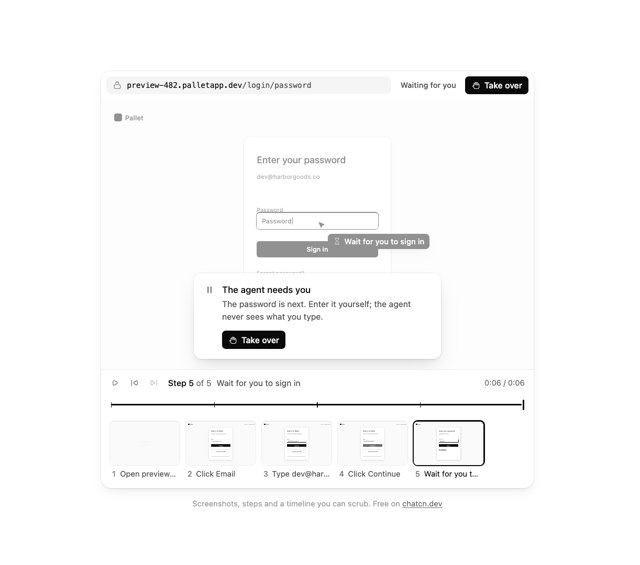
Computer View
3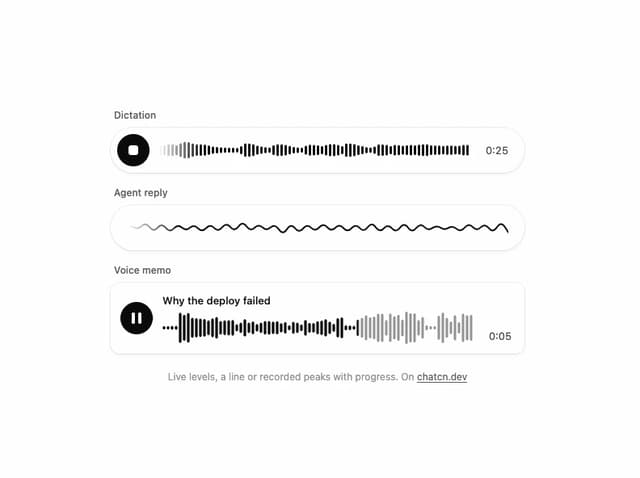
Waveform
2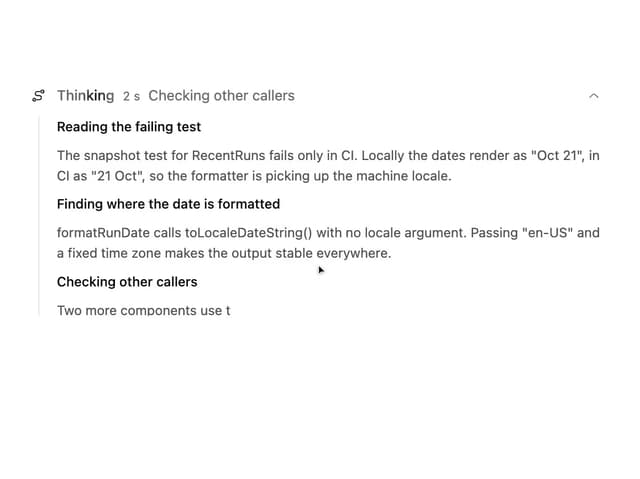
Reasoning
2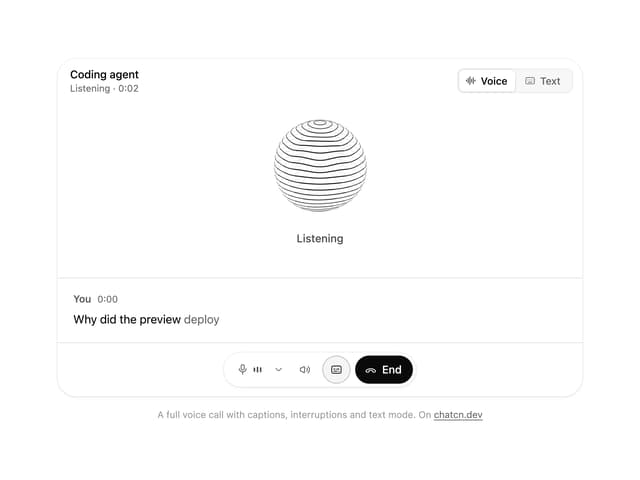
Voice Session
1
More in AI chats
View all

AI Actions
338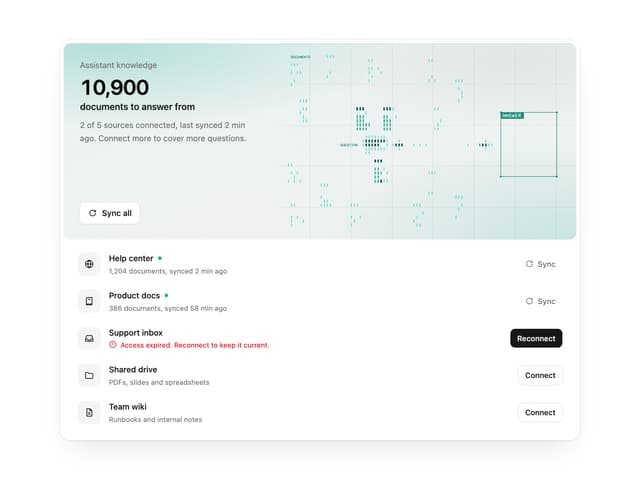

Illos Knowledge Sources
40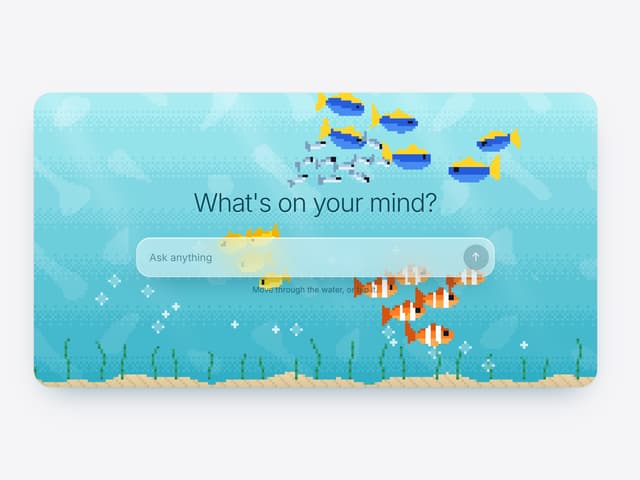

Aquarium Prompt
48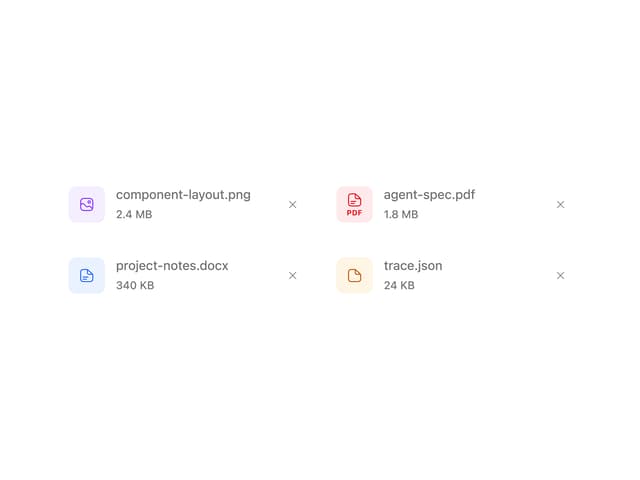
Attachments
38
Color Picker
171
Commit
32
Message Thread
57

AI Suggestions
20

