
About
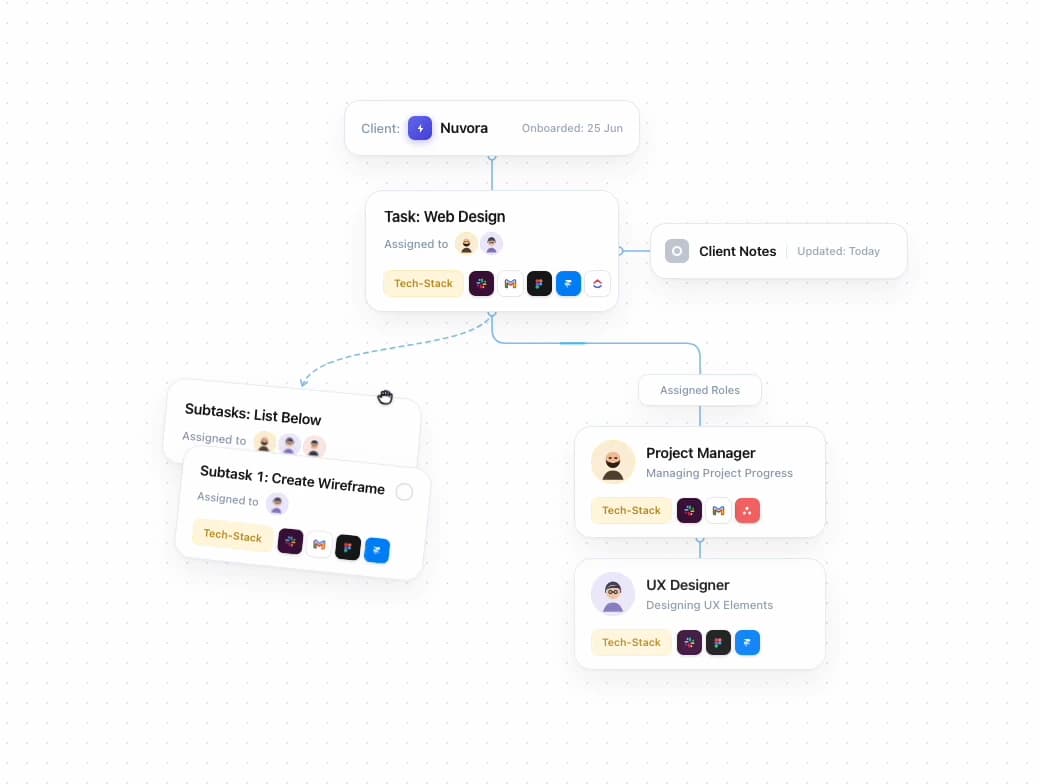
Interactive client project workflow tree connecting onboarding, tasks, notes, draggable stacked subtasks, and assigned role cards with animated SVG flow connectors.
Built with React and Tailwind. Copy the prompt and paste it into Claude Code, Cursor or Lovable: your agent adds Projec tWorkflow Tree to your project and fits it to your theme.
Code
How Projec tWorkflow Tree is used: the demo's code. The component's own source comes with a free account.
Usage.tsx
"use client";

import React from "react";
import { ProjectWorkflowTree, type WorkflowTheme } from "@/components/ui/projec-t-workflow-tree";

const settings = {
  clientName: "Nuvora",
  taskTitle: "Web Design",
  animateFlow: true,
  interactive: true,
  showGrid: true,
  theme: "auto",
};

const VALID_THEMES: WorkflowTheme[] = ["auto", "light", "dark"];

export default function ProjectWorkflowTreeDemo(
  props: Partial<typeof settings>
) {
  const config = { ...settings, ...props };

  const theme: WorkflowTheme = VALID_THEMES.includes(config.theme as WorkflowTheme)
    ? (config.theme as WorkflowTheme)
    : "auto";

  return (
    <div className="h-screen min-h-[660px] w-full">
      <ProjectWorkflowTree
        clientName={config.clientName}
        taskTitle={config.taskTitle}
        animateFlow={Boolean(config.animateFlow)}
        interactive={Boolean(config.interactive)}
        showGrid={Boolean(config.showGrid)}
        theme={theme}
      />
    </div>
  );
}

export { ProjectWorkflowTreeDemo as Demo, ProjectWorkflowTreeDemo as demo };
Dependencies
More by Syed
View all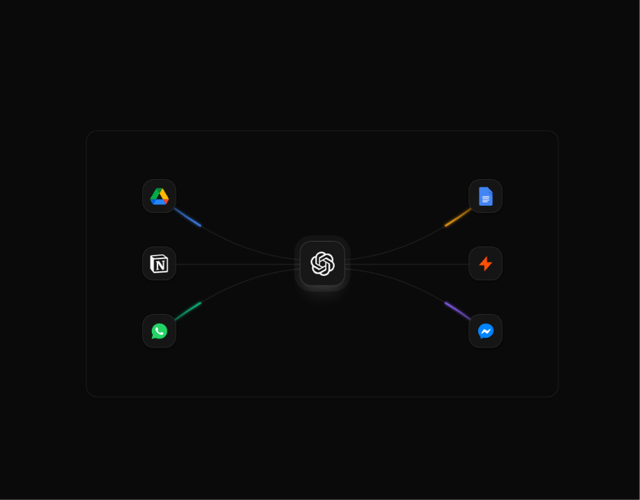

Animated Beam Integration
142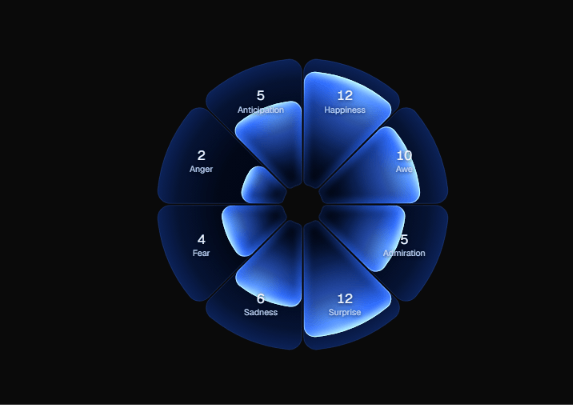
Emotion Wheel v2
116
SpatialCardCarousel
107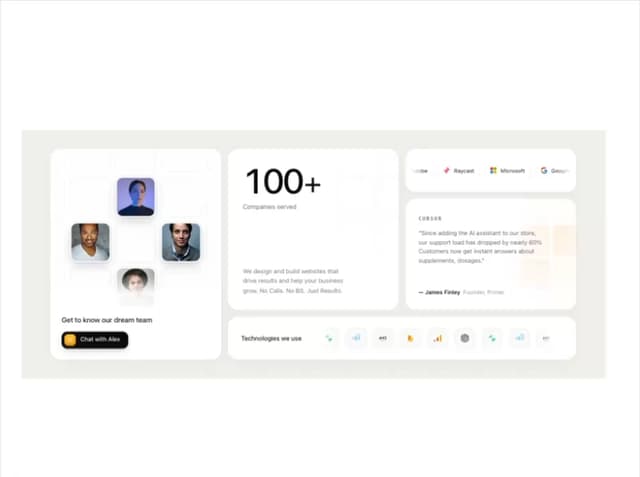
Agency Bento Grid
91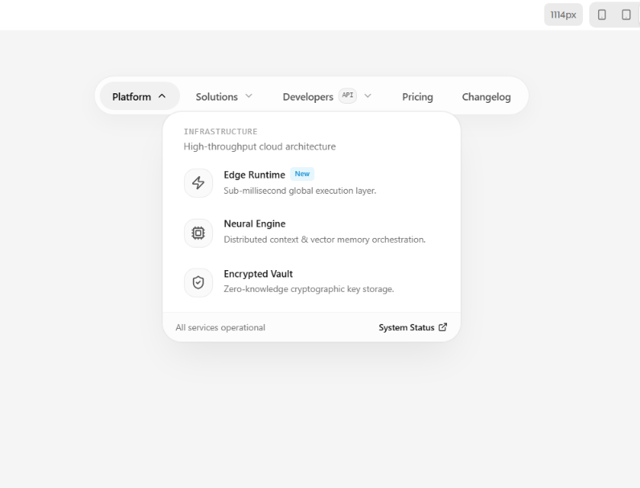
Morphing Island Navbar
85
Unlimited Design Hero
71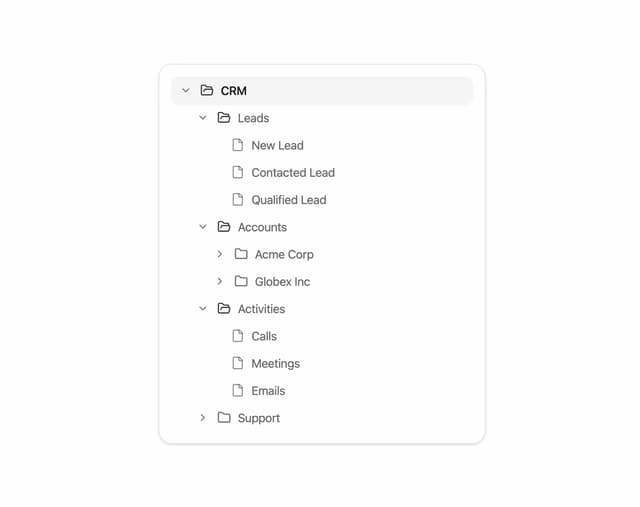
Animated Tree View
64
Interactive Eye Tracker
62